Job application tracker vs spreadsheet
A spreadsheet is free, flexible and familiar. A dedicated tracker adds reminders, links to resume versions and quick context. Neither is always better. Here is when each makes sense.
- Spreadsheet: free, flexible, manual.
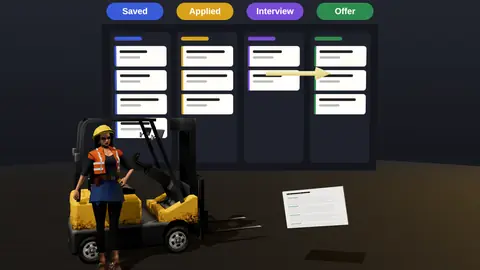
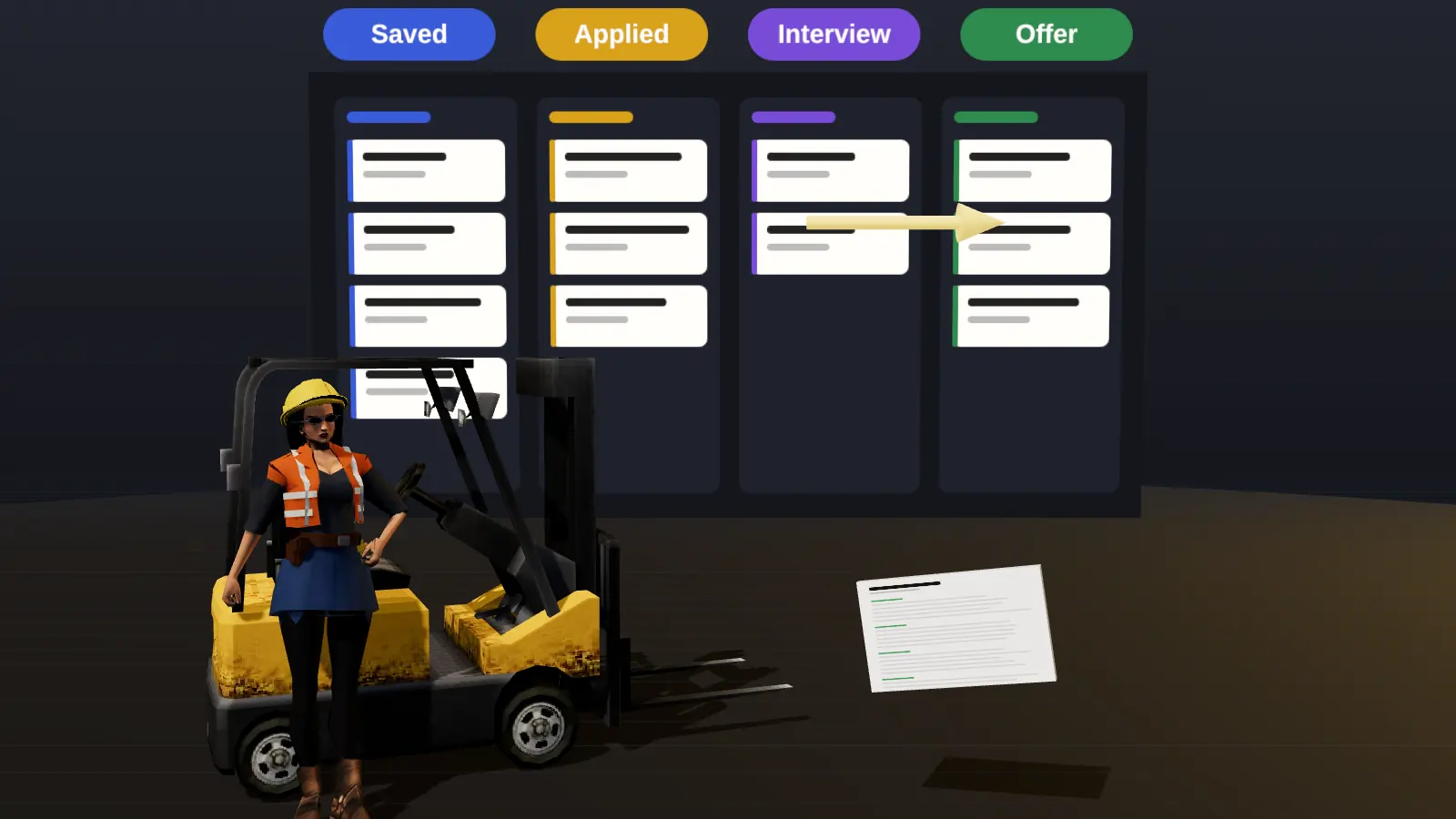
- Tracker: reminders, versions, pipeline view.
- Under 20 applications, a spreadsheet is fine.
- Beyond that, structure and reminders pay off.
Compared
| Aspect | Spreadsheet | Dedicated tracker |
|---|---|---|
| Cost | Free | Varies |
| Setup | You build columns | Ready-made stages |
| Reminders | Manual | Built in |
| Resume versions | Separate files | Linked per application |
| Pipeline view | Needs effort | Native board |
| Flexibility | Total | Within the tool |
When a spreadsheet is enough
- Fewer than 20 active applications.
- You enjoy building your own system.
- You do not need reminders.

When a tracker pays off
- You apply to many roles with different resume versions.
- You forget follow-ups.
- You want to see which channels work.
See JobAny's tracker and the method in how to track job applications.
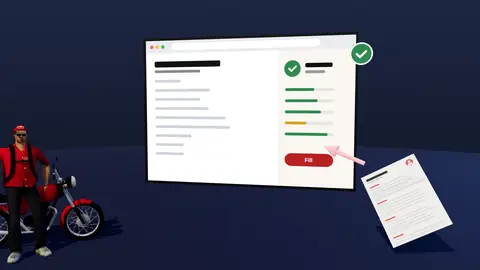
Paste a job link, add your resume and get a requirement-by-requirement report.
A minimal spreadsheet layout
| Column | Example |
|---|---|
| Company | Acme |
| Role | Product Analyst |
| Link | URL of posting |
| Applied on | 2026-10-12 |
| Channel | Referral |
| Resume version | PA-v3 |
| Status | Screening |
| Next action | Follow up 2026-10-19 |
Signs it is time to switch
- You miss follow-ups.
- You cannot find which resume version you sent.
- Your sheet has more than 30 rows and no board view.
- You want reminders without building them yourself.
Where a spreadsheet is perfectly fine
If you apply to a few roles a month, a simple sheet with company, role, date, link and status is enough. It is free, flexible and familiar. You can sort, filter and add columns however you like. There is no reason to adopt a new tool for a small search.
Where spreadsheets start to hurt
- You must remember to check dates; nothing reminds you.
- Resume versions live in other folders and get mixed up.
- Notes about contacts and interviews scatter across documents.
- You have to build your own summaries to see which channels work.
- Rows become hard to read on a phone.
At twenty or more active applications, these small frictions add up.
What a purpose-built tracker adds
| Need | Spreadsheet | Tracker |
|---|---|---|
| Follow-up reminders | Manual | Built in |
| Link resume version to application | Manual folders | Attached to the record |
| Stage tracking | Dropdown you design | Standard pipeline |
| Conversion stats | Formulas you write | Shown automatically |
| Contacts and notes | Extra tabs | On the same record |
Moving from a sheet to a tracker
- Export your sheet as CSV.
- Add your active applications to the tracker first; archive the old ones.
- Set follow-up dates for anything awaiting a reply.
- Keep the sheet as a backup for a week, then retire it.
See the tracker and how to track job applications for the full method.
Template columns for a spreadsheet
If you stay with a sheet, use: Company, Role, Link, Date applied, Channel, Resume version, Status, Next action, Next date, Contact, Notes. Add data validation to Status so entries stay consistent.
A five-question checklist before you decide
- What is my goal this month? A handful of well-matched applications needs different help from a wide search.
- How much time can I give each application? If it is under fifteen minutes, favour tools that speed up routine work.
- What is a wrong decision likely to cost? Paying blind or sending unreadable files costs more than a short trial.
- Who owns my data afterwards? Prefer tools where you can export and delete.
- Can I verify the result myself? Anything that cannot be explained should not drive your choices.
Write down your answers before comparing options, then score each against them. The best choice is rarely the one with the longest feature list; it is the one that fits the next four weeks of your search. Revisit the decision when your situation changes, for example after your first interviews or when you start targeting a new role family.
Key terms explained
- ATS
- Applicant tracking system, software employers use to collect, store and search applications.
- Parsing
- The step where software reads your file and sorts the text into fields such as name, employers and dates.
- Tailoring
- Adjusting emphasis and wording of the same true facts for one specific vacancy.
- Requirement coverage
- How many of a vacancy's main requirements your resume proves with evidence.
- Master resume
- Your complete private version with every role and result, from which you build shorter tailored copies.
- Warm introduction
- A recommendation or message passed through someone who already knows both sides.
- Reply rate
- Replies divided by applications sent, the clearest signal of whether your approach works.
Knowing these terms makes it easier to read job ads, compare tools and judge advice you find online, because many claims depend on what exactly is being measured.
Keep a simple record of what you changed
Whatever you decide, keep a short note of each change and the reply rate that followed: what you edited, the date, how many applications went out and how many answers came back. After three or four weeks the pattern is usually obvious, and you stop guessing about what works. This small habit also protects you from changing too many things at once, which makes it impossible to learn anything from the results. Review the note every Sunday and choose one adjustment for the coming week.
Start simple
Whatever you choose, track company, role, date, channel, resume version and next action. Consistency matters more than the tool.
Check your resume against a real vacancy
Add your resume and a job link. JobAny shows which requirements are covered, what is missing, what a recruiter sees first and whether the file reads cleanly. Start costs $1, no subscription.
Frequently asked questions
Can I start with a spreadsheet and switch?
Yes. Keep the same fields so moving is easy.
What columns do I need?
Company, role, link, date, channel, resume version, status, contact, next action.
Do trackers integrate with email?
It varies by tool.
Is a notes app enough?
For a few applications, yes.
How often should I update?
Daily, when you apply or hear back.
Can a spreadsheet send reminders?
With extra setup, but it is manual compared with a tracker.
What about a Kanban board app?
Works well if you add fields for version and channel.
Is paper enough?
Only for a handful of applications.
Can I use both?
Yes, but two sources of truth often fall out of sync.
Is a tracker worth it for ten applications?
Probably not; a sheet is enough.
Can I export from the tracker?
Keep your own backup of anything important.
Keep reading