Job application tracker with resume versions and follow-ups
Once you apply to more than a handful of roles, memory and scattered notes fail. A tracker keeps the vacancy, the resume version you sent, who you contacted and when to follow up, so nothing slips and you can see what works.
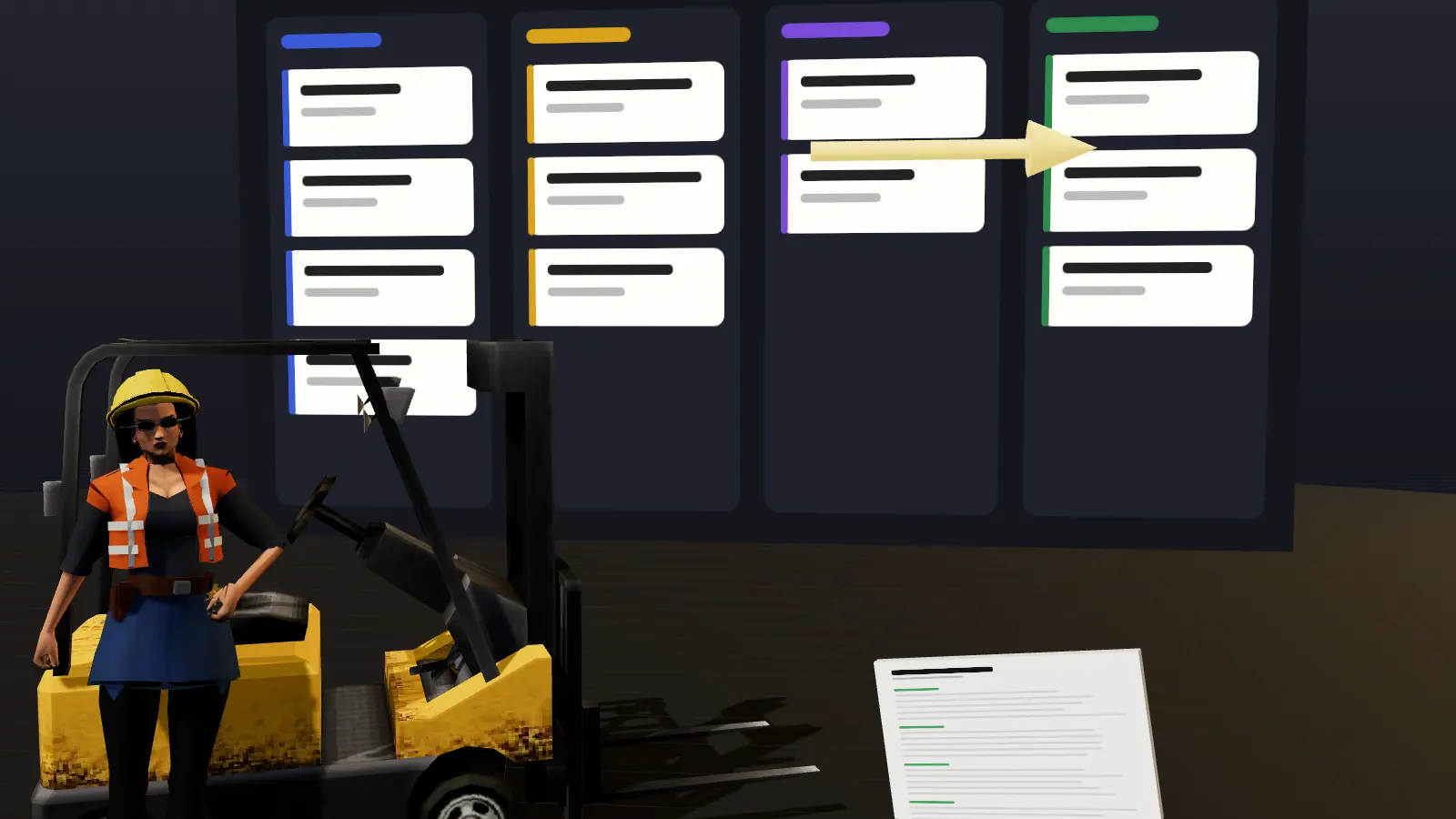
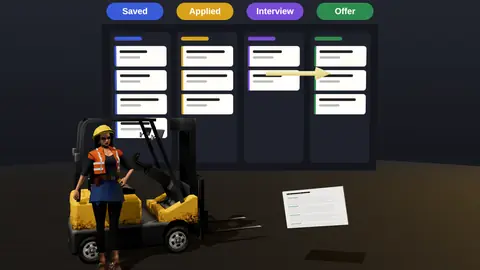
- Stages from saved to offer, with dates.
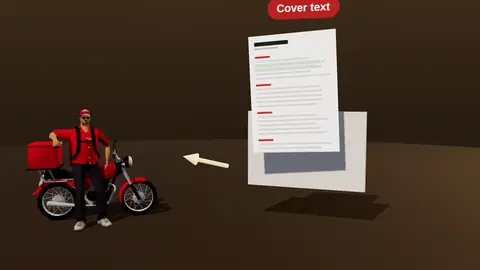
- Stores the resume version and vacancy text for each application.
- Contacts and follow-up reminders.
- Shows which channels and versions get replies.
What it tracks
| Field | Why |
|---|---|
| Company, role, link | Find it again |
| Stage and dates | See progress and stalls |
| Resume version | Know what you sent |
| Channel | Learn what works |
| Contacts | Who you wrote to |
| Next action date | Never miss a follow-up |
How to use it
- Save a vacancy as soon as you decide to apply.
- Attach the tailored resume version.
- Move the card as stages change.
- Set a follow-up date for a week later (how to follow up).
- Review weekly: replies by channel and version.

Why not a spreadsheet?
A spreadsheet works at first. It stops scaling when you need reminders, versions and quick context. See the honest comparison in tracker vs spreadsheet.
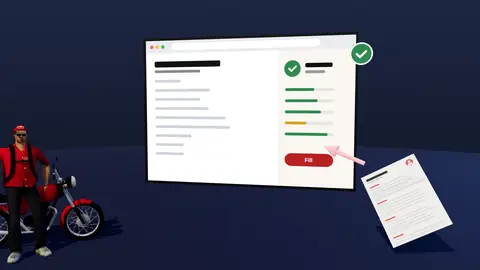
Paste a job link, add your resume and get a requirement-by-requirement report.
Suggested stages
| Stage | Meaning |
|---|---|
| Saved | Interesting, not yet applied |
| Applied | Submitted, date logged |
| Follow-up due | Seven days passed, no reply |
| Screening | Recruiter conversation scheduled or done |
| Interview | Hiring manager or panel rounds |
| Offer / Closed | Final outcome and reason |
A weekly review in ten minutes
- Count applications sent and replies received.
- Group replies by channel and by resume version.
- List follow-ups due this week.
- Pick one change to test next week.
Good habits
- Log every application the same day.
- Always attach the version you sent.
- Record why you were rejected when you learn it.
- Close dead applications so the board stays honest.
A realistic example of a tracked search
After four weeks: 32 applications logged, 9 replies, 4 screens, 2 interviews. Breakdown by channel shows referrals gave 5 of the 9 replies from only 6 applications, while portal applications gave 4 replies from 26. Breakdown by resume version shows the tailored version outperformed the generic one. The next step is clear: spend more time on referrals and keep tailoring.
Reminders that keep you moving
- Follow-up due seven days after applying.
- Thank-you note within 24 hours of an interview.
- Decision-date check-in when a promised date passes.
- Weekly review slot in your calendar.
Methods are in how to follow up.
Data stays yours
Your tracker contains personal information about your search, so treat it as private. See the privacy page for how data is handled and keep sensitive notes, such as salary figures, to what you are comfortable storing.
Stages worth tracking
| Stage | What it means |
|---|---|
| Saved | A role you plan to apply to |
| Applied | Submitted, waiting |
| Screen | Recruiter or phone call |
| Interview | Technical or hiring manager rounds |
| Offer or closed | Outcome recorded with reason if known |
Weekly review in fifteen minutes
- Count applications sent and replies received.
- Look at which channel or resume version did best.
- List follow-ups due this week.
- Decide one change for next week.
Where this fits in the full JobAny workflow
A strong application is built in a sequence, and each step feeds the next. 1. Find roles with the job search agent or the channels in where to find jobs. 2. Read the vacancy properly using how to read a job description. 3. Analyse your resume against it with resume analysis. 4. Tailor the top of the page with resume tailoring. 5. Add a short cover note if it helps. 6. Find a warm route through warm intros. 7. Apply and log it in the tracker. 8. Follow up using follow-up methods. Skipping a step is fine when the role does not justify the effort, but knowing the sequence helps you decide where your time pays off most. Start with one role you genuinely want and run the whole path once; the second time it will take a fraction of the time.
Key terms explained
- ATS
- Applicant tracking system, software employers use to collect, store and search applications.
- Parsing
- The step where software reads your file and sorts the text into fields such as name, employers and dates.
- Tailoring
- Adjusting emphasis and wording of the same true facts for one specific vacancy.
- Requirement coverage
- How many of a vacancy's main requirements your resume proves with evidence.
- Master resume
- Your complete private version with every role and result, from which you build shorter tailored copies.
- Warm introduction
- A recommendation or message passed through someone who already knows both sides.
- Reply rate
- Replies divided by applications sent, the clearest signal of whether your approach works.
Knowing these terms makes it easier to read job ads, compare tools and judge advice you find online, because many claims depend on what exactly is being measured.
Works with the extension
The browser extension can save vacancies as you browse, so logging takes a click.
For the method, read how to track job applications.
Try it on your own resume
Start costs $1 as a one-time payment, with no subscription. Add your resume and a vacancy link and see the result.
Frequently asked questions
Is the tracker free?
See the pricing page for current plans.
Can I attach resume versions?
Yes, link each application to the version used.
Does it remind me to follow up?
It stores next action dates so you can see what is due.
Can I import from a spreadsheet?
You can add vacancies manually or save them as you browse.
Is my data private?
Handled per the privacy policy.
How many applications can I track?
As many as you need.
Can I add notes after calls?
Yes, keep call notes with the application.
Will it show which resume version works best?
You can compare replies by version over time.
Can I track applications made outside JobAny?
Yes, add them manually.
Will I see which channel works best?
Yes, compare replies by channel over time.
Can I add interview notes?
Yes.
Keep reading