ChatGPT vs Claude vs Gemini for writing a resume
All three general AI assistants can draft and polish resume text well. The real differences for a job seeker are not which model is smarter this month, but how you work with it: how much context you can paste, how strictly it follows your rules and what it cannot see at all. This comparison focuses on those practical points.
- Any of the three is good enough for wording; results depend mostly on your prompt and facts.
- Test the same prompt in two assistants and keep the version that invents less.
- None of them reads your resume file the way an applicant tracking system does.
- A dedicated resume tool adds structure: requirement mapping, layout, export and tracking.
The short answer
For resume work, choose the assistant you already use and can paste long text into. Models are updated often, so any ranking goes out of date fast. What stays true: a model given your facts, the job description and strict rules writes a better resume than a stronger model given a vague request.
Run the same prompt in two assistants. Keep the answer that changed fewer facts and asked you more questions.
What to compare when choosing an AI for a resume
| Criterion | Why it matters for a resume | How to test it |
|---|---|---|
| Rule following | You need it to never invent numbers or tools | Give a rule block and check if any line adds a fact |
| Long context | You paste a resume plus a long job description | Paste both and ask for a requirement-by-requirement map |
| Tone | Generic tone makes every resume sound alike | Ask for three versions of one bullet and compare |
| Asking questions | Good editors ask instead of guessing | Give thin notes and see whether it asks or invents |
| File handling | Uploads can lose layout or misread columns | Upload your PDF and ask it to quote your contact block |
| Privacy settings | Your resume holds personal data | Check whether chats are used for training and how to turn that off |

ChatGPT, Claude and Gemini in practice
ChatGPT is the most widely used and has the largest pool of shared prompts, which makes it easy to start. Watch for a habit of familiar resume verbs and confident numbers when you do not supply them.
Claude is often chosen for longer documents and careful editing, and it tends to work well with detailed rule blocks. As with any model, check that it keeps your exact titles and dates.
Gemini fits naturally if you draft in Google Docs and keep your notes in Google Drive. Check the formatting it returns before pasting it into your resume file.
These are tendencies reported by users, not guarantees, and they change with model updates. Judge by what each assistant does with your own resume.
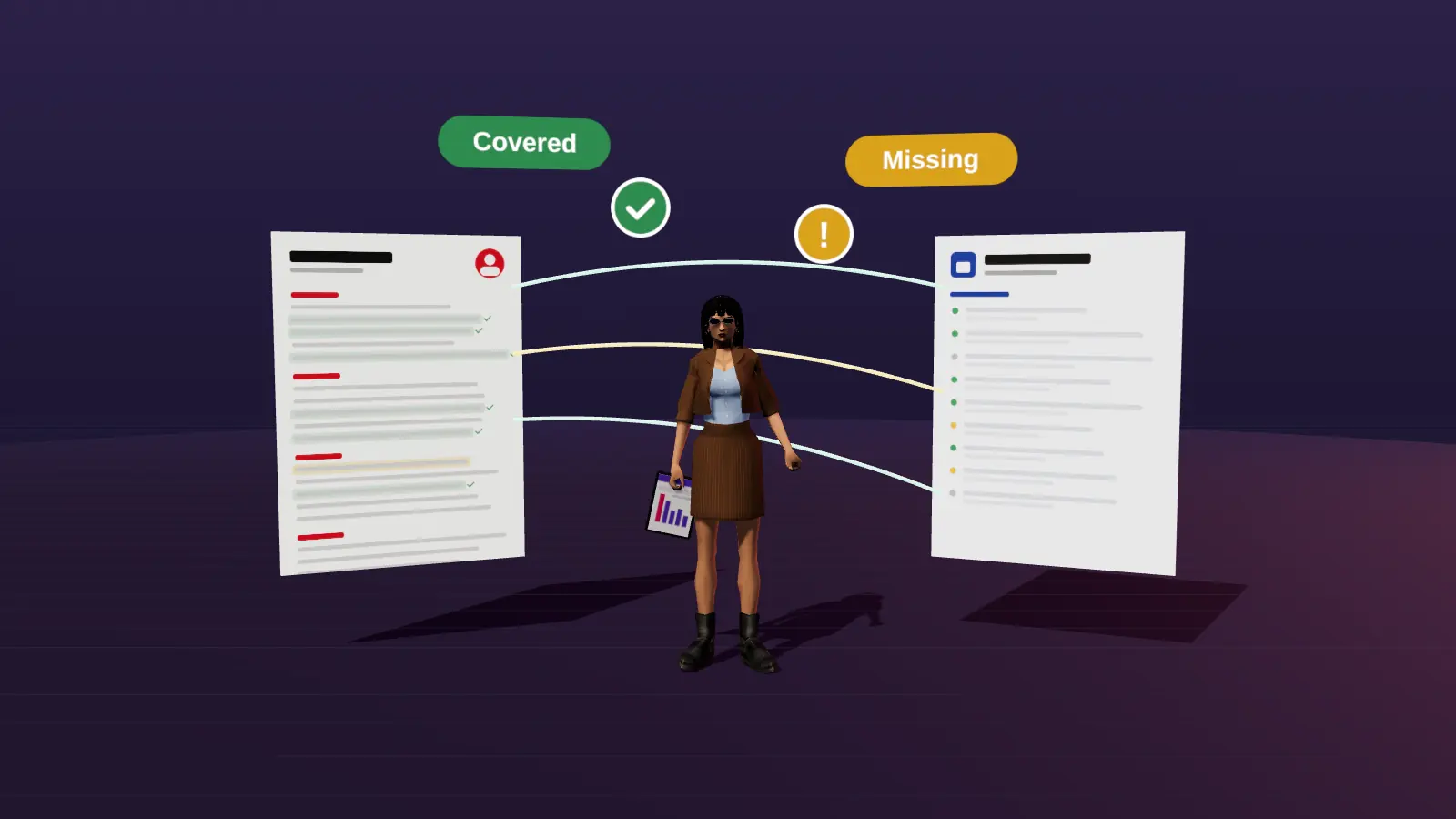
JobAny links each requirement of a job to a line of your resume, then lets you fix gaps in an editor and export.
What general AI assistants cannot do for a resume
- See how an applicant tracking system extracts your file: columns, tables, headers and images.
- Know which of the job's requirements matter most to this employer beyond the text you paste.
- Keep versions of your resume per vacancy and remember which one you sent where.
- Check that the final layout fits on the page and exports cleanly.
- Stop you from accepting a confident sentence that is not true.
That last point is on you whichever tool you use. For the format side, see ATS-friendly resume format and a file-level ATS check.
AI chat vs a dedicated resume tool
| Task | General AI chat | Dedicated resume tool |
|---|---|---|
| Turn notes into bullets | Strong | Strong, with guided questions |
| Match to a vacancy | Good if you paste both texts and prompt well | Built in: requirement map linked to resume lines |
| Layout and export | No | Yes, PDF or DOCX |
| File parsing check | No | Depends on the tool |
| Versions per vacancy | Manual | Usually built in |
| Cost | Free tiers available | Free, one-time or subscription, depends on the tool |
JobAny is a dedicated tool: it maps each requirement of a vacancy to your resume, shows what is hidden or missing, and lets you fix it in an editor and export. It does not replace your judgement either. Read the neutral comparison AI resume builder vs writing yourself.
A workflow that uses AI well
- Write raw facts for each role yourself.
- Use any AI assistant to turn facts into bullets, with a no-invention rule.
- Map the resume against one specific vacancy and list gaps.
- Reword hidden matches; leave real gaps as gaps.
- Put the text into a clean template and check how the file reads.
- Edit the final version by hand and save it per vacancy.
Ready-made prompts for each step: ChatGPT resume prompts.
Try a dedicated resume tool on a real vacancy
Add your resume and a job link: a requirement-by-requirement map, file check and editor in one place. Start costs $1, no subscription.
Frequently asked questions
Which AI is best for writing a resume?
Any major assistant is good enough for wording. Pick the one that follows your no-invention rules and handles your resume plus the job description in one chat.
Is Claude better than ChatGPT for resumes?
Some users prefer Claude for long edits and careful rule following, others prefer ChatGPT for speed and familiarity. Test both on your own resume.
Can I use Gemini to write a resume?
Yes. It is convenient if you work in Google Docs. Check formatting and facts before using the output.
Is an AI resume builder better than ChatGPT?
A builder adds layout, export and usually vacancy matching. ChatGPT is a flexible writer. Many people use both: AI for wording, a builder for the file.
Will recruiters reject an AI-written resume?
Recruiters reject vague, generic or untrue resumes. If the facts are specific and yours, the tool used for wording is not the issue.
Keep reading