Online ATS resume checker that shows real findings
Many online checkers give a single score that nobody can verify. A better check answers two questions: can a parser read this file, and does it match the vacancy. JobAny shows both with specific, fixable findings.
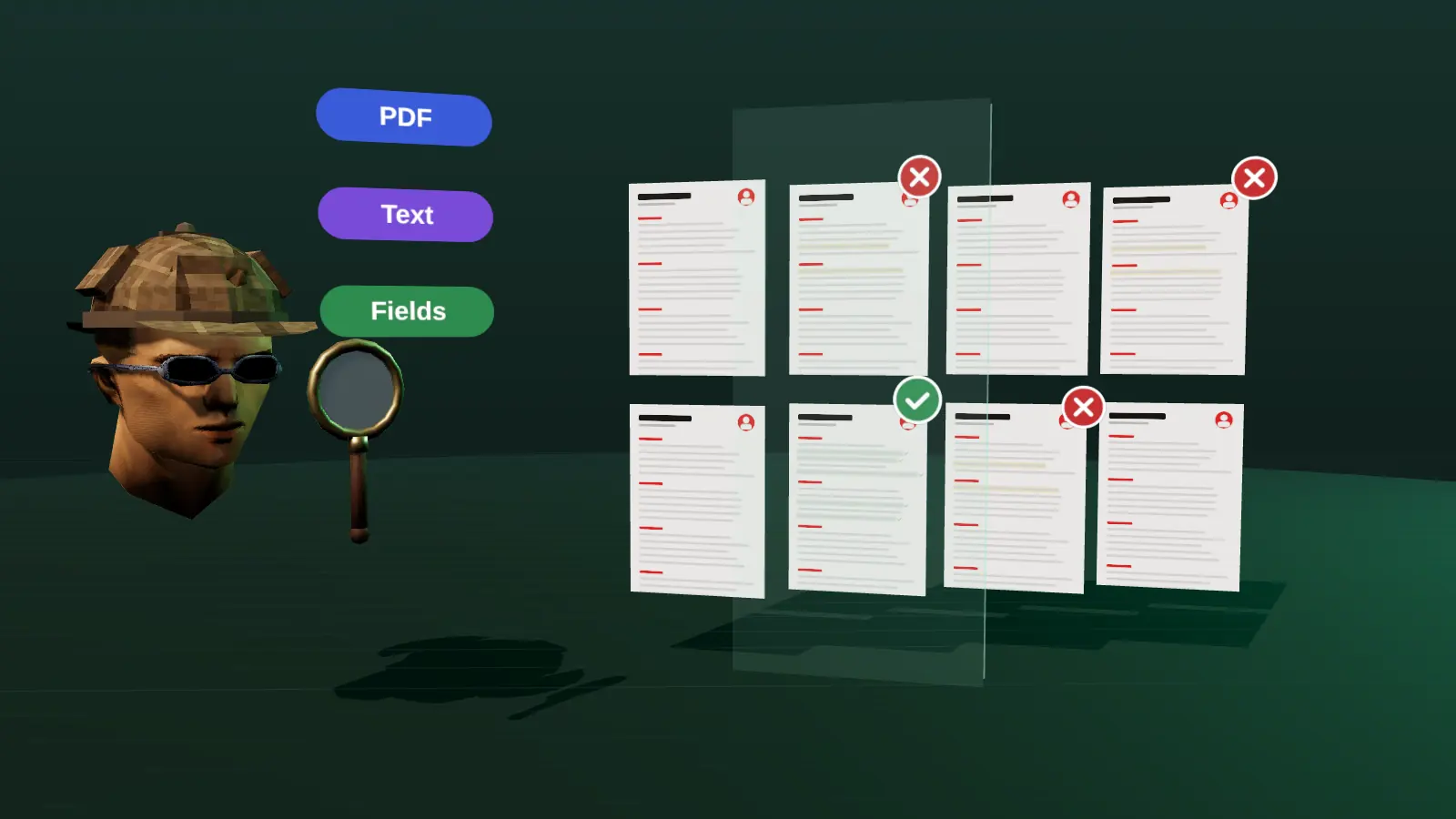
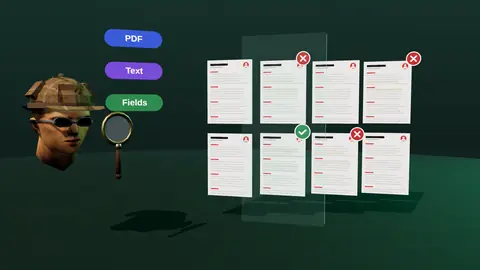
- Checks layout, text extraction, dates and sections.
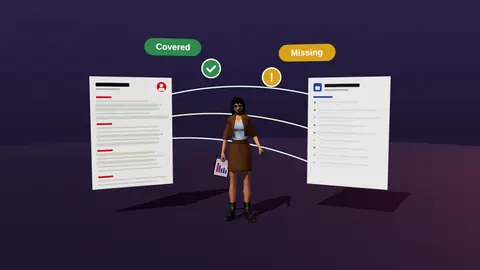
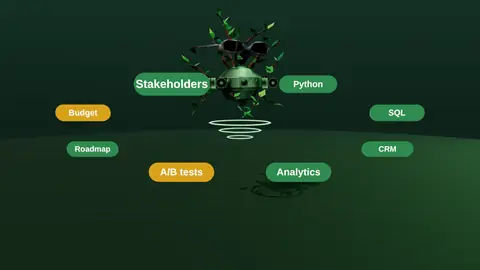
- Compares with the vacancy: covered, hidden, missing.
- No made-up universal ATS score.
- Gives concrete fixes you can apply in the editor.
What is checked
| Check | What it catches |
|---|---|
| Text extraction | Image text, scanned PDFs, garbled order |
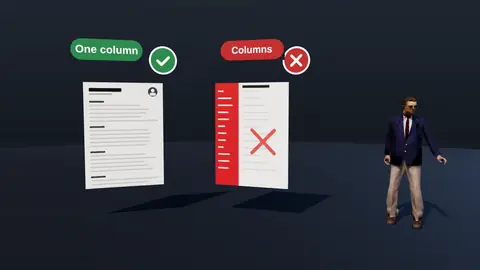
| Layout | Columns, tables, text boxes, icons |
| Sections and headings | Non-standard titles that parsers miss |
| Dates and titles | Inconsistent or ambiguous formats |
| Vacancy match | Requirements covered, hidden or missing |
Why no single score
Employers use different systems with different settings, and no public score applies across them. A score without an explanation cannot be acted on. Findings can. For background, read what is an ATS and does ATS reject resumes.
How to use it
- Upload your resume.
- Add the vacancy for the match check.
- Fix the readability findings first.
- Then address hidden and missing requirements.
- Export a clean PDF or DOCX (export).
Paste a job link, add your resume and get a requirement-by-requirement report.
Common findings and fixes
| Finding | Fix |
|---|---|
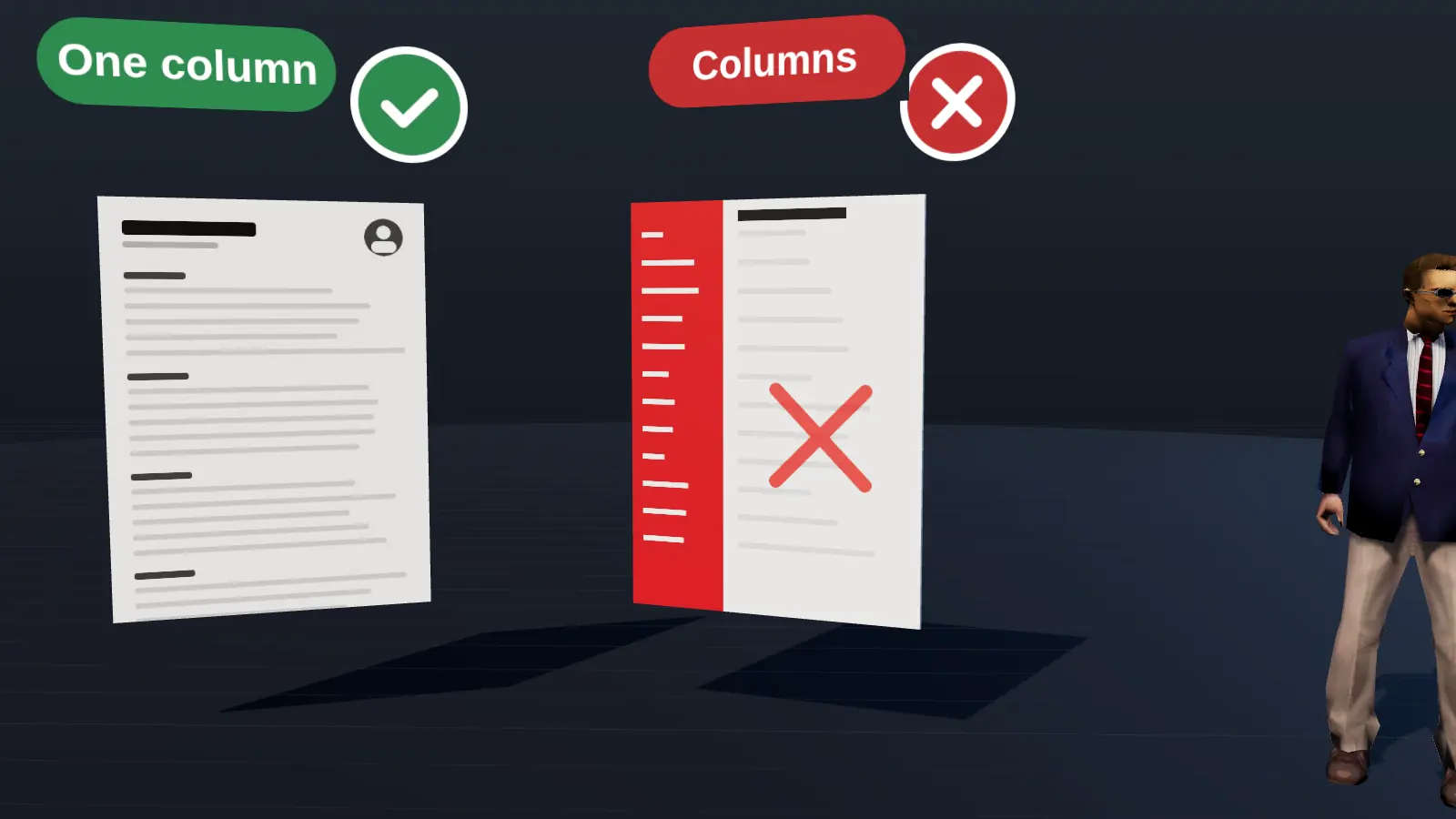
| Two columns detected | Switch to one column |
| Contact details in header | Move to the page body |
| Dates in mixed formats | Use one format, e.g. Mar 2023 - Jun 2025 |
| Icons instead of labels | Use text labels |
| Non-standard headings | Use Experience, Education, Skills |
What a checker cannot tell you
It cannot see an employer's internal filters or know which recruiter will read your file. It reduces avoidable problems; it cannot promise an outcome. Pair readability fixes with a strong match for the specific vacancy.
Re-check after edits
Every time you change layout, fonts or sections, run the check again. A small formatting change can alter extraction order.
What the checker looks at, in more detail
| Area | Checks |
|---|---|
| Structure | Single column, logical order, standard headings |
| Text | Selectable text, no image-only content |
| Contacts | Present in the body, not in header or footer |
| Dates | Consistent format, no overlaps that look like errors |
| Length | Reasonable for experience level |
| Match | Requirements from the vacancy covered, hidden or missing |
Fixing the five most common problems
- Two columns: convert to one and move sidebar content into sections.
- Header contact details: move them into the page body.
- Fancy bullets or icons: replace with standard bullets.
- Inconsistent dates: pick one format.
- Skills only in a list: add them into bullets with results.
A realistic view of ATS
Tools can check that a resume is readable, but how an employer configures its system is unknown to any checker. The most reliable approach is a clean, plain document, tailored content and a human route to the recruiter. See what is an ATS for the full picture.
Mistakes that make resumes unreadable
- Text inside images or text boxes.
- Unusual fonts that fail to embed.
- Tables used for layout.
- Creative section names such as My Journey.
A simple weekly use
Run the check on your master file whenever you change layout, and once per vacancy for match. Keep a short log of what you changed, so you can see which fixes made a difference.
Where this fits in the full JobAny workflow
A strong application is built in a sequence, and each step feeds the next. 1. Find roles with the job search agent or the channels in where to find jobs. 2. Read the vacancy properly using how to read a job description. 3. Analyse your resume against it with resume analysis. 4. Tailor the top of the page with resume tailoring. 5. Add a short cover note if it helps. 6. Find a warm route through warm intros. 7. Apply and log it in the tracker. 8. Follow up using follow-up methods. Skipping a step is fine when the role does not justify the effort, but knowing the sequence helps you decide where your time pays off most. Start with one role you genuinely want and run the whole path once; the second time it will take a fraction of the time.
Key terms explained
- ATS
- Applicant tracking system, software employers use to collect, store and search applications.
- Parsing
- The step where software reads your file and sorts the text into fields such as name, employers and dates.
- Tailoring
- Adjusting emphasis and wording of the same true facts for one specific vacancy.
- Requirement coverage
- How many of a vacancy's main requirements your resume proves with evidence.
- Master resume
- Your complete private version with every role and result, from which you build shorter tailored copies.
- Warm introduction
- A recommendation or message passed through someone who already knows both sides.
- Reply rate
- Replies divided by applications sent, the clearest signal of whether your approach works.
Knowing these terms makes it easier to read job ads, compare tools and judge advice you find online, because many claims depend on what exactly is being measured.
Do it yourself too
You can run a quick manual test: copy the PDF text into a plain editor and check the order. The full method is in how to check a resume for ATS.
Try it on your own resume
Start costs $1 as a one-time payment, with no subscription. Add your resume and a vacancy link and see the result.
Frequently asked questions
Is the checker free?
See the pricing page for what is included.
Does it guarantee passing an ATS?
No tool can; it reduces avoidable parsing and match problems.
Which file formats?
PDF and DOCX are typical.
Does it work for any country?
The readability checks are general; match depends on the vacancy.
Will it rewrite my resume?
It suggests; you apply the edits.
Do I need to log in?
See the product page for current access details.
Does it keep my file?
See the privacy page for data handling.
Can it check a DOCX?
Yes, PDF and DOCX are typical formats.
Can it check a resume in Ukrainian?
Readability checks work in any language; match works best when the vacancy and resume share a language.
How often should I check?
After any layout change and for each new vacancy.
Does it replace a human reviewer?
No; it complements one.
Keep reading