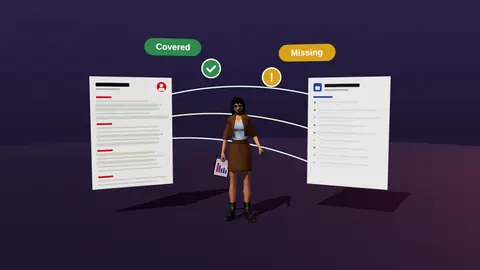
Resume analyzer vs ATS scanner
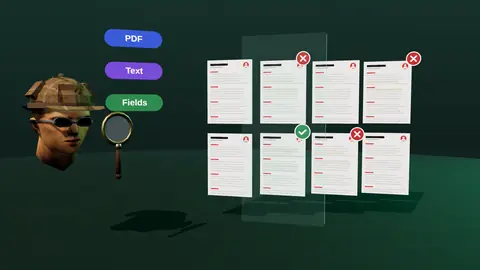
The two terms get mixed up. An ATS scanner asks: can a machine read this file? An analyzer asks: does this content fit this job? A resume can pass the first and fail the second, or the reverse. Here is how they differ.
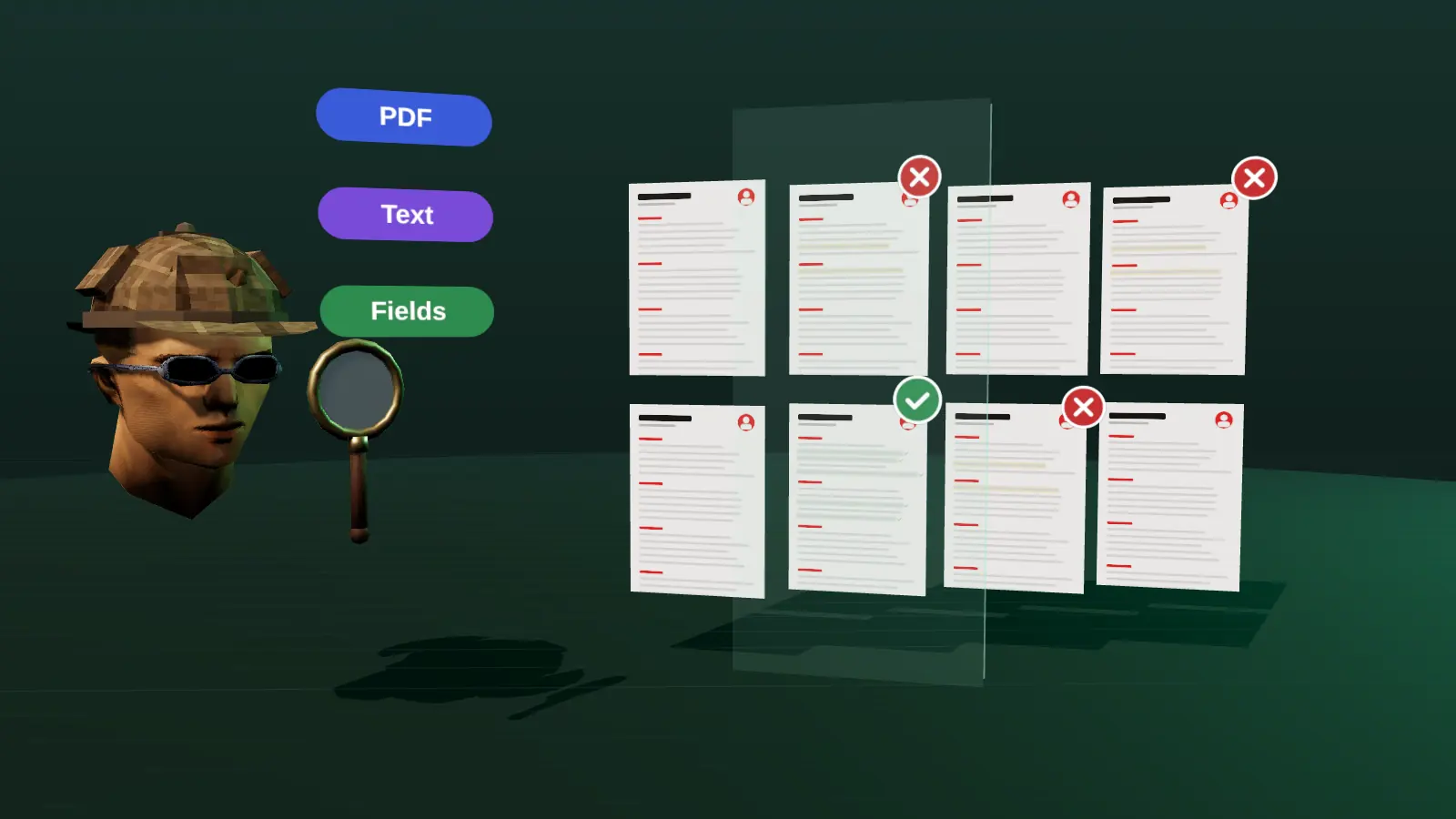
- Scanner: readability, layout, extraction.
- Analyzer: content match against a vacancy.
- A good resume needs both.
- Beware of a single score that blends the two without explanation.
The two questions
| ATS scanner | Resume analyzer | |
|---|---|---|
| Question | Can a parser read it? | Does it fit this vacancy? |
| Looks at | Layout, text, headings, dates | Requirements, evidence, wording |
| Fix | Format and structure | Content and emphasis |
| Input | Resume only | Resume plus vacancy |
Why you need both
A perfectly readable resume with no relevant evidence will not progress. A strong resume in an unreadable format may lose data. See does ATS reject resumes.
How JobAny covers both
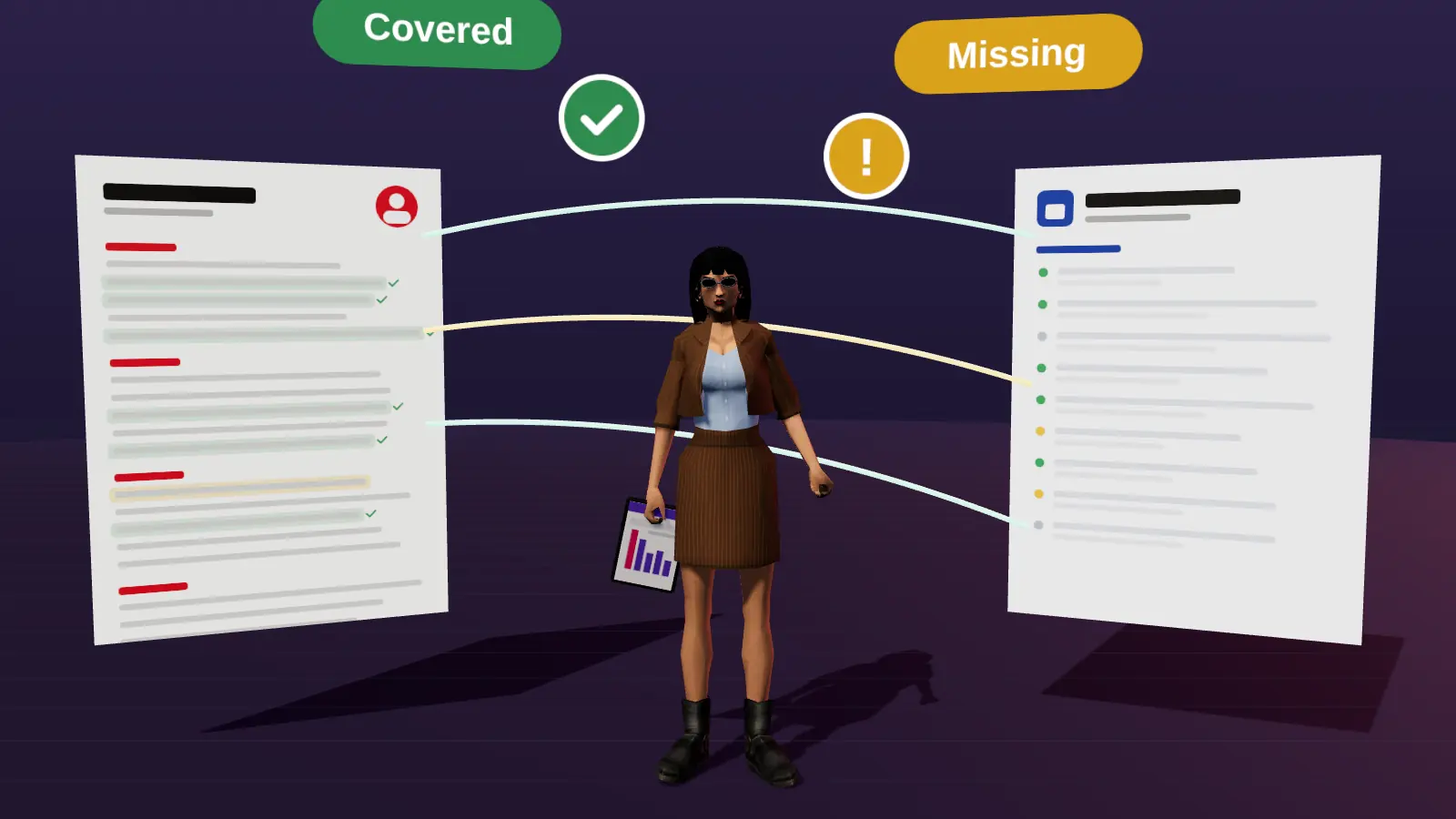
JobAny runs readability checks and a vacancy analysis and keeps their findings separate so you know what to fix.
Paste a job link, add your resume and get a requirement-by-requirement report.
Example: passes one, fails the other
| Resume | Scanner | Analyzer |
|---|---|---|
| Clean one-column, generic content | Pass | Weak match |
| Two-column design, strong relevant content | Parsing risk | Strong match |
| Clean and relevant | Pass | Strong match |
Order of fixing
Fix structure first because it affects every application, then match, which is per vacancy.
Same word, different jobs
People often use the terms interchangeably, but they answer different questions. An ATS scanner asks can a machine read this file? A resume analyzer asks does this document prove the requirements of this role to a human reader? You need both answers, in that order: readability first, because an unreadable file cannot be evaluated by anyone; match second, because a readable file that does not fit the role is still ignored.
What each one reports
| ATS scanner | Resume analyzer | |
|---|---|---|
| Main question | Is it parsed correctly? | Does it match this vacancy? |
| Typical output | Format warnings, missing sections | Covered, hidden, missing requirements |
| Needs a vacancy? | No | Yes |
| Fixes | Layout, headings, file type | Order, wording, evidence, gaps |
| Risk if skipped | Fields scrambled or lost | Good experience not noticed |
A two-step workflow
- Run the readability check once on your master file and fix structure issues.
- For each target vacancy, run the analysis and tailor the top third of the page.
- Re-export and run the copy-paste test.
- Log the version in your tracker.
Details for each step are in ATS checker and resume analysis.
Why a score alone misleads
No scanner knows how a specific employer configured their system or how a recruiter will read your page. A high number can hide a weak match; a low number can come from decorative formatting that a human reader would not mind. Treat scores as hints, and treat evidence-based findings as the guide for what to change.
When one is enough
If you apply to a single role, the vacancy analysis alone may show formatting issues too. If you send a general resume to a recruiter network, a readability check may be enough. For most active searches, use both.
A five-question checklist before you decide
- What is my goal this month? A handful of well-matched applications needs different help from a wide search.
- How much time can I give each application? If it is under fifteen minutes, favour tools that speed up routine work.
- What is a wrong decision likely to cost? Paying blind or sending unreadable files costs more than a short trial.
- Who owns my data afterwards? Prefer tools where you can export and delete.
- Can I verify the result myself? Anything that cannot be explained should not drive your choices.
Write down your answers before comparing options, then score each against them. The best choice is rarely the one with the longest feature list; it is the one that fits the next four weeks of your search. Revisit the decision when your situation changes, for example after your first interviews or when you start targeting a new role family.
Key terms explained
- ATS
- Applicant tracking system, software employers use to collect, store and search applications.
- Parsing
- The step where software reads your file and sorts the text into fields such as name, employers and dates.
- Tailoring
- Adjusting emphasis and wording of the same true facts for one specific vacancy.
- Requirement coverage
- How many of a vacancy's main requirements your resume proves with evidence.
- Master resume
- Your complete private version with every role and result, from which you build shorter tailored copies.
- Warm introduction
- A recommendation or message passed through someone who already knows both sides.
- Reply rate
- Replies divided by applications sent, the clearest signal of whether your approach works.
Knowing these terms makes it easier to read job ads, compare tools and judge advice you find online, because many claims depend on what exactly is being measured.
A simple routine
- Fix readability first.
- Then analyse against the vacancy.
- Tailor the content.
- Re-check both.
Check your resume against a real vacancy
Add your resume and a job link. JobAny shows which requirements are covered, what is missing, what a recruiter sees first and whether the file reads cleanly. Start costs $1, no subscription.
Frequently asked questions
Is an ATS scanner enough?
No, it does not tell you whether you fit the vacancy.
Is an analyzer enough?
No, a bad format can still lose data.
Which first?
Readability, then match.
Is one score useful?
Only with an explanation of what it covers.
Do humans care about the same things?
Humans care mostly about relevance and clarity.
Which matters more to a recruiter?
Relevance, once the file is readable.
Can I do the scanner step myself?
Yes, with a copy-paste test of the PDF text.
Does one tool do both?
Some do; check that findings are separate and explained.
Which should I use first?
The readability check, then the vacancy analysis.
Do I need both for every application?
Readability once per layout change, analysis for each vacancy.
Can one tool do both?
Yes, some combine them; check that each part is explained.
Keep reading