ATS-friendly resume format: layout, fonts and sections that work
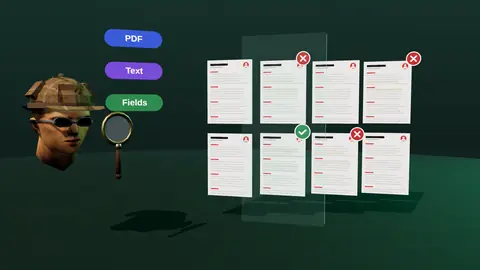
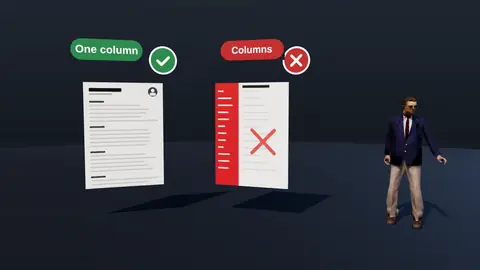
An ATS-friendly format is not a special template. It is a clean, predictable document: one column, normal headings, real text. If a person and a parser can both read it in order, you have done the job. This guide gives you the exact rules and why each one exists.
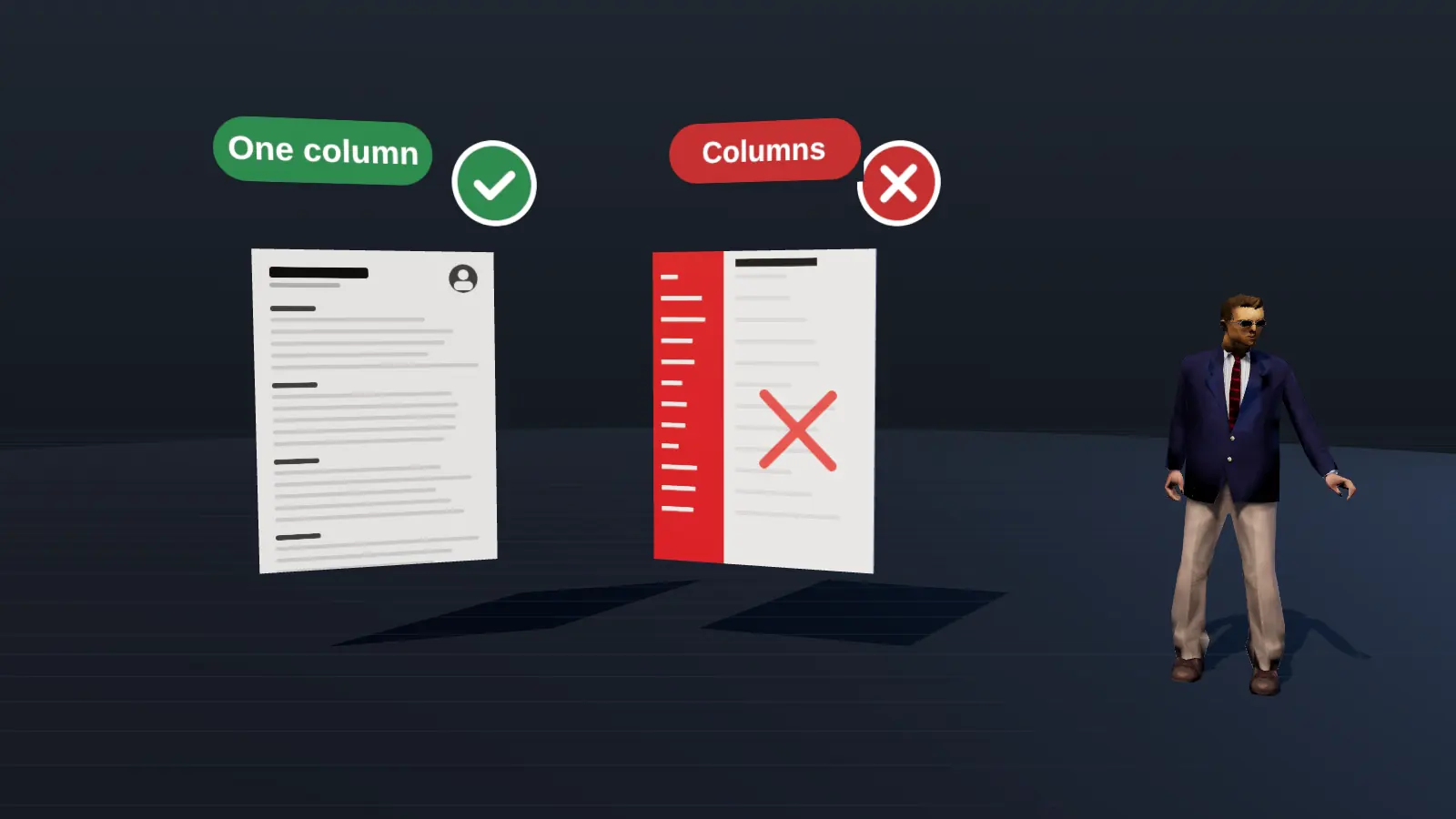
- Use one column, standard headings and real selectable text.
- Safe fonts at 10 to 12 pt, consistent dates, simple bullets.
- Keep contact details in the page body, not the header or footer.
- Test by copying the text from your PDF into a plain editor.
The core rules
| Element | Do | Avoid |
|---|---|---|
| Layout | Single column, left aligned | Sidebars, multi-column grids, text boxes |
| Headings | Experience, Education, Skills, Projects | "My story", "Where I've been" |
| Fonts | Arial, Calibri, Helvetica, Georgia, Times at 10-12 pt | Decorative fonts, tiny sizes |
| Dates | One format throughout: Mar 2022 - Jun 2024 | Mixing 03/22, 2022 and Spring 2022 |
| Bullets | Standard round bullets | Custom icons and arrows |
| Contact info | In the body of page one | Page header or footer |
| Graphics | None needed | Photos, charts, skill bars, logos |
| File | Text PDF or DOCX | Scanned image PDF, JPEG, PNG |
Why each rule exists
One column gives parsers a single reading path. In a two-column layout some parsers read straight across, joining a job title with a skill from the other column.
Standard headings are how software recognises sections. A heading it does not know may be treated as part of the previous section.
Real text means characters, not pixels. A resume exported from a design tool as an image looks fine to humans and is empty to machines.
Consistent dates let the parser calculate durations and order jobs. Mixed formats produce wrong tenure or wrong order.
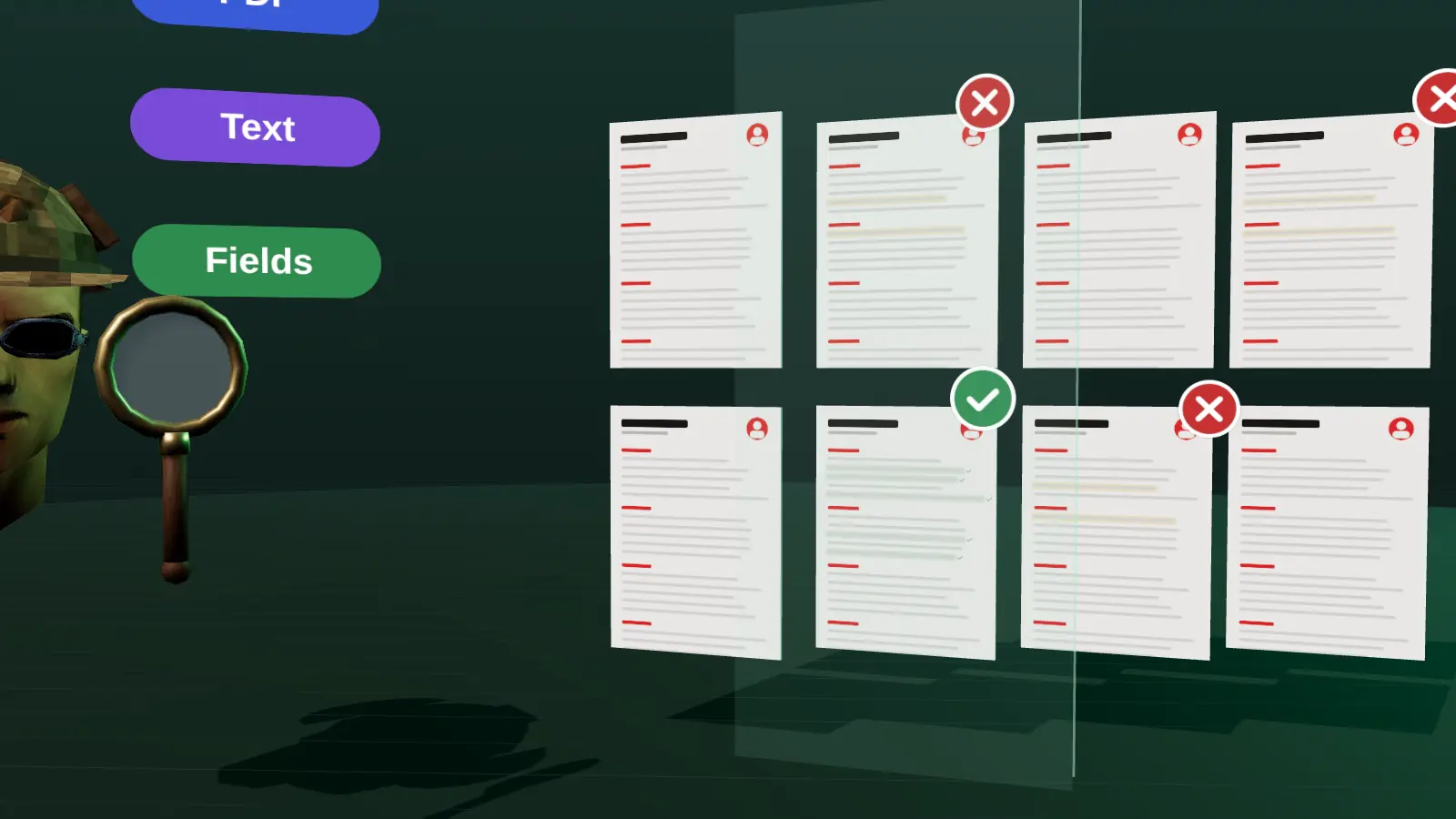
Recommended section order
- Header: name, city and country, phone, email, one professional link.
- Summary: two to four lines aimed at the target role.
- Experience: reverse chronological, with title, company, location and dates for each job, then bullets.
- Skills: grouped tools and methods (you can put this before experience if you are changing fields).
- Education and certificates.
- Projects, languages, extras only if relevant.
Build it step by step in how to make a resume.
Paste a job link, add your resume and get a requirement-by-requirement report.
Is a two-column or designed resume always bad?
Not always. Many modern systems parse columns reasonably, and a designed resume can be perfect for sending directly to a person. The risk is uneven: you do not know which parser an employer uses. A simple single-column version costs you almost nothing in looks and removes the risk, so keep one for applications through portals and use the designed one when a human will open the file.
PDF or DOCX?
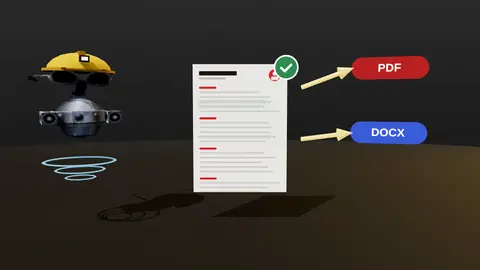
Both work if they contain real text. PDF keeps layout stable across devices. DOCX is sometimes requested because recruiters can edit it. Follow the employer's instruction first. Details in PDF or DOCX.
The anatomy of a parser-friendly page
A resume that parses well is boring in the best way. Top to bottom: your name as plain text, then a single line with city, email, phone and profile link, then a headline, then a summary, then experience, skills and education, each under a standard heading. Inside experience, every role has the same shape: title, employer, location, dates, then bullets. That predictability is exactly what a parser expects, so it can fill the right fields.
Anna Kovalenko
Bologna, Italy | [email protected] | +39 000 000 0000 | linkedin.com/in/anna

Product Analyst | SQL, A/B testing, dashboards

Summary
...

Experience
Product Analyst, Acme S.r.l., Bologna     Mar 2022 - Present
- Result bullet
- Result bullet
Fonts, size, spacing and bullets
| Element | Recommended | Avoid |
|---|---|---|
| Font | Arial, Calibri, Helvetica, Georgia | Decorative or custom fonts |
| Body size | 10 to 12 pt | Below 10 pt |
| Headings | 12 to 14 pt, bold | Coloured text on coloured backgrounds |
| Bullets | Standard round bullets or hyphens | Emoji or icon bullets |
| Margins | 1.5 to 2.5 cm | Very narrow margins |
| Line spacing | 1.0 to 1.15 | Cramped lines |
Elements that break parsing
- Columns and sidebars: reading order is lost.
- Tables used for layout: cells may be read out of order.
- Text boxes and shapes: some parsers skip them entirely.
- Headers and footers: contact details placed there may be ignored.
- Images, logos, skill bars, graphs: carry no readable text.
- Icons for phone and email: use the words or plain symbols instead.
How to keep a design feel without breaking anything
You can still look professional. Use subtle horizontal lines between sections, bold headings, a restrained accent colour for headings, and generous spacing. Keep creativity for your portfolio or a separate designed version for people, and send the plain text version to portals. For role-specific advice on balancing the two see resume for designers.
Final test before sending
Copy all text from the exported PDF into a plain editor. Read it. If a stranger could rebuild your career timeline from that text alone, the format is safe. See the full test and clean export.
Test and checklist
- Select all text in the PDF and paste into a plain editor: order is correct.
- Name and contacts are at the top, in the body, not in a header.
- Dates use one format and every job has title, company and dates together.
- Headings are standard and consistent.
- No tables, text boxes, icons or skill bars carry information.
- Length fits the norm for your level (how many pages).
JobAny exports clean, text-based PDF and DOCX from the resume editor and checks readability as part of the analysis. See PDF and DOCX export.
Check your resume against a real vacancy
Add your resume and a job link. JobAny shows which requirements are covered, what is missing, what a recruiter sees first and whether the file reads cleanly. Start costs $1, no subscription.
Frequently asked questions
What font is best for an ATS?
A standard sans-serif or serif such as Arial, Calibri, Helvetica, Georgia or Times at 10 to 12 points.
Can I use bold and italics?
Yes, for job titles and emphasis. Keep it consistent. Avoid using them to build layout.
Do I need to remove my LinkedIn link?
No. A plain URL works. Hyperlinked text is fine as long as the visible text shows the address or a clear label.
Should I use headers and footers?
Not for contact details or critical content. Some systems skip them.
Can an ATS read a resume with a photo?
It can parse the text, but a photo adds nothing for the system and may be unwelcome in some markets.
Can I use a template from a design tool?
Only if the exported file is a single column of real text. Check with the copy-paste test.
Is it okay to use colour?
Subtle colour for headings is fine. Keep contrast high.
Should I include a photo?
Not in the US or UK. In some European markets it is optional and not needed for parsing.
How long should it be?
One to two pages.
Keep reading