How to autofill job applications faster, without losing control
Long application forms ask for the same name, history and answers again and again, often after you have already uploaded a resume. You can cut most of that typing. The goal is speed on the repetitive fields and full attention on the ones that matter: screening questions, salary, work authorisation and the resume version you send.
- Use browser autofill for contact fields and saved text for repeated answers.
- Let employer portals parse your resume, then check every parsed field.
- An extension that fills fields and waits for your confirmation saves the most time.
- Avoid tools that submit applications without your review.
Four ways to fill applications faster
| Method | Saves time on | Limit |
|---|---|---|
| Browser autofill | Name, email, phone, address | Does not fill work history or custom questions |
| Saved answers document | Repeated questions: why this role, availability, salary range | Manual copy and paste |
| Resume parsing on the portal | Work history and education | Often parses dates and titles wrongly; must be checked |
| Job application extension | Most standard fields, plus vacancy context | You still review and confirm |
Step 1: set up browser autofill
In Chrome, open Settings, then Autofill and passwords, then Addresses and more, and add your name, email, phone and address. Most forms will then fill the contact block in one click. Keep the details identical to your resume.

Step 2: keep a saved answers file
- Work authorisation and visa status, stated accurately.
- Notice period and earliest start date.
- Salary expectation as a range, adjusted per role.
- Short answers to why you want to work here (edit per company).
- Links: LinkedIn, portfolio, GitHub.
- Languages with levels.
Never paste eligibility or legal answers without reading the exact question. Wording varies, and a wrong answer can disqualify you.
The JobAny extension fills the form from your profile and waits for your confirmation before anything is sent.
Step 3: check parsed fields on employer portals
Large employer portals, including Workday-style sites, offer to read your resume and fill the work history. It saves time but often gets dates, job titles or employers wrong, especially when the file stores text out of order. Upload a clean text PDF or DOCX and check each field before moving on. See ATS resume template.
Step 4: use an extension that waits for you
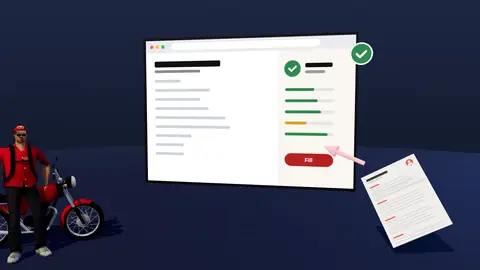
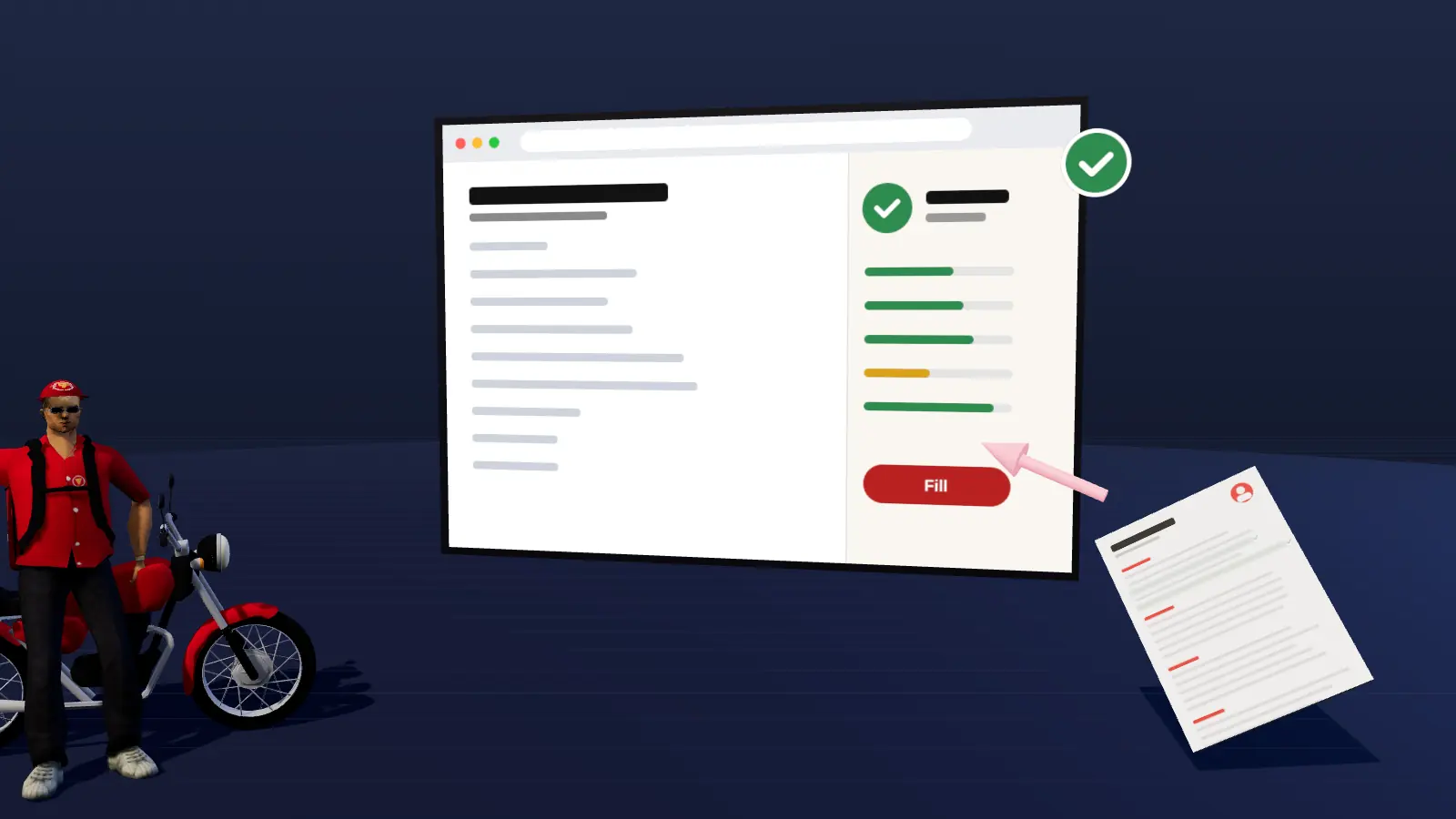
A job application extension can read the vacancy you are viewing, fill standard fields from your profile and keep track of what you applied to. The JobAny browser extension works this way: it fills fields and you review and confirm before anything is submitted. It can also show how your resume matches the vacancy before you spend time on the form.
Autofill not working? Common fixes
| Problem | Fix |
|---|---|
| Browser autofill does not offer your details | Check the saved address in Chrome settings and that the form's fields are standard text fields |
| Portal puts job titles into the company field | Upload a resume where each job title sits on its own line with its dates, then correct the fields |
| Dates come out wrong | Use one date format in the resume, such as 03/2024 |
| Dropdowns stay empty | Pick them manually; many portals use custom menus that autofill cannot fill |
| The form resets after an error | Keep your saved answers file open so you can paste again quickly |
Why to avoid auto-submit and mass apply
- Untailored applications get lower reply rates than fewer, matched ones.
- Wrong answers to screening questions can disqualify you permanently at that employer.
- Some sites restrict automated activity on accounts.
- You lose track of what was sent and with which resume.
The comparison in detail: auto-apply vs manual apply. Track every application with a simple system.
Try the extension on your next application
Match your resume to the vacancy first, then fill the form and confirm it yourself. Start costs $1, no subscription.
Frequently asked questions
Is there a way to autofill job applications?
Yes: browser autofill for contacts, resume parsing on employer portals and job application extensions that fill fields for you to confirm.
How do I autofill Workday applications?
Use the resume upload option to prefill your history, then check every parsed field. Browser autofill handles the contact block.
Are autofill extensions safe?
Choose ones that explain what data they use, do not submit without your confirmation and let you delete your data.
Should I use auto-apply bots?
They save time but usually lower quality and reply rates, and can create problems with screening answers. Filling fast and confirming yourself is safer.
What should I never autofill?
Work authorisation, criminal record, salary and any legal or eligibility question. Read and answer those yourself.
Keep reading