How to find the right resume keywords in a job description
Keywords are the words that recruiters and search tools look for: tools, skills, titles, domains and methods. You do not need dozens. You need the right ten to fifteen, used where they are true and in context. Here is a repeatable way to find them in any job description.

- Pull hard skills, tools, titles and domain terms from the vacancy first.
- Rank by frequency and position; the top ten to fifteen matter most.
- Use the employer's wording only where it is true, in context, next to results.
- Never hide, stuff or invent keywords.
What counts as a keyword
A keyword is any term a recruiter might type into a search or look for when skimming. In practice they fall into five groups:
| Group | Examples | Priority |
|---|---|---|
| Hard skills and methods | financial modelling, A/B testing, SEO audits, supply chain planning | High |
| Tools and technologies | Salesforce, Figma, Python, SAP, Google Ads | High |
| Job titles and levels | Product Manager, Senior Analyst, Team Lead | High |
| Domain and context | fintech, B2B SaaS, e-commerce, healthcare | Medium |
| Soft skills and behaviours | stakeholder management, mentoring, negotiation | Medium (show, don't list) |
Hard skills and tools are the most searchable and the easiest to verify, so they come first.
Step 1: extract candidates from the vacancy
- Paste the job description into a document.
- Highlight every noun phrase that names a tool, method, deliverable, domain or title.
- Copy them into a list and merge duplicates and synonyms (for example CRM and customer relationship management).
- Mark each with where it appears: title, requirements, responsibilities or nice-to-have.
- Count repeats. Terms that appear in several sections are the core of the role.
Reading the posting carefully is a skill of its own; see how to read a job description for how to separate must-haves from filler.
Step 2: rank and trim to ten or fifteen
Keep terms that are repeated, that sit in the title or the first half of the posting or that are named as required. Drop generic filler ("dynamic", "fast-paced", "team player") unless you can attach evidence. Aim for ten to fifteen target keywords. More than that and the resume starts to read like a list rather than a story.
Looking for: SQL, Python, dashboards, stakeholders, experimentation, retail
Target keywords: SQL, Python, Tableau dashboards, stakeholder reporting, A/B experimentation, retail analytics
Paste a job link, add your resume and get a requirement-by-requirement report.
Step 3: check which ones you already show
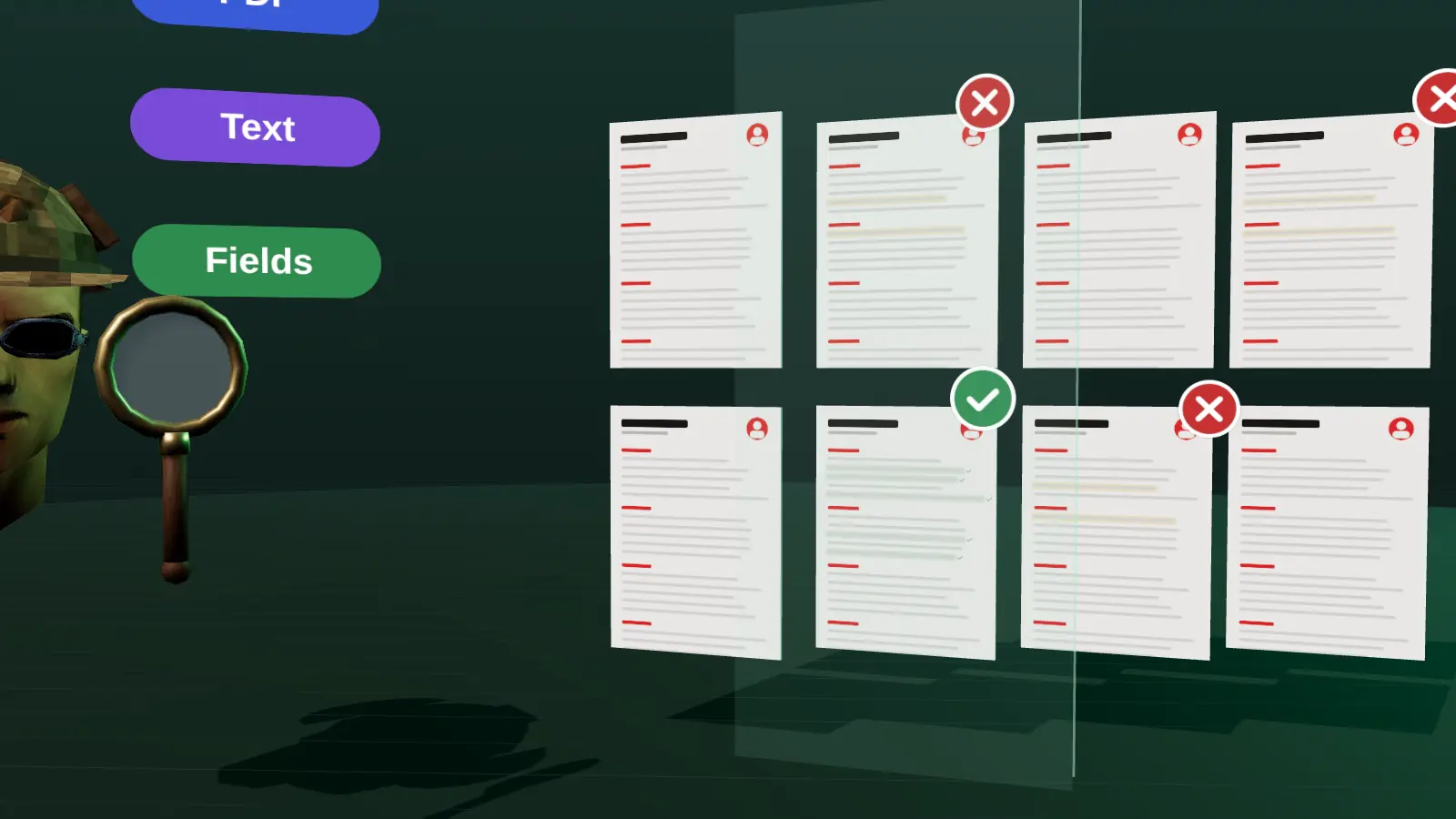
For each keyword, search your resume. Mark it as shown (clearly present with context), hidden (you did it but the resume uses other words or buries it) or missing (you have not done it).
Hidden keywords are the biggest opportunity: they cost nothing and are honest. If the vacancy says customer success and your resume says account care, use the term your future employer uses. If something is missing, do not add it. Consider whether a close, truthful equivalent exists, or whether a short project or course would make it true.
Step 4: place keywords where they carry weight
Position matters as much as presence. The best places, in order:
- Headline and summary: the first lines recruiters read.
- Bullets of your latest roles: keyword plus action plus result.
- Skills section: a clean list of tools and methods, grouped.
- Job titles: if the official title is vague, you can add a clarifying descriptor in brackets, such as Account Manager (SaaS customer success), when it is accurate.
The full placement guide is where to put keywords on a resume.
What not to do
Do not stuff a block of keywords at the bottom, hide terms in white text or list tools you cannot discuss. It reads as noise to a human, can be flagged by systems and falls apart in the interview.
- Repeating one term ten times does not help; once or twice in context is enough.
- Copying a whole job description into your resume makes it unreadable.
- Using an acronym only, or the long form only: include both once if recruiters might search either (Search engine optimisation (SEO)).
- Adding keywords for tools mentioned only as 'nice to have' when you have never used them.
A repeatable five-minute extraction method
- Copy the vacancy into a document.
- Highlight every noun phrase that names a skill, tool, method, certification or domain.
- Count repeats; terms used three or more times are priorities.
- Split the list into must-have (required, essential) and nice-to-have (preferred, a plus).
- Mark each term on your resume as shown, buried or absent.
Ten to fifteen terms usually carry the weight of the vacancy. The rest is context.
Hard skills, soft skills and phrases
| Type | Examples | How to handle |
|---|---|---|
| Hard skills and tools | SQL, Figma, Kubernetes | Show in bullets with results |
| Methods | A/B testing, Agile, MEDDIC | Name the method and outcome |
| Domain terms | fintech, B2B SaaS, retail | Mention in summary and role context |
| Soft skills | stakeholder management, mentoring | Prove with an example, not an adjective |
Spotting what the employer cares about most
Look at order and emphasis. Requirements near the top of the list and those repeated in responsibilities and requirements carry more weight. A tool named in the job title is critical. A phrase such as "must have" or "required" is a hard filter, while "familiarity with" is soft. Also note the verbs: "own", "lead" and "define" signal seniority, while "support" and "assist" signal a more junior scope.
Turning keywords into honest evidence
Weak: Skills: SQL, Python, stakeholder management.
Better: Wrote SQL and Python scripts to automate weekly reporting for 12 stores, presenting findings to regional managers and cutting preparation from 6 hours to 40 minutes.
The better line contains three keywords in context with a measurable result. See where to put keywords and the keyword scanner.
Automating the comparison
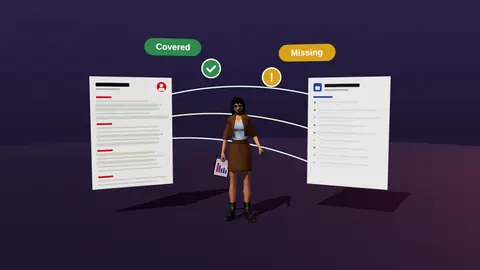
Doing this by hand for each application is slow. JobAny reads the vacancy, extracts its requirements and compares them with your resume, showing which are covered, hidden or missing, then suggests wording from your real experience. See resume analysis for a vacancy, or use the resume keyword scanner.
Check your resume against a real vacancy
Add your resume and a job link. JobAny shows which requirements are covered, what is missing, what a recruiter sees first and whether the file reads cleanly. Start costs $1, no subscription.
Frequently asked questions
How many keywords should a resume have?
There is no magic number. Cover the ten to fifteen most important terms of the vacancy honestly and in context.
Are keywords only for ATS?
No. Human recruiters skim for the same terms. Good keyword use helps both.
Should I use the exact words from the job posting?
Yes, when they accurately describe what you did. Mirror terms, not whole sentences.
Where can I find keywords if the posting is vague?
Look at several similar postings, the company's product pages and the team's public profiles to see which terms recur.
Do keywords go in a separate section?
A skills section is fine, but terms in your summary and bullets carry more weight because they come with evidence.
How many keywords should I use?
Cover the ten to fifteen most important ones that you can truthfully support.
Should I copy phrases exactly?
Match the term, not whole sentences.
Do synonyms count?
People understand synonyms; some searches look for exact terms, so use the vacancy's wording once where true.
Is keyword stuffing penalised?
It harms credibility with human readers and is easy to spot.
Keep reading