Resume analysis against a specific vacancy
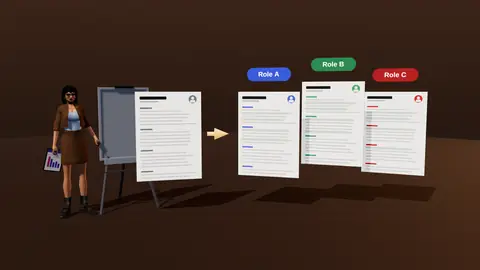
A generic resume score tells you little. What matters is how your resume fits one vacancy. JobAny reads the job description and your resume and shows where you match, where the evidence is buried and where it is missing, so you know exactly what to change before you apply.
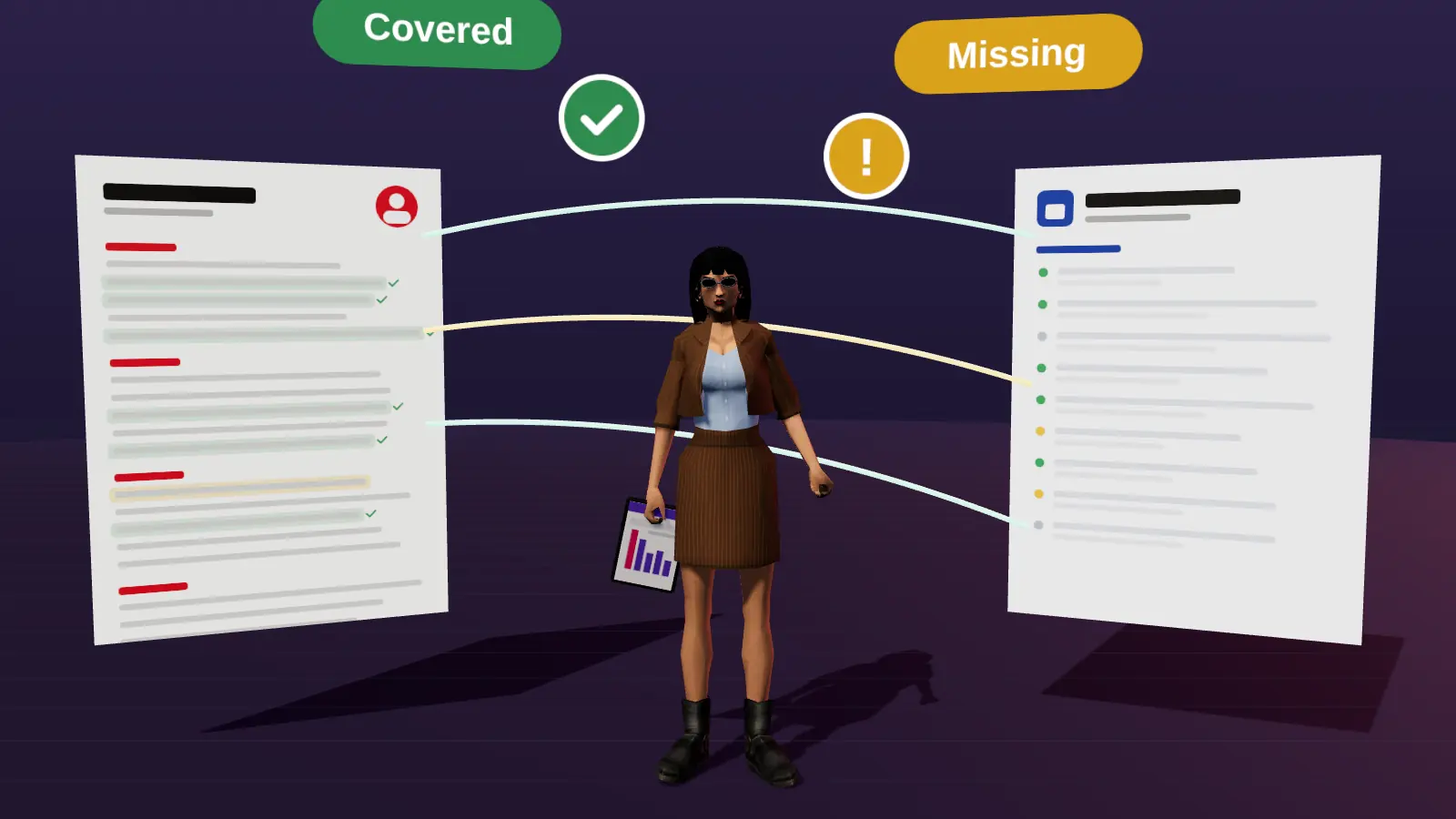
- Compares your resume to the actual vacancy, not a generic template.
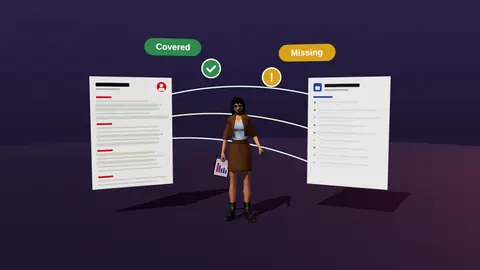
- Marks requirements as covered, hidden or missing.
- Shows what a recruiter sees in the first seconds.
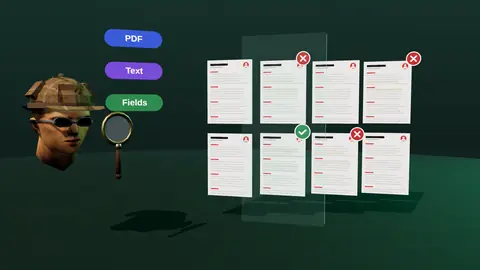
- Checks that the file reads cleanly for ATS parsers.
What the analysis shows
| Result | Meaning | What to do |
|---|---|---|
| Covered | A requirement is clearly shown on the resume | Keep and move higher if important |
| Hidden | You have the experience but it is buried or phrased differently | Move up and reword with the vacancy's term |
| Missing | No evidence on the resume | Add it if you truly have it; otherwise accept the gap |
How it works
- Paste or upload your resume and add the vacancy text.
- JobAny extracts the vacancy's requirements, tools and responsibilities.
- It checks each against your resume and marks the status.
- You see a prioritised list of changes and what the recruiter sees first.
- Apply the edits in the editor and re-check.
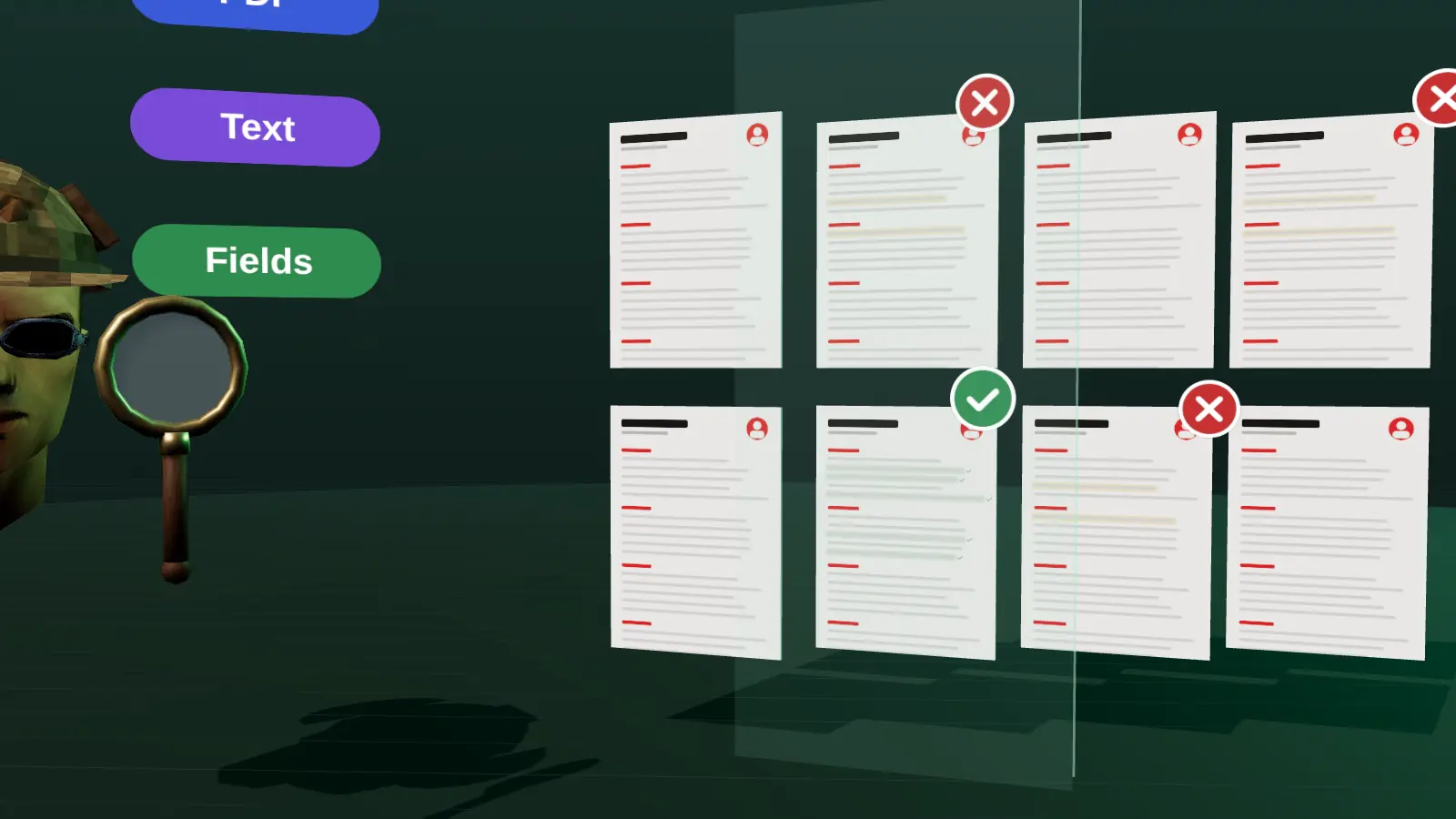
What you get
- Requirement-by-requirement coverage for this vacancy.
- A view of the first impression: headline, summary and top role.
- A readability check for ATS: layout, text extraction, dates, sections.
- Suggestions that stay truthful, based only on what you can support.
JobAny does not give a fake "ATS score" because no public single score exists across employers' systems. It shows concrete, fixable findings. Read more about that in how to check a resume for ATS.
Paste a job link, add your resume and get a requirement-by-requirement report.
A worked example
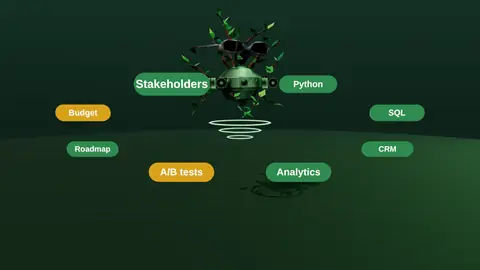
Vacancy: Product Analyst. Must-haves: SQL, A/B testing, dashboards, stakeholder communication. Resume: SQL listed in skills only; experiments described as "tested hypotheses"; dashboards built in Looker but mentioned in one old role.
| Requirement | Status | Fix |
|---|---|---|
| SQL | Hidden | Add SQL to two bullets with results |
| A/B testing | Hidden | Reword as A/B tests and move to the summary |
| Dashboards | Hidden | Move the Looker work to the top role |
| Stakeholder communication | Missing | Add an example only if true |
Three of four are hidden, not missing. That is typical: most resumes already contain the evidence, buried or phrased differently, and fixing that is quick.
How to read the result
- Mostly covered: apply; polish the top third and add a human route.
- Mostly hidden: a tailoring pass will likely lift your odds the most.
- Mostly missing: the role may be a stretch; consider adjacent roles or build proof first.
- Readability findings: fix them before anything else because they affect every application.
Tips for better results
- Paste the full vacancy text, including requirements and responsibilities.
- Use your master resume with all your experience, not a trimmed version.
- Re-run after each round of edits to see the change.
- Treat suggestions as prompts; add only what is true.
Scenarios where vacancy-based analysis pays off
You applied to twenty roles and got silence. The analysis shows whether the problem is match, wording or format, so you stop guessing. You are changing fields. It shows which of your skills map to the new vacancy's terms and which gaps are real. You are relocating. It helps you check whether local employers' wording differs from yours. You have a dream role. It tells you exactly what to strengthen before you apply, instead of sending a generic version.
Why the first ten seconds matter
Recruiters often scan a resume for only a few seconds before deciding to read on. The analysis includes a view of what a reader sees first: your headline, the first lines of the summary and the top of your most recent role. If those lines do not show the vacancy's main requirement, even strong experience lower down may be missed. Moving one proof point up can change how the rest of the page is read.
Limits you should know
- The analysis reads the text you provide; it cannot know what you did if it is not written down.
- It does not see the employer's private filters or the recruiter's preferences.
- It cannot guarantee interviews; it reduces avoidable misses.
- Suggested wording should always be checked against the facts.
Use it as a structured second opinion that is fast and consistent, then apply your own judgement.
How to read the three groups of findings
Covered means a requirement is shown with evidence, so leave it alone or move it higher if it is buried. Hidden means you probably have the experience but the page does not show it in the vacancy's terms; this is the cheapest group to fix because you only reword or reorder. Missing means the resume has no support at all. Decide for each missing item whether you truly have the skill but forgot it, can gain it quickly, or should accept the gap and apply anyway. Never claim a skill to close a gap.
Mistakes people make with analysis results
- Fixing everything at once instead of the top three issues.
- Copying vacancy phrases word for word, which reads as artificial.
- Ignoring the order of the page and only changing wording.
- Not re-running the analysis after the edit to confirm the improvement.
- Using the same output for a different vacancy.
Where this fits in the full JobAny workflow
A strong application is built in a sequence, and each step feeds the next. 1. Find roles with the job search agent or the channels in where to find jobs. 2. Read the vacancy properly using how to read a job description. 3. Analyse your resume against it with resume analysis. 4. Tailor the top of the page with resume tailoring. 5. Add a short cover note if it helps. 6. Find a warm route through warm intros. 7. Apply and log it in the tracker. 8. Follow up using follow-up methods. Skipping a step is fine when the role does not justify the effort, but knowing the sequence helps you decide where your time pays off most. Start with one role you genuinely want and run the whole path once; the second time it will take a fraction of the time.
Who it helps
- Job seekers applying to specific roles who want to know why replies are slow.
- Career changers who need to translate experience to a new vacancy.
- People applying abroad who need local expectations reflected.
- Anyone tailoring for several vacancies and wanting to save time.
Next, use resume tailoring to apply the changes faster, or compare with the analyzer vs ATS scanner explainer.
Try it on your own resume
Start costs $1 as a one-time payment, with no subscription. Add your resume and a vacancy link and see the result.
Frequently asked questions
Is the analysis based on my actual vacancy?
Yes. You add the vacancy text and the comparison is made against its requirements.
Does it give an ATS score?
No. It gives concrete findings about match and readability instead of a made-up number.
Does it change my resume automatically?
It suggests edits. You decide what to accept in the editor.
Can I analyse several vacancies?
Yes, run the analysis for each vacancy you are considering.
Is my resume private?
Your data is handled according to the privacy policy; see the privacy page.
How long does an analysis take?
Usually under a minute once the resume and vacancy are provided.
Can I analyse a vacancy in another language?
Match the vacancy language with your resume language for the best comparison.
What if the vacancy is vague?
Add what you know; the analysis works best with specific requirements.
Does it support Ukrainian and English vacancies?
Yes, use the language of the vacancy and write the resume in the same language where possible.
Can I save the analysis?
You can keep versions of your resume linked to each vacancy in your account.
How is this different from a keyword counter?
It checks meaning and evidence for each requirement, not just word frequency.
Keep reading