Does an ATS reject resumes? What really happens after you apply
Many people believe a robot throws away most resumes in seconds. The reality is less dramatic and more useful: some automatic filters exist, but the biggest reasons applications go nowhere are volume, weak match and screening answers. Here is how to tell which one hit you.
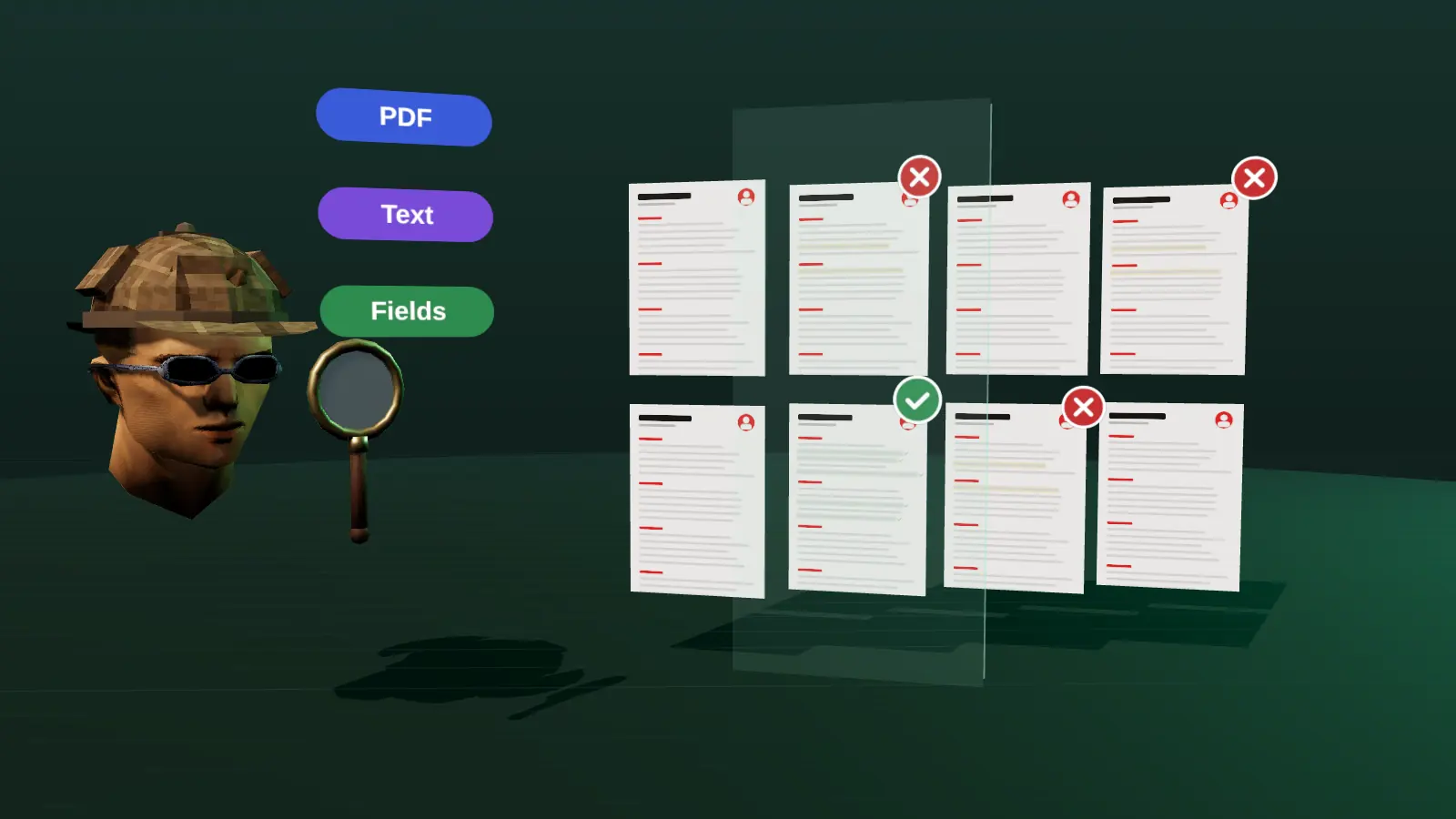
- Most ATS products store and show resumes; they do not auto-reject by secret score.
- Real automatic filters are knockout questions and rules the employer set.
- Volume and weak match explain most silence.
- Fix what you control: clean file, clear evidence, honest answers, a referral where possible.
What the system can and cannot do
An applicant tracking system can do automatic things, but only those the employer configures. The common ones are:
| Automatic feature | What it does | How you meet it |
|---|---|---|
| Knockout questions | Rejects or flags answers such as 'no work authorisation' or 'less than 3 years of required experience' | Answer honestly; apply where you qualify |
| Required-field rules | Blocks submission when fields are empty | Fill every required field |
| Location or availability filters | Hides candidates outside the area or start date | Check the posting's constraints |
| Match or ranking views | Sorts candidates by match to the vacancy (if enabled) | Show clear evidence for the main requirements |
| Duplicate detection | Flags repeat applications to the same role | Apply once per role and keep the file current |
What the system generally does not do is silently delete resumes because of fonts or formatting. Poor formatting hurts by making parsed data wrong, which makes you harder to find or compare.
Why most applications get no reply
When you hear nothing, the likely causes, roughly in order, are:
- Volume. Popular roles receive hundreds of applications, and recruiters open a fraction.
- Weak visible match. The resume does not clearly show the vacancy's main requirements in the first screen.
- Screening answers. Required questions about location, authorisation, salary or notice period did not fit.
- Timing. The role was filled, paused or reposted.
- Parsing problems. Layout caused wrong or missing fields.
Notice that only the last one is about formatting, and it is the easiest to fix. The rest are about relevance and positioning. See why am I not getting interviews? for a diagnosis list.
The hidden-keyword trick
Some advice online suggests pasting the job description in white text at the bottom of the resume. Don't. Parsers extract text regardless of colour, so a reviewer who opens the parsed view or selects the text sees it immediately. It can get you flagged or removed from consideration, and it does nothing for a human reader.
The honest version of the same idea is to use the employer's terms in context, next to results, in the summary and bullets. That works with software and with people.
Paste a job link, add your resume and get a requirement-by-requirement report.
What to do about it
- Make the file parse cleanly: single column, standard headings, real text.
- Put the vacancy's top requirements and your matching evidence in the first third of page one.
- Answer knockout questions truthfully and apply only where you pass them.
- Apply early; many reviews happen in the first days.
- Find a person: a referral or a short message to the recruiter often beats a perfect resume (how to ask).
- Track what you sent and the results so you can see which version works (tracking system).
Where the myth comes from
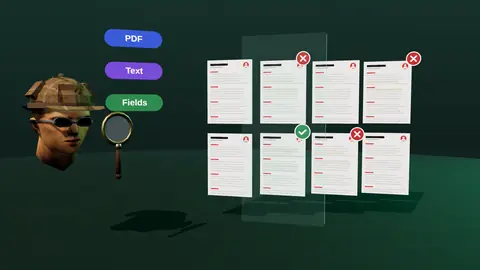
The idea that a robot throws out 75% of resumes spreads because it is simple and frightening, and because job seekers who hear nothing need an explanation. In reality most systems store every application and leave the decision to people. What does exist is a set of filters configured by recruiters: knockout questions, required fields, location and availability rules, and keyword searches. Those filters are blunt tools applied by humans, and they hurt candidates who give answers that do not fit the criteria or whose data was not captured.
The five real ways an application gets lost
- Parsing failure. Layout or file type means the system captured little or scrambled text.
- Knockout answers. A screening question about authorisation, location or notice period filters you out.
- Search miss. A recruiter searches for a term your resume expresses differently or not at all.
- Volume and timing. You applied late among hundreds, and the shortlist was formed early.
- Low relevance. A human reads the top and does not see the match.
Only the first is a pure machine problem, and it is preventable with a clean format. The others are about answers, wording and relevance, which you control.
What to do about each
| Cause | Action |
|---|---|
| Parsing | Single column, real text, standard headings, text PDF or DOCX |
| Knockouts | Read the questions first and apply only when you meet the hard requirements, answering truthfully |
| Search miss | Use the vacancy's terms where they are true and spell out abbreviations once |
| Timing | Set alerts and apply early |
| Relevance | Rewrite the top third for the vacancy (tailoring) |
What not to do
Do not hide keywords in white text, paste the whole job description at the bottom, or add skills you do not have. Modern systems and recruiters detect these tricks, and they destroy trust the moment a person reads the file. Do not rely on a magic score from an online tool either; see how to check a resume for ATS for tests that are actually informative.
How to check your own resume
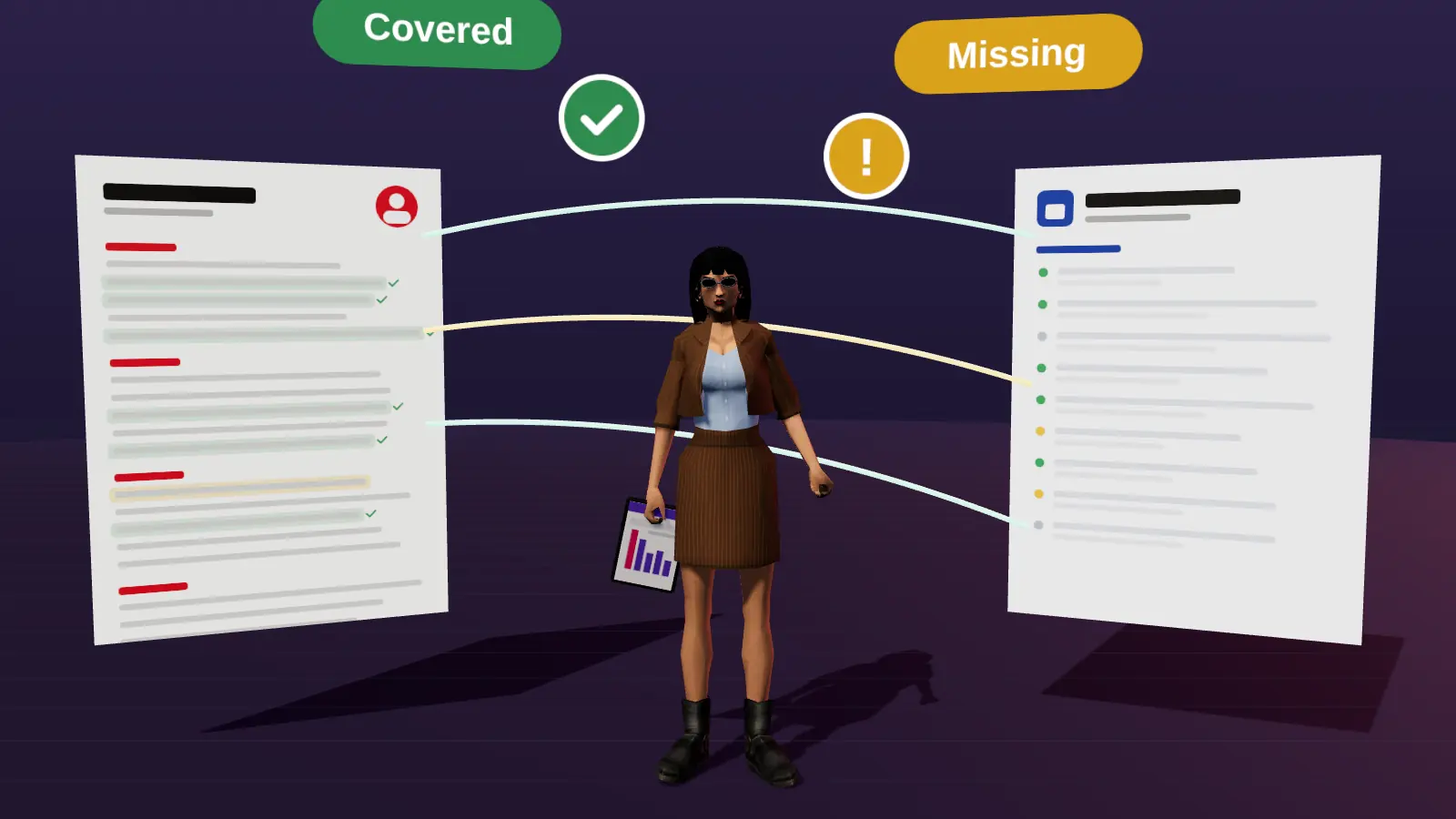
Copy-paste your PDF text into a plain editor to test readability, then compare the resume with the vacancy requirement by requirement. A tool can do the second part in a minute: JobAny's resume checker shows which requirements are covered, hidden or missing and what a recruiter sees first, based on the actual vacancy.
Check your resume against a real vacancy
Add your resume and a job link. JobAny shows which requirements are covered, what is missing, what a recruiter sees first and whether the file reads cleanly. Start costs $1, no subscription.
Frequently asked questions
Do ATS systems auto-reject resumes?
Only according to rules the employer sets, such as knockout questions or required fields. Most do not delete resumes based on a hidden score.
Can an ATS read my resume if it is a PDF?
Yes, if the PDF has real selectable text. Scanned images cannot be read.
Is it worth tailoring if a robot reads it first?
Yes. Tailoring helps both the search and the human who opens the application. It is the highest-value change you can make.
Do recruiters really search by keywords?
Many do, especially when filling roles from existing candidates. Using the vacancy's terms honestly makes you easier to find.
How long should I wait before assuming rejection?
Many processes take one to three weeks to first contact, some longer. A polite follow-up after a week or so is reasonable.
Is it true that 75% of resumes are rejected by robots?
This statistic is not supported by solid evidence. Most systems leave decisions to people, and filters are set by recruiters.
Can an ATS auto-reject me?
Some can reject on knockout questions if the employer configured that. It is based on answers, not on your resume's design.
Do keywords guarantee an interview?
No, but relevant terms help both search and human scanning.
What is the safest format?
A single-column text PDF or DOCX with standard headings.
Keep reading