What is an ATS? Applicant tracking systems explained
An ATS, or applicant tracking system, is software employers use to collect applications, store candidate data and move people through a hiring process. If you have ever applied through a company's careers page and then received an automated email, you have used one.
- An ATS is a recruiter's database and workflow tool, not a robot judge.
- It parses your file into fields so recruiters can search, filter and sort.
- Common systems include Greenhouse, Lever, Workday, Ashby and Taleo.
- Your job: be readable and be clearly relevant; do not chase myths.
The short definition
An applicant tracking system is a recruiting database with a workflow on top. It does four things:
- Collects applications from the careers page and job boards into one place.
- Parses and stores resumes as structured candidate records.
- Moves candidates through stages: applied, screening, interview, offer, hired or rejected.
- Supports collaboration: notes, scorecards, interview scheduling and email templates for the hiring team.
Because the system stores everything, recruiters can also search past applicants when a new role opens, which is why a clean, searchable resume keeps working for you after a first application.
How an ATS processes your resume
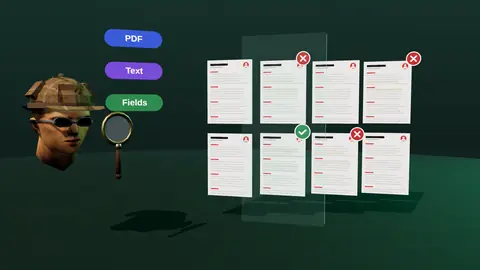
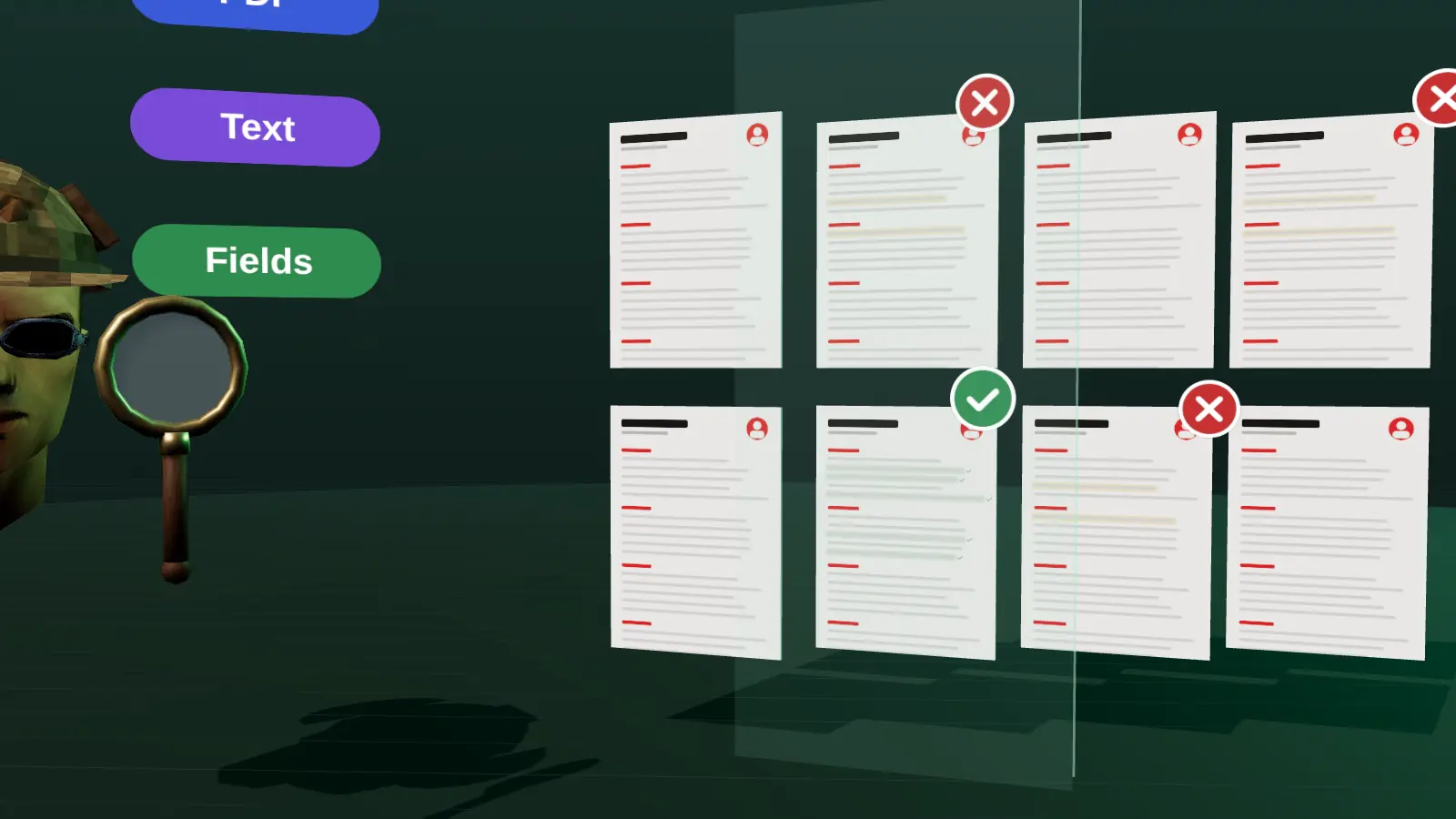
When you upload a file, a parser extracts the text and tries to recognise sections and fields. The common fields are name, email, phone, work history (title, employer, dates), education, skills and sometimes links. The recruiter sees the original document and the parsed profile side by side in most systems, and edits to the parsed data are possible.
This is why layout matters less than people fear but more than none: simple structure parses well, complex layouts can scramble fields. The ATS checker guide explains which layout elements cause problems and how to test your file.
How recruiters use it
Typical recruiter behaviour inside an ATS is much less mysterious than rumours suggest:
- Open the application and skim the resume and answers to screening questions.
- Filter lists by simple conditions: location, years in a role, work authorisation, a required skill.
- Search the candidate pool by keyword when a new vacancy opens.
- Rate candidates with a scorecard or tag them for the hiring manager.
- Send templates: acknowledgement, interview invitation, rejection.
Many systems include optional matching or ranking tools. Whether an employer enables them, and how, varies. A human still decides who to contact in nearly every process.
Paste a job link, add your resume and get a requirement-by-requirement report.
Common ATS products
You will meet these names in application URLs and confirmation emails: Greenhouse, Lever, Workday, Ashby, Taleo, SmartRecruiters, iCIMS, BambooHR and many regional or industry-specific systems. They differ in parsing quality and in the forms they show candidates, but the advice is the same for all: clean structure, standard headings, honest content that matches the vacancy.
Myths that waste your time
| Myth | Reality |
|---|---|
| Your resume is rejected by a robot in seconds | Most systems store and show applications to recruiters. Rejections come from filters you can meet or from recruiters comparing candidates. |
| You need exactly 100% keyword match | No one reaches or needs that. Clear evidence for the main requirements matters. |
| White hidden keywords beat the system | They are easy to detect, can disqualify you and do not help a human reader. |
| Fancy templates always fail | Some do, some parse fine. Simple templates are the low-risk choice. |
| A high ATS score guarantees an interview | No outside score reflects an employer's configuration or a recruiter's judgement. |
More detail in does an ATS reject resumes?
How an ATS actually processes your resume
When you submit a file, the system does three things. First it parses the document: it extracts text and tries to sort it into fields such as name, contact details, job titles, employers, dates, education and skills. Second it stores the result as a candidate record linked to the vacancy. Third it makes the record searchable and sortable for recruiters, who can filter by keyword, location, status or answers to screening questions.
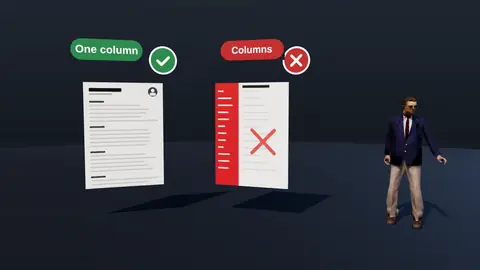
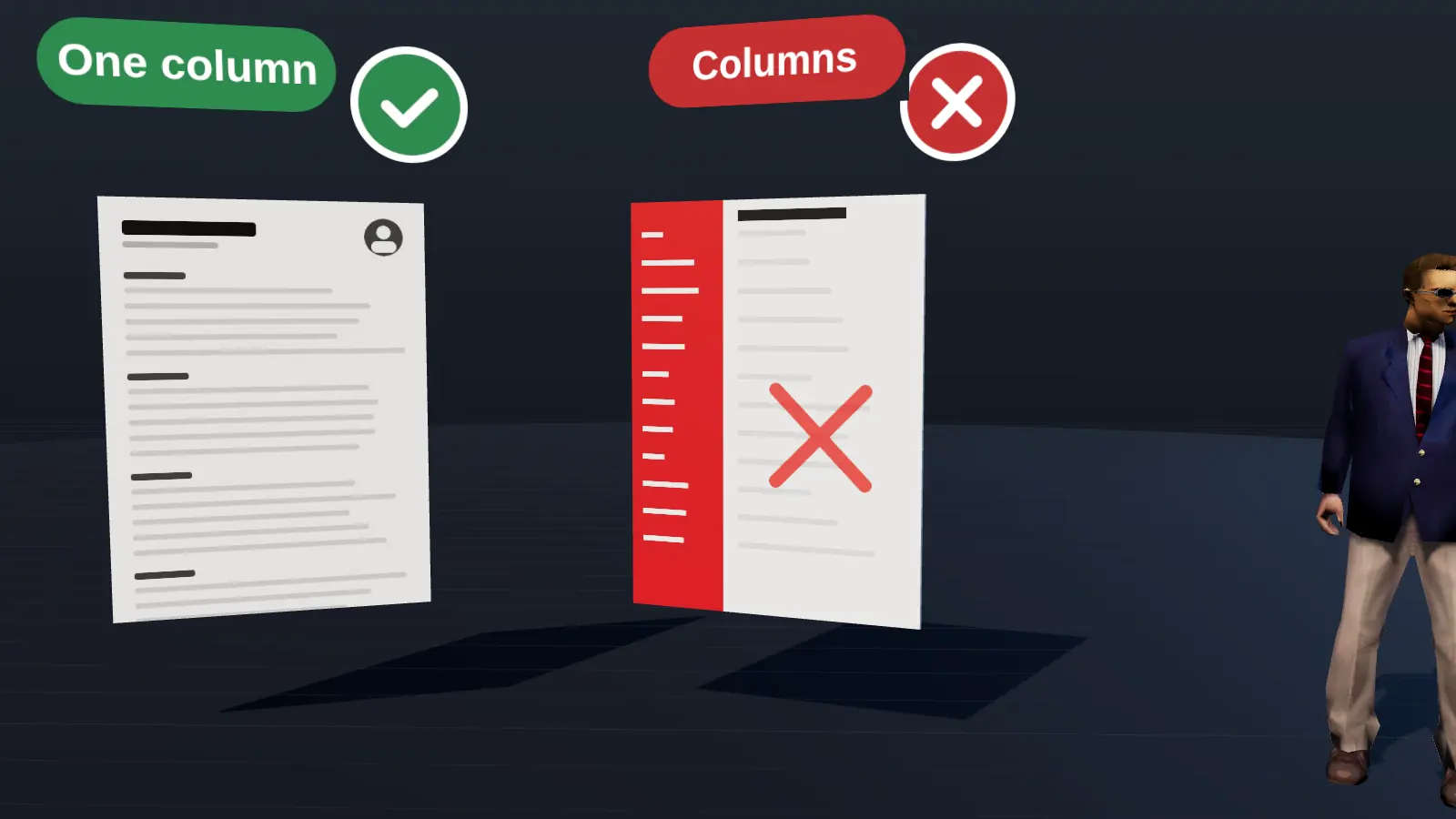
Parsing is where most avoidable damage happens. If a two-column layout makes the parser read across both columns, a job title can end up attached to the wrong employer and your dates can scramble. The recruiter then sees a messy record or searches for a term that the parser never captured. That is the real risk: not a robot rejecting you, but your data arriving garbled.
What recruiters really do inside the system
- Open the candidate list for a vacancy and sort by date or by the system's own ranking where one exists.
- Search for must-have terms such as a tool, a certification or a job title.
- Filter by knockout questions: work authorisation, location, notice period, salary range.
- Move candidates between stages: new, screened, interview, offer, rejected.
- Leave notes and share profiles with the hiring manager.
Most of these steps are human decisions supported by the software. Even where a system suggests a ranking, a person usually reviews the top of the list. Your goal is to make the record accurate and your relevance obvious in the first lines a person sees.
Common ATS platforms and what they share
Employers use many platforms, among them Greenhouse, Lever, Workday, Ashby, Taleo, SmartRecruiters, iCIMS and BambooHR. They differ in interface and settings, but they share the same basics: they accept PDF and DOCX, they parse text, and they depend on clean structure. You do not need a different resume for each platform. You need one resume that any parser can read: a single column, standard headings, real text, consistent dates.
| Feature | Why it matters to you |
|---|---|
| Resume parsing | Layout decides whether your data is captured correctly |
| Knockout questions | Answer honestly and read them before you apply |
| Keyword search | Use the vacancy's own terms where they are true |
| Stages and notes | A human is involved; clarity helps them |
A short pre-submission routine
Before every application: export a text PDF, select all text and paste it into a plain editor, and check that headings, dates and bullets appear in order. Compare the vacancy's top requirements with your top third. Answer screening questions truthfully. Then submit once, with the right version, and log it. This takes ten minutes and removes most of the technical risks this guide describes. For the full test see how to check a resume for ATS.
What you should actually do
- Use a single-column layout with standard headings and real text (see the format guide).
- Test the copy-paste order of your PDF.
- Read the vacancy and make sure your resume shows its main requirements in its own terms (tailoring).
- Answer screening questions truthfully; they are often the real filter.
- Where you can, get a referral: it moves your application to a human faster than formatting does (how).
Check your resume against a real vacancy
Add your resume and a job link. JobAny shows which requirements are covered, what is missing, what a recruiter sees first and whether the file reads cleanly. Start costs $1, no subscription.
Frequently asked questions
What does ATS stand for?
Applicant Tracking System.
Do all companies use an ATS?
Most mid-size and large employers do, and many small ones too, often built into a careers page or hiring platform.
Can an ATS read PDFs?
Yes, if the PDF contains real text. A PDF that is a scanned image cannot be read as text.
Is an ATS the same as a job board?
No. A job board advertises vacancies to candidates. An ATS is the employer's internal tool for handling applications.
Does the ATS decide who gets hired?
No. It organises information. People make the decisions, sometimes with help from ranking features the employer has switched on.
Do all companies use an ATS?
Most mid-size and large employers do, and many small ones use a lightweight version. Very small teams may just use email.
Can an ATS read PDFs?
Yes, if the PDF contains real text. Scanned or image-only PDFs cannot be read.
Is there a perfect ATS score?
No public universal score exists; what matters is clean parsing and relevant content.
Should I use the same resume for every ATS?
Use the same clean format, but tailor the content to each vacancy.
Keep reading