ATS resume checker: what applicant tracking systems actually read
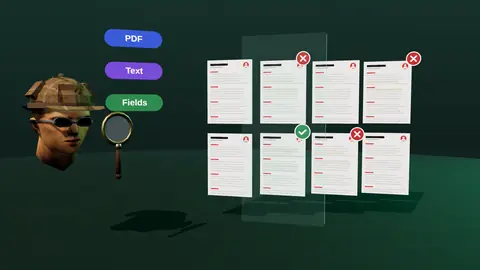
Most mid-size and large employers run applications through an applicant tracking system (ATS). It does not secretly reject you with a magic score, but it does parse your file into fields, and a recruiter then searches and filters those fields. If parsing breaks, you are hard to find. Here is what to check before you press apply.
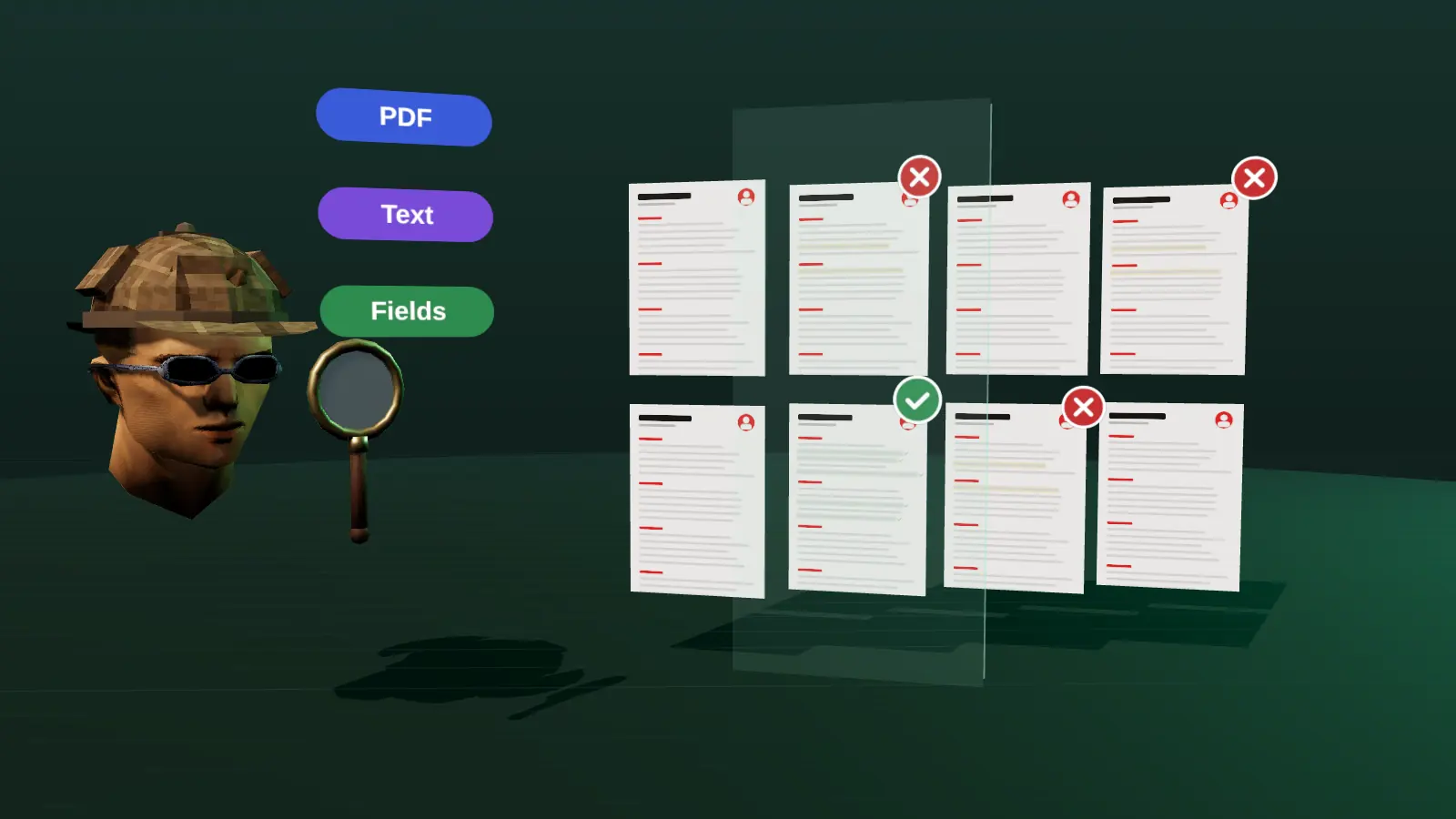
- An ATS parses your file into fields; recruiters then search and filter those fields.
- There is no universal ATS score. Readability and relevance are what you control.
- Test it yourself: copy the text out of your PDF and see if the order survives.
- The most useful check compares your resume with one specific vacancy.
What an ATS does with your resume
An ATS such as Greenhouse, Lever, Workday, Ashby or Taleo receives your file, extracts the text and tries to sort it into fields: name, contact details, job titles, employers, dates, education and skills. It stores the application, moves it through stages (screening, interview, offer) and lets recruiters search and sort.
Recruiters typically use it in three ways: they read applications in the order received, they filter by simple criteria (location, work authorisation, a required skill) and they run keyword searches such as Python AND payments across stored candidates. Some systems add ranking or "match" features. Those are configured by each employer and differ between products, so a single universal number does not exist.
Is there really an ATS score?
Not a universal one. Different systems parse differently, different employers configure them differently and many recruiters never look at any automatic ranking. Online tools that show a precise "ATS score" are estimating against their own rules. That can still be useful as a quality signal (is the file readable, are the standard sections present), but treat the number as a hint, not a verdict.
If a tool promises that a high score guarantees interviews, be sceptical. No outside tool can know how a specific employer has configured their system.
What you can control is reliable: whether the file parses cleanly and whether it clearly shows what this vacancy asks for. For the misconceptions, read does an ATS reject resumes?
Seven things that break parsing
- Text inside images. A resume exported as a picture, or with the experience section rendered as a graphic, has no text to read.
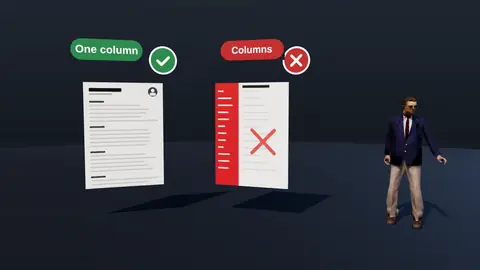
- Multi-column layouts and text boxes. Some parsers read across the page and mix up your jobs and your skills.
- Tables used for layout. Dates and titles end up in the wrong field.
- Icons and skill bars instead of words. A phone icon followed by digits is fine; a skills section made of coloured bars carries no readable information.
- Contact details in the page header or footer. Some systems skip those regions.
- Creative section names. "My journey" will not be recognised as work experience. Use Experience, Education, Skills.
- Odd fonts or broken encoding. If you cannot select and copy the text from the PDF, a machine cannot either.
The same list, with fixes, is in the ATS-friendly resume format guide.
Paste a job link, add your resume and get a requirement-by-requirement report.
A two-minute manual test
- Open your PDF and select all text (Ctrl+A or Cmd+A), then copy it.
- Paste it into a plain text editor such as Notepad or TextEdit.
- Read it top to bottom. Your name and contacts should come first, then jobs in order with title, company and dates together, then education and skills.
- If the order is jumbled, characters are missing, or words are glued together, fix the layout and export again.
This free check catches most parsing failures. It does not tell you whether the content matches a vacancy, which is the second half of the job.
The check that matters more: match with the vacancy
A readable file is necessary. It is not enough. Recruiters search and screen by the content of the vacancy: required tools, years, domain, scope, seniority. A resume can parse perfectly and still not show any of them.
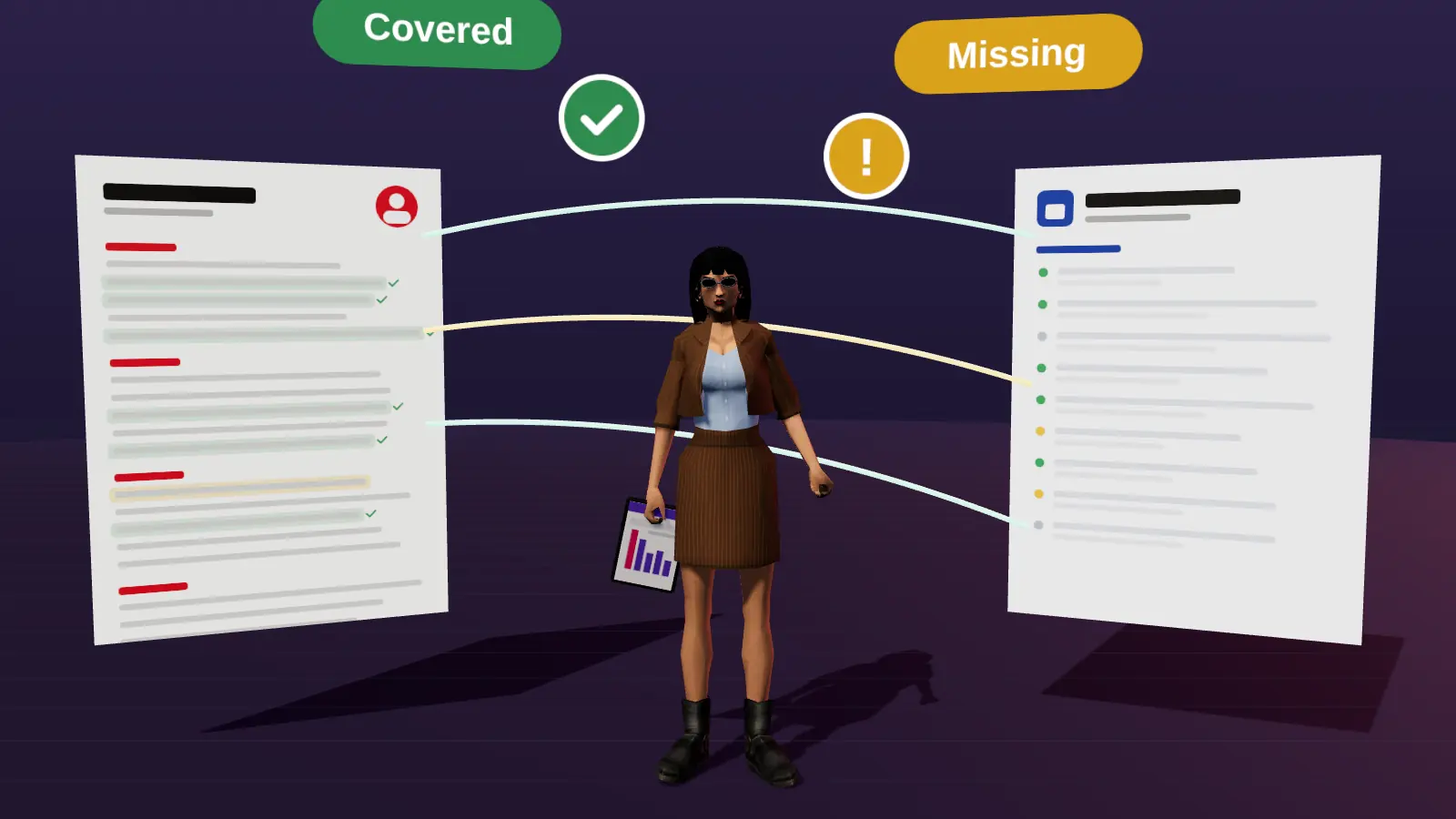
So the useful question is: for this specific vacancy, which requirements does my resume cover clearly, which ones are hidden in different words, and which are genuinely missing? Answering it takes the requirement-by-requirement method described in how to tailor your resume, or a tool that does the comparison for you.
What a good ATS check should show you
- Whether text can be extracted and in what order (a readability check).
- Whether standard sections are present and recognisable.
- Which requirements from this vacancy are covered, which are hidden and which are missing.
- What a recruiter sees first when the page opens.
- Concrete rewrites based on your real experience, not generated claims.
JobAny's analysis covers these points against a real vacancy. See the online resume checker or compare the approaches in resume analyzer vs ATS scanner.
A step-by-step manual ATS test you can do in ten minutes
- Export your resume as PDF (and DOCX if you plan to send it).
- Open the PDF, press select all and copy.
- Paste into a plain text editor such as Notepad or TextEdit in plain mode.
- Read the pasted text from top to bottom. Is your name first, then contact details, then sections in the right order?
- Check each job: title, employer and dates should sit together.
- Look for missing or odd characters: icons, bullets replaced by symbols, merged words.
If the pasted text is in order, most parsers will read the file properly. If words are shuffled, a column, table or text box is the likely cause.
What each failure usually means
| Symptom in pasted text | Likely cause | Fix |
|---|---|---|
| Lines from two columns interleave | Two-column layout | Convert to one column |
| Nothing pastes | Scanned or image PDF | Export a text PDF from the source file |
| Dates detached from jobs | Table or tab layout | Put dates on the same line as the title |
| Contact details missing | Stored in header or footer | Move into the page body |
| Strange symbols | Custom icon fonts | Use plain text labels |
Checking match, not just format
A readable file is only half the job. Take the vacancy and list its five most important requirements. Mark each one as visible, buried or absent on your resume. Visible means a recruiter sees it in the top third; buried means it is on the resume but hard to find; absent means no evidence. Then decide: surface the buried ones, add true evidence for absent ones where possible, or accept that the role is a stretch. A tool that automates this comparison, such as JobAny's vacancy analysis, saves time, but the logic is the same.
How to read an online checker's result
- Prefer findings with reasons over a single score.
- Ignore advice to add keywords you cannot support.
- Treat layout warnings seriously; they affect every application.
- Re-check after each change.
For how to evaluate tools, see how to choose a resume checker.
Common questions about ATS and resumes
Does a PDF or Word file parse better?
Both work when they contain real text. A PDF keeps layout stable; DOCX is sometimes requested because it is easy to parse. Follow the employer's instruction if there is one. More in PDF or DOCX.
Do I need to repeat keywords many times?
No. Use each important term where it is true and in context, usually once or twice. Stuffing reads badly and does not help. See how to find the right keywords.
Should I apply through the company site or a job board?
Either enters an ATS. The company site is often the most direct. Where a recruiter or employee can refer you, that path can beat any formatting trick (how to ask for a referral).
Check your resume against a real vacancy
Add your resume and a job link. JobAny shows which requirements are covered, what is missing, what a recruiter sees first and whether the file reads cleanly. Start costs $1, no subscription.
Frequently asked questions
What is an ATS resume checker?
A tool that tests whether your resume can be parsed cleanly and, in better tools, how it matches a specific vacancy. It estimates; it cannot see an employer's private configuration.
What ATS score do I need?
There is no universal passing score. Aim for a readable file and clear evidence for the vacancy's main requirements.
Do ATS systems automatically reject resumes?
Most do not auto-reject by a hidden score. Employers can set knockout questions (for example work authorisation) and filters, and recruiters decide what they open.
Can I check my resume for free?
The copy-and-paste text test is free and catches most parsing problems. Matching against a vacancy needs either manual work or a tool.
Which format is best for ATS?
A text-based PDF with a single column and standard headings, or DOCX if the employer asks for it.
Why was my resume parsed wrongly?
Usually columns, tables, text boxes, icons or header and footer content. Simplify the layout and export again.
How can I check my resume for ATS for free?
Do the copy-paste test described above and compare your top third with the vacancy.
Is a PDF or DOCX better for ATS?
Both work if they contain real text. See the PDF vs DOCX guide.
What fonts are safe?
Standard fonts such as Arial, Calibri or Helvetica.
Do headings matter?
Yes; use standard ones such as Experience, Education and Skills.
Keep reading