PDF or DOCX for a resume: which format to send
Short answer: send a text-based PDF unless the employer asks for Word. The longer answer is worth knowing because the wrong choice can scramble your layout or make recruiters' lives harder. Here is how to pick and how to name and check the file.
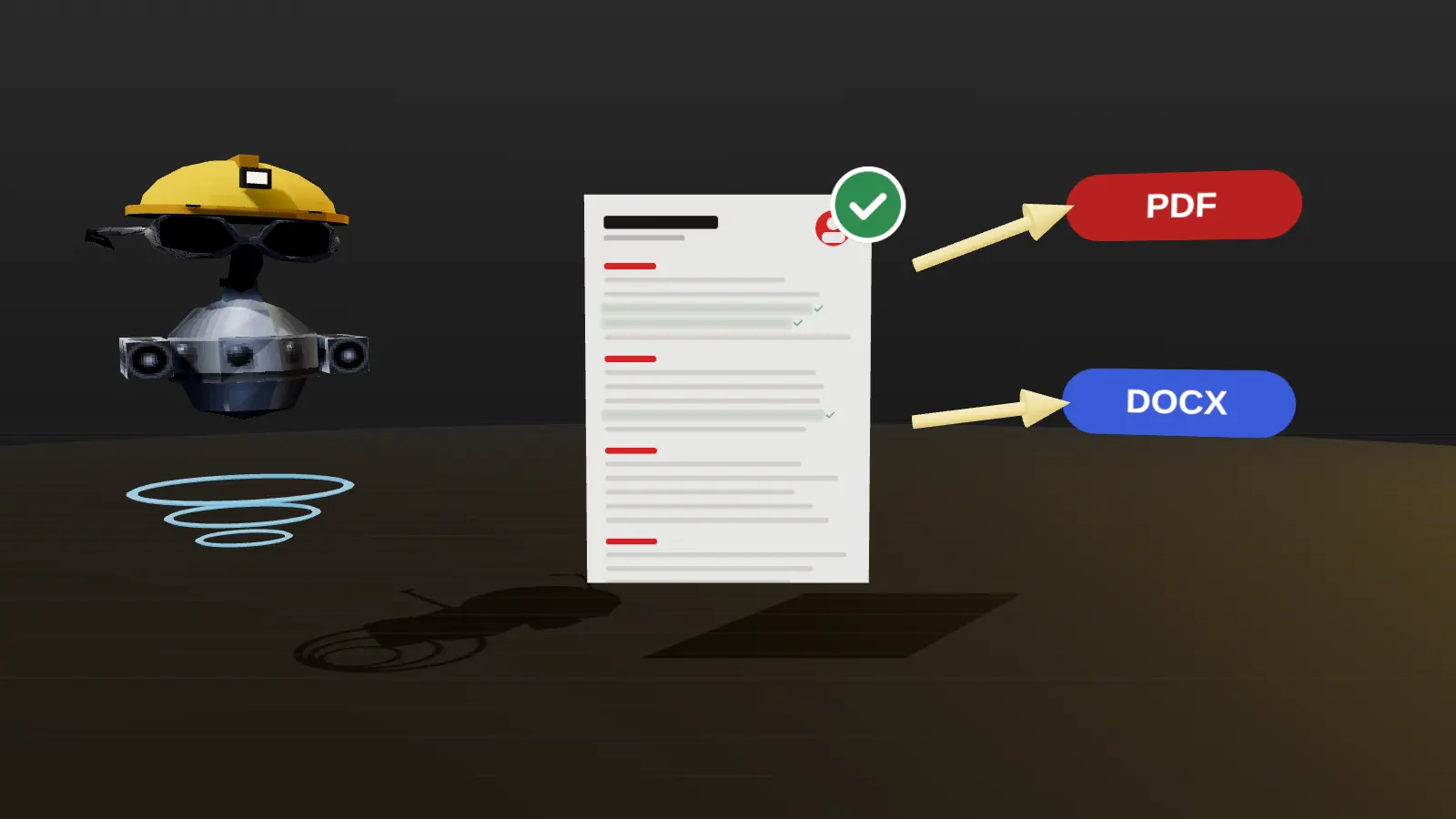
- Default to a text-based PDF; follow the posting if it asks for DOCX.
- Never send a scanned or image-only PDF.
- Name the file with your name and role.
- Always test that the text can be selected and copied in order.
Quick comparison
| DOCX | ||
|---|---|---|
| Layout stays the same on every device | Yes | Usually, but fonts and spacing can shift |
| Parsed by most ATS | Yes, if text-based | Yes, widely |
| Easy for a recruiter to edit | No | Yes |
| Risk of broken formatting | Low | Medium (fonts, compatibility) |
| Risk of being an image | Yes, if scanned or exported as a picture | Low |
| Metadata exposure | Check author and title fields | Check tracked changes, comments |
When to send PDF
Default to PDF when the posting does not say. It preserves what you designed, opens the same everywhere and cannot be accidentally edited. Make sure it is generated from your editor (Word, Google Docs, JobAny), not printed to an image or scanned.
When to send DOCX
Send Word when the employer or recruiter asks for it, or when the upload form only accepts .doc or .docx. Some recruiting agencies prefer it because they reformat resumes for clients. Before sending, check that fonts are standard, that there are no tracked changes or comments, and that the layout is simple.
Paste a job link, add your resume and get a requirement-by-requirement report.
Three file mistakes to avoid
- Scanned or image PDF. It looks fine and has no text. Test by selecting text.
- Leftover tracked changes and comments in a DOCX that reveal earlier drafts or notes. Accept all changes and delete comments.
- Generic file names like
resume.pdforresume-final-v7.pdf. UseFirstname-Lastname-Role.pdf.
Why PDF is the default
A PDF preserves your layout on any device, fonts included, so what you designed is what the recruiter sees. A well-made text PDF is also readable by parsers. Because the document cannot be accidentally reflowed, you avoid problems such as a page break landing in the middle of a role or a missing font replacing yours. For most applications, especially by email or through portals that accept PDF, it is the safe choice.
When DOCX is better
- The posting or portal explicitly asks for Word.
- A recruiter or agency may need to edit the document, add notes or reformat it for a client.
- An older system handles Word better than PDF.
- You are asked to submit an editable file for a government or institutional process.
When in doubt, follow the instruction in the vacancy. If it says nothing, send a PDF.
Comparison table
| Criterion | DOCX | |
|---|---|---|
| Layout stability | High | Can shift between versions of Word or other editors |
| Parsing | Good if it is a text PDF | Good with simple styles |
| Editable by recruiter | No | Yes |
| Risk | Image-only exports are unreadable | Heavy formatting or macros may break |
Pitfalls with each format
PDF: printing to image, scanning a paper copy, or exporting from a design tool that flattens text. Always run the copy-paste test. DOCX: custom fonts missing on the other computer, text boxes and tables that float, tracked changes or comments left in the file, and a document title in the properties that shows an old name. Clean the file before sending.
File name and metadata
Name the file Firstname-Lastname-Role.pdf. Remove old comments, check document properties for an old author or title, and keep a copy of the exact version you sent for each application. If you use a tailored version, label it in your tracker (how to track). To produce a clean file in one step see PDF and DOCX export.
Next steps after reading this guide
Apply what you just read to one real resume rather than keeping it as theory. Open your current file, pick the single change from this guide that would help most, and make it today. Then check the result against a real vacancy with resume analysis and keep the improved version as your new master. If you are still deciding what to prioritise, read common resume mistakes and how to quantify achievements, which fix most weak resumes. When you are ready to send, run the readability test from ATS-friendly format, and log the application in your tracker so you remember to follow up. Small, consistent improvements beat one large rewrite: change one thing, send, observe the replies, then change the next.
Steps to export and check
- Finish the content and tailor it to the vacancy.
- Export or save as PDF from your editor (do not print a screenshot).
- Open the PDF, select all, copy and paste into a plain text editor to check the order.
- Check page count and that no line splits awkwardly across pages.
- Name the file and attach it. Keep a copy of exactly what you sent.
JobAny exports from the resume editor as clean PDF and DOCX; see PDF and DOCX export. More on layout in the ATS-friendly format guide.
Check your resume against a real vacancy
Add your resume and a job link. JobAny shows which requirements are covered, what is missing, what a recruiter sees first and whether the file reads cleanly. Start costs $1, no subscription.
Frequently asked questions
Is PDF better than Word for ATS?
Neither is categorically better. Both parse when they contain real text. PDF protects layout, DOCX is sometimes preferred by recruiters.
Can an ATS read a PDF?
Yes, if the text is selectable. Scanned images cannot be read.
What if the portal rejects my PDF?
Try DOCX, or re-export the PDF from the original editor. Some portals have size limits; keep the file under a few MB.
Should I send a Google Docs link instead?
No, upload a file. Links can break, need permissions and are not stored in the ATS.
What file name should I use?
Firstname-Lastname-Role.pdf, for example Anna-Kovalenko-Marketing-Analyst.pdf.
Is PDF or DOCX better for ATS?
Both work if they contain real text. PDF is the safe default; DOCX when requested.
Can I send both?
Only if asked. One clear file is better than two.
What about Google Docs?
Export to PDF or DOCX and check the result.
Do I need to password-protect the PDF?
No; it can block parsers.
Keep reading