Common resume mistakes and how to fix them
Most resumes lose attention for the same handful of reasons. None of them is about talent: they are about presentation and fit. Use this list as a pre-send audit. Fix what applies and the resume gets noticeably better in an hour.
- Fix content first (results, relevance), then format and typos.
- One page of focused evidence beats three of duties.
- Test the PDF text and read it aloud once.
- Send a tailored version, not the generic master.
Content mistakes
| Mistake | Why it hurts | Fix |
|---|---|---|
| 1. Duties instead of results | Tells what the job was, not what you did | Use action + method + result; see quantifying |
| 2. Generic summary | Says nothing about this role | Write 2 to 3 lines aimed at the vacancy (examples) |
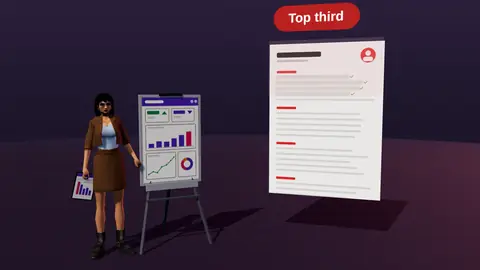
| 3. Not tailored to the vacancy | The match is invisible | Rewrite the top third (how) |
| 4. Irrelevant detail | Dilutes the strong parts | Cut old or unrelated roles and hobbies |
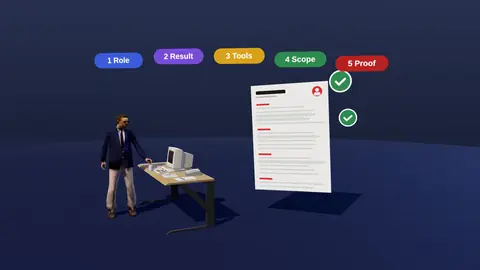
| 5. Too many buzzwords | Empty adjectives are ignored | Replace with specifics and numbers |
| 6. Overstating or lying | Fails verification and interviews | State what you can defend |
Format mistakes
| Mistake | Why it hurts | Fix |
|---|---|---|
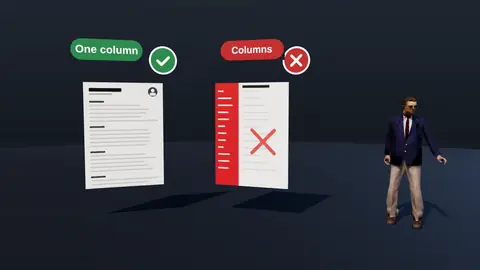
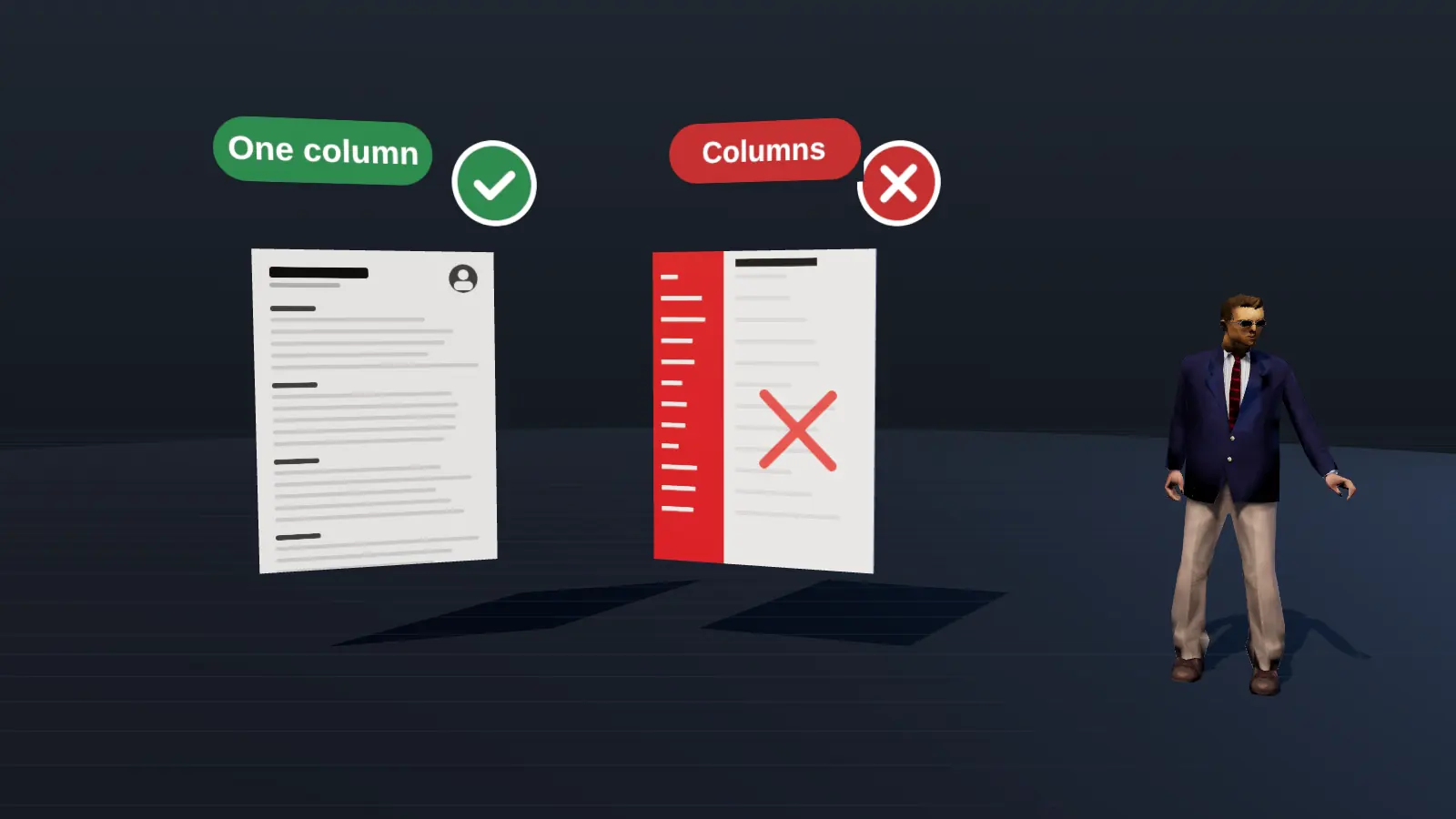
| 7. Columns, tables, icons | Parsers scramble order | Single column, real text (format) |
| 8. Tiny fonts or no white space | Hard to scan | 10 to 12 pt with clear spacing |
| 9. Inconsistent dates and styles | Looks careless and breaks parsing | One date format and consistent bullets |
| 10. Contact details in header or footer | Some systems skip them | Put them in the page body |
| 11. Scanned or image PDF | No readable text | Export a text PDF |
| 12. Weird file name | Looks careless, hard to find | Firstname-Lastname-Role.pdf |
Polish mistakes
| Mistake | Why it hurts | Fix |
|---|---|---|
| 13. Typos and grammar errors | Signals low attention to detail | Read aloud; use a spell checker; ask a friend |
| 14. Unprofessional email | Hurts first impression | firstname.lastname@ with a standard provider |
| 15. Wrong length | Padded or too thin | One page to about ten years, two for senior (pages) |
Paste a job link, add your resume and get a requirement-by-requirement report.
The mistakes recruiters mention most
When recruiters describe what makes them stop reading, the same themes recur: no clear role or target in the first lines, duties instead of results, dense walls of text, missing or inconsistent dates, and typos. Fixing these five already puts you ahead of many applicants. Treat them as the first pass before refining style.
Mistakes by career stage
| Stage | Typical mistake | Fix |
|---|---|---|
| Student | Listing only coursework | Add projects with results |
| Mid-level | Duties without metrics | Quantify outcomes |
| Senior | Four pages of history | Two pages focused on the last decade and scope |
| Career changer | Old role language | Translate to the new field |
Mistakes in the application, not the document
- Sending the same resume to every vacancy.
- Ignoring knockout questions.
- Applying with a wrong company name in the cover letter.
- Using a personal-looking email address or an old LinkedIn link.
- Never following up.
A before and after bullet
Before: Responsible for email marketing campaigns.
After: Ran weekly email campaigns for 80k subscribers, testing subject lines and lifting click-through from 2.1% to 3.4% in four months.
For deeper dives see quantifying achievements and what to include.
Next steps after reading this guide
Apply what you just read to one real resume rather than keeping it as theory. Open your current file, pick the single change from this guide that would help most, and make it today. Then check the result against a real vacancy with resume analysis and keep the improved version as your new master. If you are still deciding what to prioritise, read common resume mistakes and how to quantify achievements, which fix most weak resumes. When you are ready to send, run the readability test from ATS-friendly format, and log the application in your tracker so you remember to follow up. Small, consistent improvements beat one large rewrite: change one thing, send, observe the replies, then change the next.
A 20-minute audit
- Read the top third of page one. Does it say your role, level and strongest result?
- Count bullets with a result. Target at least half in recent roles.
- Compare with the vacancy: top five requirements visible?
- Select all text in the PDF and paste into a plain editor: order correct?
- Read it aloud once to catch typos and clunky lines.
- Check file name, length and date consistency.
For a requirement-by-requirement comparison with a real vacancy, JobAny's analysis shows what is covered, hidden or missing.
Check your resume against a real vacancy
Add your resume and a job link. JobAny shows which requirements are covered, what is missing, what a recruiter sees first and whether the file reads cleanly. Start costs $1, no subscription.
Frequently asked questions
What is the biggest resume mistake?
Listing duties without results and not tailoring to the vacancy. Both hide the match.
Do typos really matter?
Yes. They are an easy reason to drop an application when many are similar.
Is it bad to use a template?
No, if it is single-column and plain. Avoid templates with graphics, sidebars and skill bars.
How do I know if my resume is good?
Ask someone to read the top third and tell you your role and strongest result; run a text check; compare with a real vacancy.
Should I include references?
Not on the resume. Provide them when asked.
Is it a mistake to use a photo?
In the US and UK it is unusual; in some European markets it is optional.
Are hobbies a mistake?
Only if irrelevant or long; one short line can humanise.
Is a one-page resume always best?
Not always; two pages suit senior profiles.
Do I need a different resume per job?
A tailored top third at least.
Keep reading