How to make a resume: a step-by-step guide
A resume has one job: to get you a conversation. It is read in seconds first and in detail later, so it has to be easy to scan and easy for software to parse. This guide walks through the whole build in order, with examples you can copy the shape of.
- Collect facts first (roles, dates, numbers), then write.
- Use reverse-chronological order with standard headings unless you have a strong reason not to.
- Every bullet should say what you did and what changed because of it.
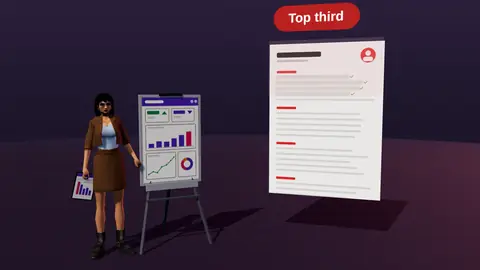
- Tailor the top third of page one to each vacancy, then export a clean text PDF.
Before you write: collect the raw material
Most weak resumes are weak because the writer started with sentences instead of facts. Spend fifteen minutes building a plain list first. For each job, school or project write down:
- the exact job title, company, city and start and end months
- three to six things you were responsible for
- numbers that moved: revenue, tickets closed, hours saved, users, budget, team size, deadlines met
- tools and methods you used (software, languages, frameworks, processes)
- anything you were trusted with beyond the job description: training a newcomer, owning a launch, fixing a broken process
You will not use all of it. The list is a quarry: you cut the best pieces for each application. If you struggle to find numbers, estimate honestly and mark them as approximate in your notes, then use the form you can defend in an interview ("about 40 tickets a week", not "hundreds").
Step 1: choose the structure
For most people the right choice is reverse chronological: header, summary, experience (latest first), education, skills and extras. Recruiters and applicant tracking systems expect this order, and it makes your most recent and relevant work the first thing read.
Other structures exist, but they trade readability for a specific benefit:
| Structure | Use it when | Risk |
|---|---|---|
| Reverse chronological | You have a clear work history in or near the target field | Highlights gaps if you have them |
| Hybrid (skills block, then history) | You are changing field and want skills visible early | A long skills block pushes jobs down the page |
| Functional (skills only) | Almost never | Recruiters distrust it and parsers cannot place the skills in a job |
If you are moving between fields, read the guide on resumes for a career change: it keeps the standard order and changes what you emphasise.
Step 2: header and contact details
Keep the header boring and complete: full name, city and country (a street address is not needed), a phone number that you answer, a professional email address, and one link, usually your LinkedIn profile or a portfolio. Put this in the body of the page, not in the Word header area, because some systems skip header and footer regions.
Photo, date of birth and marital status are not expected in most English-speaking markets and can invite bias, so leave them out unless the country or employer clearly expects them. Local conventions differ, and the guides on resumes for jobs in Italy and resume vs CV cover the main differences.
Paste a job link, add your resume and get a requirement-by-requirement report.
Step 3: write a three-line summary
The summary is the first thing under your name, so it should answer one question: why are you a fit for this kind of role? A formula that works: role + years or scope + two or three strengths that match the vacancy + one proof point.
Motivated professional seeking a challenging position in a dynamic company where I can grow.
Marketing analyst with 5 years in B2B SaaS. Build attribution reports in SQL and Looker and run A/B tests on landing pages. Raised trial-to-paid conversion from 9% to 14% in 2024.
More patterns and ten worked examples are in resume summary examples.
Step 4: describe each job with results
This is the part that decides the outcome. A bullet that lists a duty tells the reader what the job was. A bullet that states a result tells them what you were like in it. Use this shape: action verb + what you did + how (tool or method) + result.
Responsible for customer support emails and chats.
Answered 60+ customer chats a day in Zendesk with a 94% satisfaction score; wrote 12 help-center articles that cut repeat questions about billing.
Worked on the company website.
Rebuilt the pricing page in Webflow and tested three layouts; the winning version lifted sign-ups by 18% over six weeks.
Keep three to six bullets per recent role and one to three for older ones. Start each with a different strong verb (here is a list grouped by type of achievement) and use numbers wherever they exist.
No metrics in your job? Use scale (team of 8, 120 clients, 15 releases a quarter), speed (reduced turnaround from five days to two) or quality (zero missed deadlines in a year). Anything a reader can picture counts.
Step 5: skills, education and extras
List skills the vacancy actually asks for and you actually have, grouped by type (for example Tools: Figma, Jira. Languages: English C1, Italian B2). Avoid skill bars and star ratings: they carry no information for software and little for people. See what to put in the skills section.
Education goes below experience once you have a few years of work, above it if you are a student or recent graduate. Add certificates, short courses, publications or open-source work only when they support the target role. Two or three relevant extras beat ten loosely related ones.
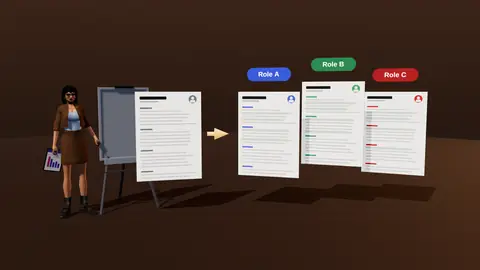
Step 6: tailor it to the vacancy
A generic resume competes with every other generic resume. Before you send it, read the job description, mark the five to eight requirements that matter most, and make sure the top third of page one (headline, summary, first role) shows the matching evidence in the vacancy's own words. Do not claim anything you cannot back up; reorder and rephrase real experience instead. The full method is in how to tailor your resume to a job description.
Step 7: format, check and export
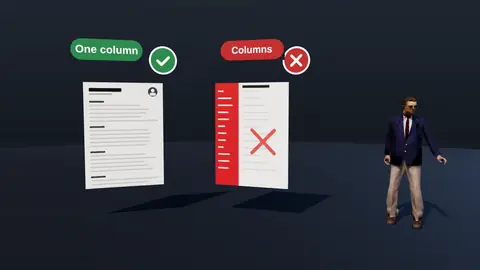
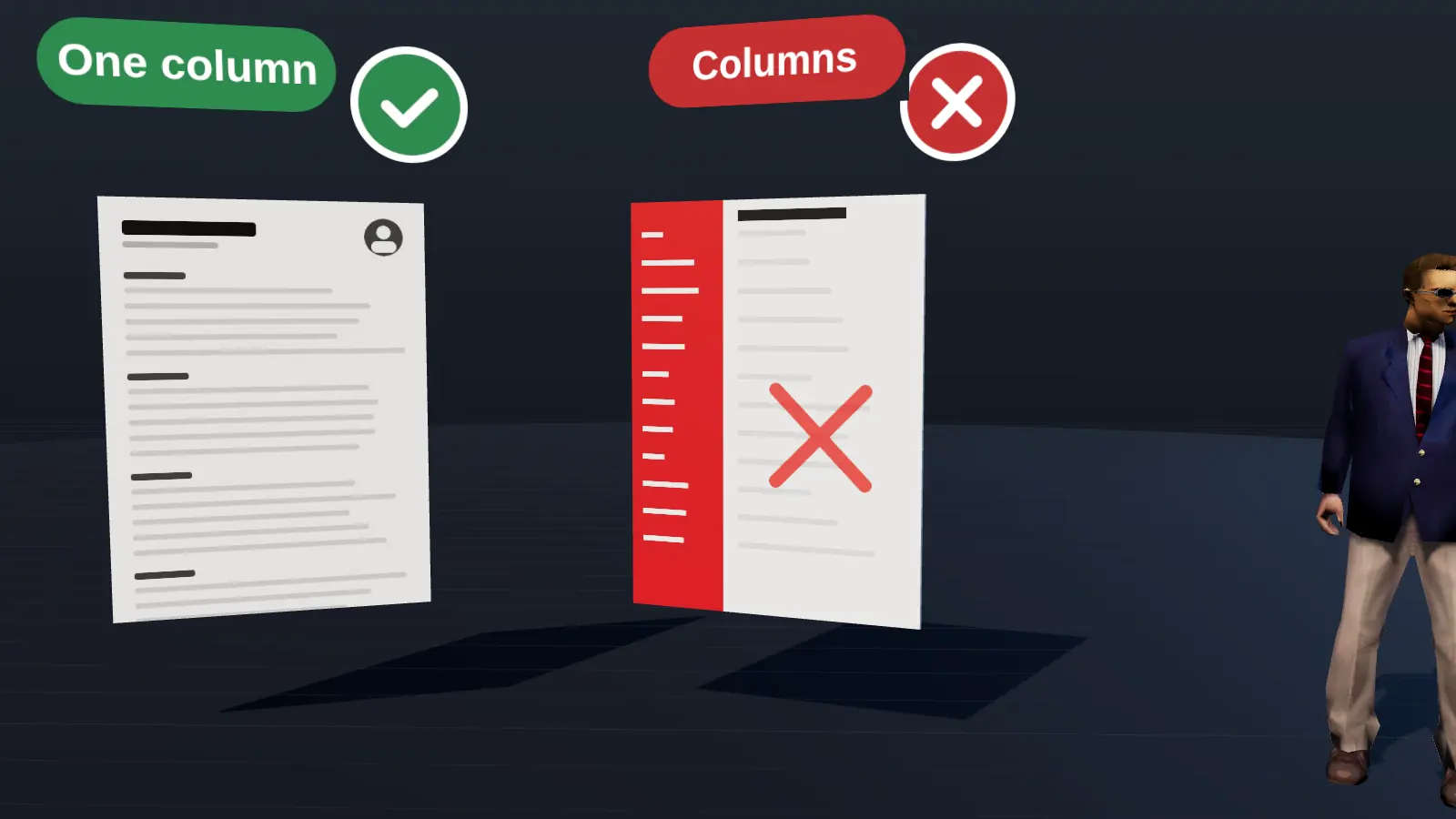
Use one column, a plain font at 10 to 12 points, consistent date formats and standard headings (Experience, Education, Skills). Then run three checks:
- Select all text in the PDF and paste it into a plain text editor: the order should survive.
- Read the first third of page one only. Would a stranger know what you do and why you fit?
- Compare it with the vacancy: which requirements are covered, hidden or missing?
Export as PDF unless the employer asks for DOCX (when to use which), and name the file clearly, for example Anna-Kovalenko-Marketing-Analyst.pdf. Aim for one page for under ten years of experience and two at most for senior roles (details).
A one-hour plan from blank page to PDF
| Minutes | Task |
|---|---|
| 0 to 10 | Collect facts: roles, dates, results, tools |
| 10 to 25 | Write bullets for the last two roles using the result formula |
| 25 to 35 | Write headline, summary and skills |
| 35 to 45 | Add older roles, education and extras |
| 45 to 55 | Format in one column and export to PDF |
| 55 to 60 | Copy-paste test and proofread |
Common first-timer questions
- Which template? A simple single-column one.
- Which order? Header, summary, experience, skills, education.
- How long? One page, two for more than ten years.
- What about a photo? Not in the US or UK.
- Where do I start? With your last role and your best result.
Using tools without losing control
Builders, templates and AI assistants save time, but your facts must drive the content. A guided interview that asks for role, result, tools, scope and proof turns your memories into bullets without inventing anything (resume builder). Whichever tool you use, check every line, and test the exported PDF.
After the first version
Show it to someone and ask them to name your role and best result after reading the top third. Then analyse it against a real vacancy (analysis), tailor (how) and start applying. Keep improving after each batch of applications, using your tracker to see what works.
Where JobAny fits
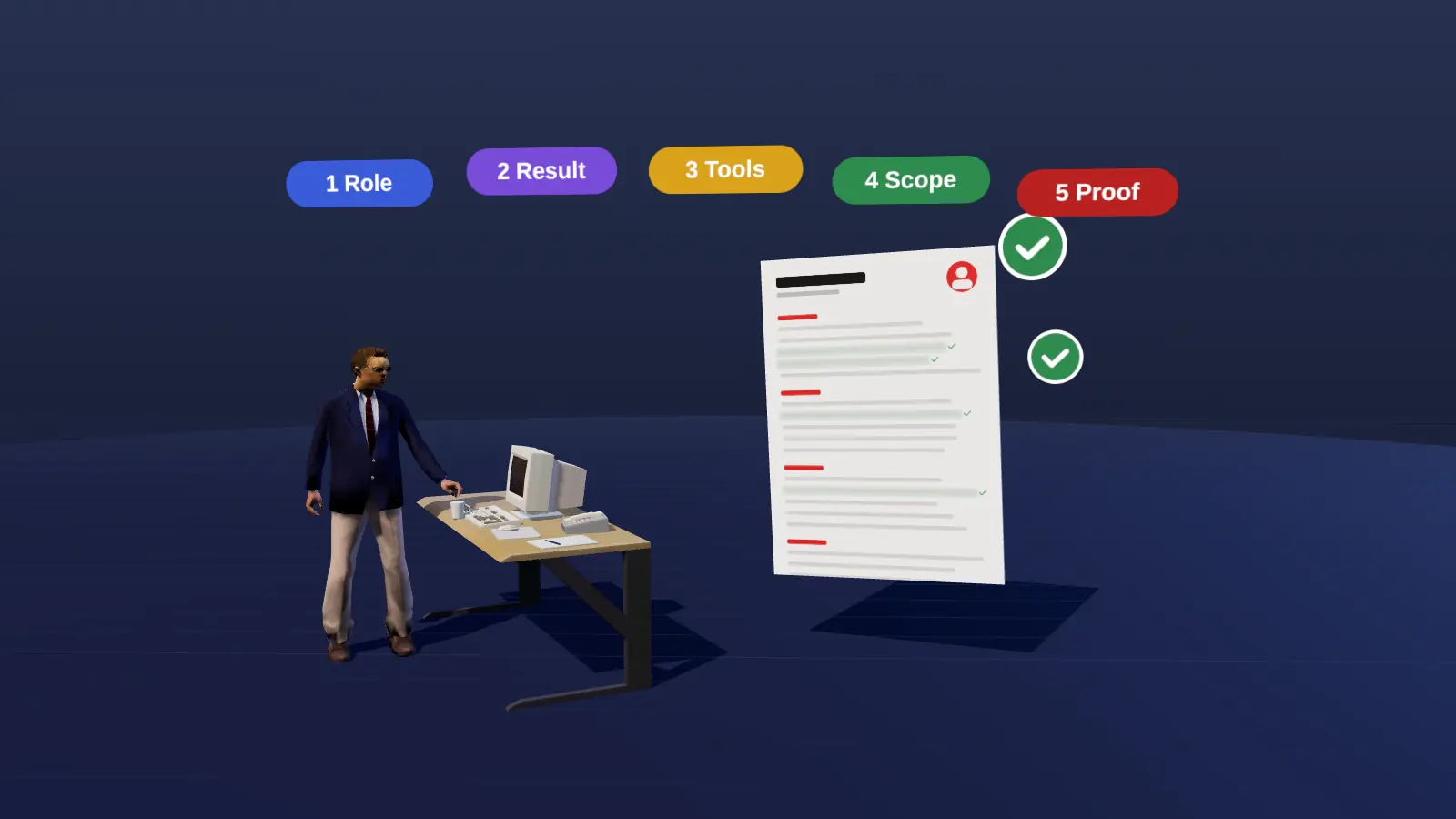
JobAny's resume editor runs a short interview of five factual questions per job (role, result, tools, scope, proof) and turns the answers into bullets from your real experience. It exports ATS-friendly PDF and DOCX, and the analysis compares the result with a specific vacancy so you see which requirements are covered before you apply. See the resume builder and resume analysis for a vacancy.
Check your resume against a real vacancy
Add your resume and a job link. JobAny shows which requirements are covered, what is missing, what a recruiter sees first and whether the file reads cleanly. Start costs $1, no subscription.
Frequently asked questions
How long does it take to make a good resume?
Plan one to two hours for the first strong version if you collect your facts first. Tailoring it to each later vacancy usually takes 15 to 30 minutes.
Should I use a template?
A simple single-column template is fine. Avoid templates with sidebars, icons for contact details, skill bars or text boxes: they often parse badly and add nothing a reader needs.
Do I need a photo on my resume?
Not in most English-speaking markets. In some European and other countries a photo is common. Check local norms and the employer's instructions.
What if I have no work experience?
Lead with education, projects, volunteering and skills, and write each in the same result-focused way. The guide on resumes with no experience shows how.
Should I list every job I have had?
No. Keep the last ten to fifteen years and the roles relevant to the target job. Older or unrelated roles can be one line or dropped.
Which file format is safest?
A text-based PDF exported from your editor. If you can select and copy the text, a parser can read it. Use DOCX when the employer asks for it.
How long does it take to make a resume?
About an hour for a first version, plus tailoring time.
Do I need paid software?
No; a simple document editor and a PDF export are enough.
Should I write a cover letter too?
When it is requested or you have a story to explain.
How often should I update it?
After every meaningful result or role change.
Keep reading