Tailor your resume to each vacancy in minutes
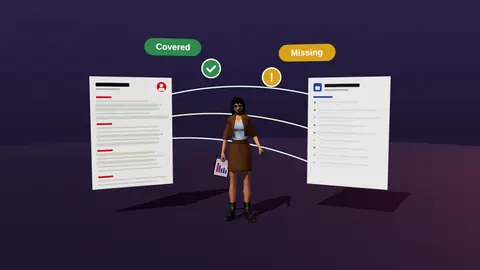
Tailoring works, but doing it by hand for every vacancy is slow. JobAny reads the vacancy, compares it with your resume and tells you what to move, reword and add, so a tailored version takes minutes, not an evening.
- Finds hidden matches and suggests where to move and reword them.
- Keeps claims truthful: only your own facts.
- Updates headline, summary, bullets and skills for the role.
- Keeps a separate version per vacancy.
What gets tailored
| Part | Typical change |
|---|---|
| Headline | Matches the vacancy title when true |
| Summary | Reflects top requirements and your proof |
| Experience | Strongest relevant bullets move first |
| Skills | Vacancy tools first, irrelevant ones removed |
The tailoring flow
- Add the vacancy and run the analysis (analysis).
- Review hidden matches and missing items.
- Accept suggested rewording and reordering you agree with.
- Add true evidence for missing requirements if you have it.
- Save as a version and export.
Read the full method in how to tailor a resume.

Honest tailoring
Tailoring means emphasising real experience in the vacancy's terms. It does not mean adding skills you do not have. JobAny only works from what your resume and answers support.
If a requirement is missing, consider whether adjacent experience or a short project can honestly cover it, or skip the role.
Paste a job link, add your resume and get a requirement-by-requirement report.
A before and after
Marketing specialist with experience in many channels.
Performance marketer (Google and Meta Ads) who cut CAC by 34% while scaling a 40k euro monthly budget for B2B SaaS.
Same person, same facts. The second headline mirrors the vacancy and leads with the strongest proof.
How much tailoring is enough
| Level | Effort | When |
|---|---|---|
| Light | Headline, summary, skills order | Strong match, many applications |
| Medium | Plus reorder and reword bullets | Typical target role |
| Deep | Plus new proof points or project | Stretch role you really want |
Mistakes to avoid
- Copying the vacancy's sentences word for word.
- Adding tools you have only read about.
- Forgetting to update the cover text to match.
- Tailoring so heavily that dates or titles no longer match LinkedIn.
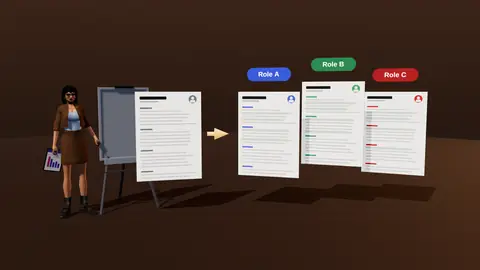
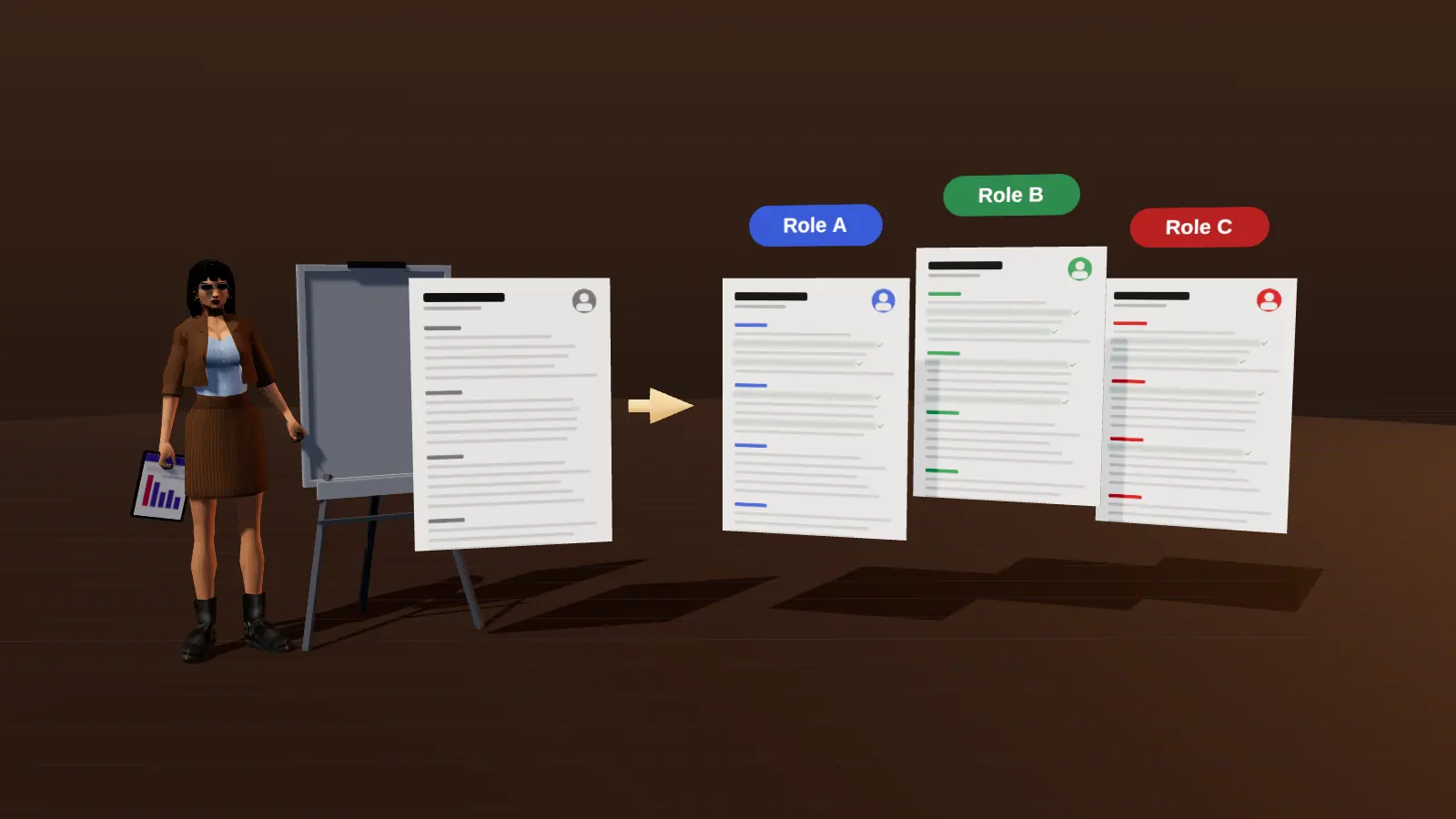
What changes between two tailored versions
| Part | Data analyst role | Product analyst role |
|---|---|---|
| Headline | Data Analyst | SQL, Python, BI | Product Analyst | experimentation, funnels |
| Summary focus | Pipelines and dashboards | A/B tests and activation |
| First bullet | Automated reporting for 12 stores | Raised activation from 38% to 52% |
| Skills order | SQL, Python, Tableau | A/B testing, SQL, Amplitude |
Same person and the same facts, ordered for two different readers.
Why order matters more than wording
Readers weigh what they see first. A bullet that proves a requirement near the top gets more attention than the same bullet in the fourth role. Before rewording anything, ask which three facts would convince this employer, and move them up. Then adjust wording to use the vacancy's terms. Order and emphasis do most of the work; wording refines it.
A practical routine
- Keep one master resume with every role and result.
- For each target, duplicate and trim.
- Change the headline, summary and first two bullets of the top role.
- Reorder skills to match the vacancy.
- Save the version with the vacancy's name and log it in your tracker.
Mistakes that make tailoring backfire
- Stuffing the page with terms you cannot support.
- Changing facts to fit instead of changing emphasis.
- Tailoring only keywords and leaving the headline generic.
- Forgetting to update the file name and the LinkedIn headline.
How deep to go for different roles
| Role importance | Depth |
|---|---|
| Dream role | Full tailoring: headline, summary, top role, skills, cover note |
| Good fit | Headline, summary and first bullets |
| Quick apply | Skills order and headline only |
Where this fits in the full JobAny workflow
A strong application is built in a sequence, and each step feeds the next. 1. Find roles with the job search agent or the channels in where to find jobs. 2. Read the vacancy properly using how to read a job description. 3. Analyse your resume against it with resume analysis. 4. Tailor the top of the page with resume tailoring. 5. Add a short cover note if it helps. 6. Find a warm route through warm intros. 7. Apply and log it in the tracker. 8. Follow up using follow-up methods. Skipping a step is fine when the role does not justify the effort, but knowing the sequence helps you decide where your time pays off most. Start with one role you genuinely want and run the whole path once; the second time it will take a fraction of the time.
Pair it with a cover text
Generate a short cover text from the same analysis with the cover letter generator, so the resume and letter tell the same story.
Try it on your own resume
Start costs $1 as a one-time payment, with no subscription. Add your resume and a vacancy link and see the result.
Frequently asked questions
Will tailoring change my facts?
No. Only emphasis and wording change; facts stay yours.
How long does it take?
Minutes per vacancy once your master resume is in place.
Do I keep my original?
Yes. Each tailored version is separate.
Does it stuff keywords?
No. It places terms where they reflect real experience.
Can I tailor for several jobs at once?
Create one version per vacancy.
How many versions should I keep?
One master and one tailored version per active application.
Is it worth tailoring for every vacancy?
For roles you want, yes; for low-priority roles a light pass is enough.
Can I tailor for a different industry?
Yes, by translating transferable results into that industry's terms.
Will tailoring make my resume inconsistent with LinkedIn?
Keep facts identical; only emphasis varies.
Can I tailor in bulk?
Group similar vacancies and tailor once per group.
Is tailoring needed for every application?
For targeted roles yes; for quick-apply roles a light pass is enough.
Keep reading