Import your own LinkedIn profile into a resume
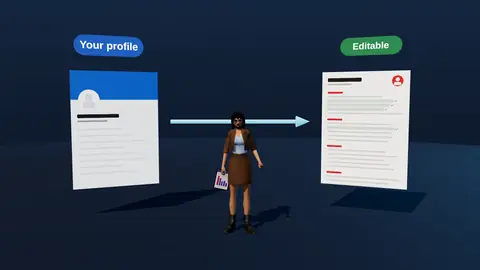
Your LinkedIn profile already holds your roles, dates and skills. Importing it saves retyping and keeps your resume consistent with the profile recruiters will check. Then you tailor the wording to each vacancy.
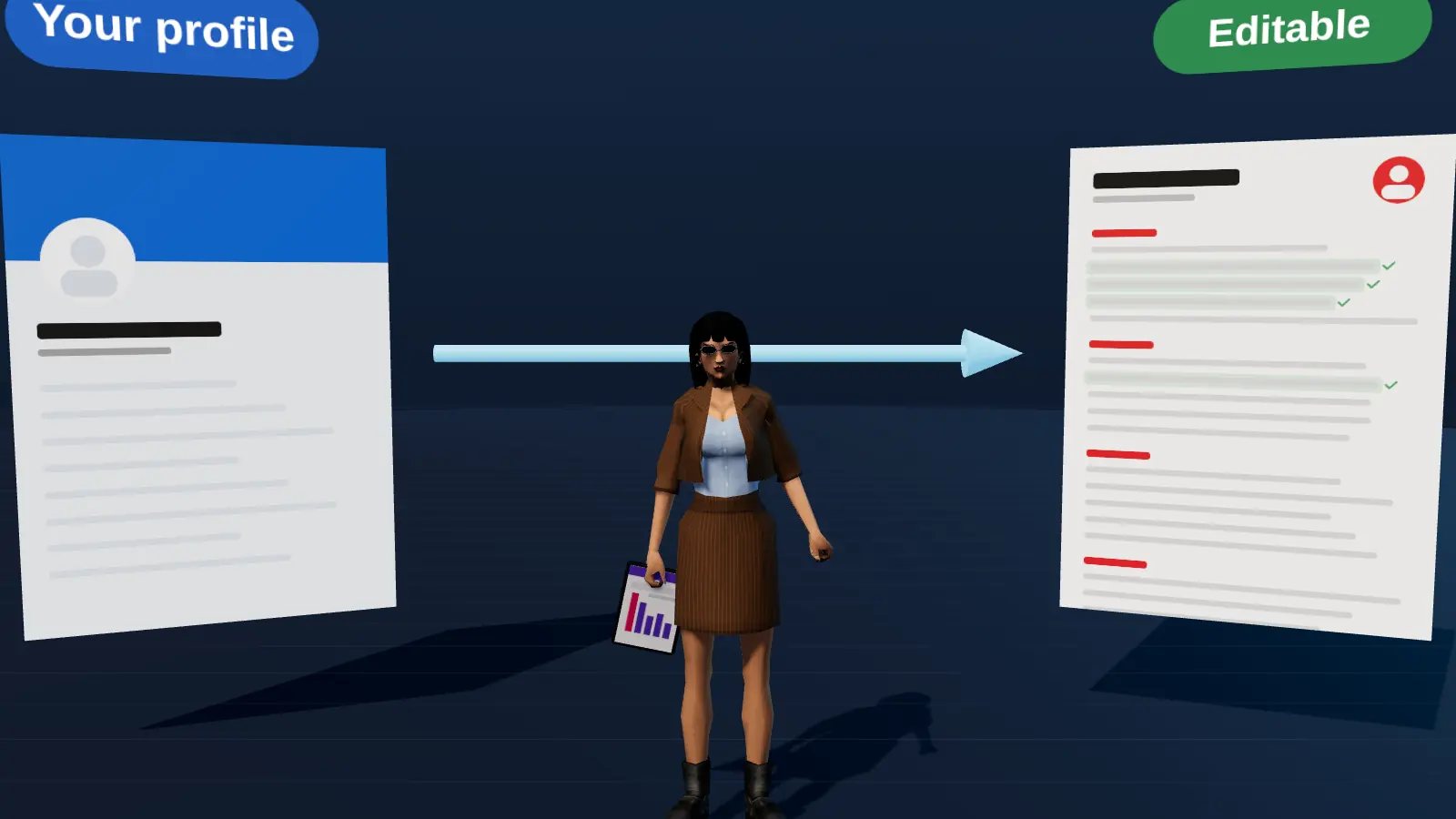
- Imports your own profile as a base for the resume.
- Keeps roles, dates and employers consistent with LinkedIn.
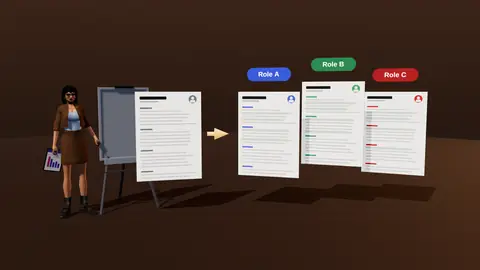
- Then tailor and strengthen bullets for each vacancy.
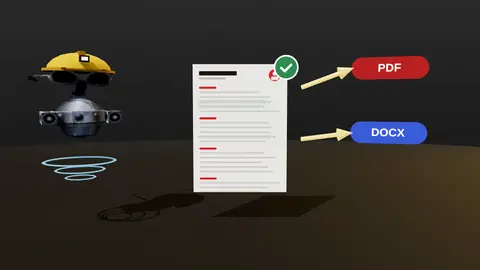
- Export a clean single-column PDF or DOCX.
What gets imported
- Roles, employers, dates and locations.
- Education and certifications.
- Skills and the headline.
- Descriptions, which you then rewrite as results.
Recommendations and other people's content are not part of the import.
After the import
- Check the facts: titles, dates and employers.
- Rewrite bullets with the five-step interview (builder).
- Add a vacancy and run the analysis.
- Tailor and export.
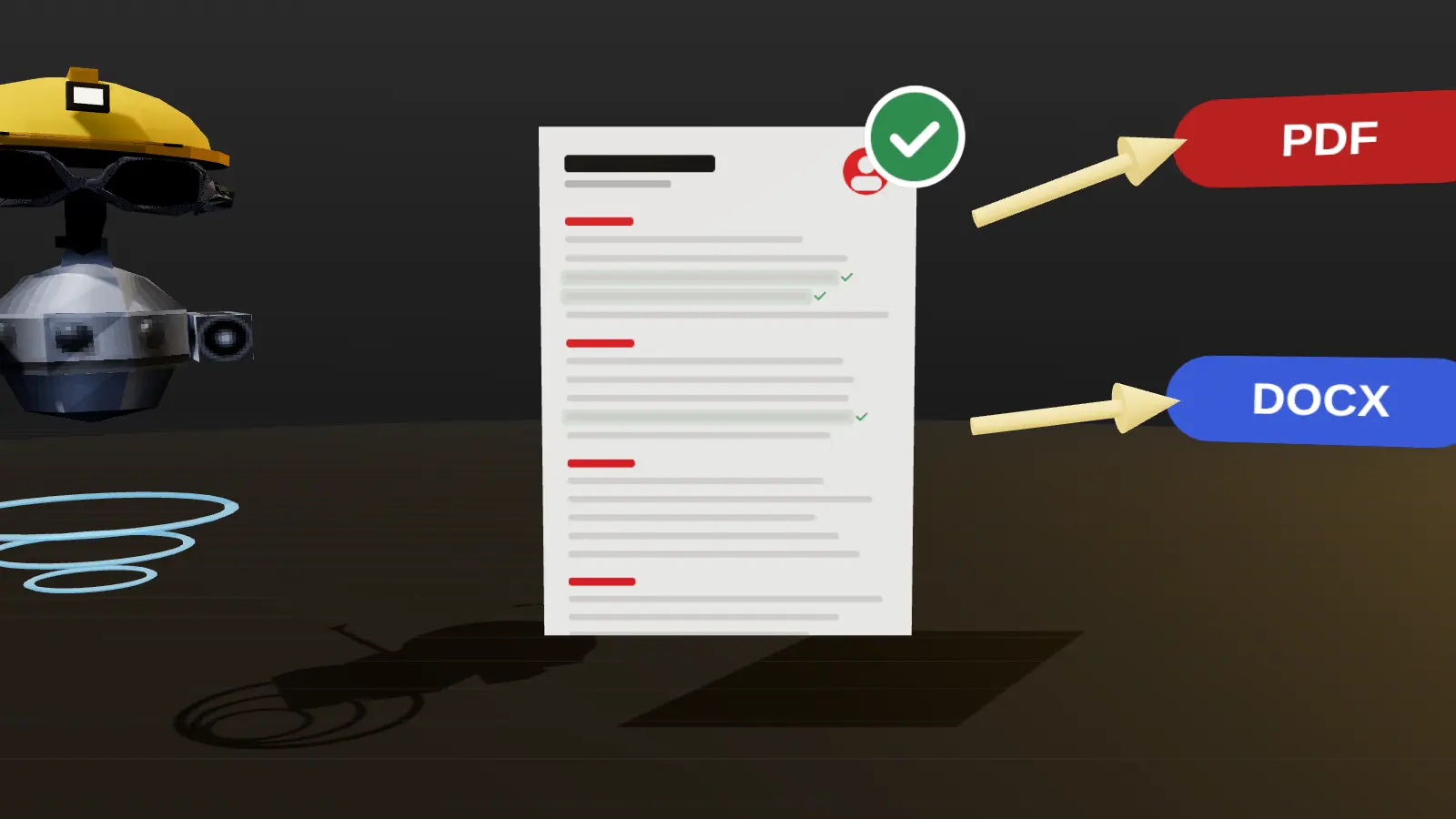
Why not just save the LinkedIn PDF?
The LinkedIn PDF is a snapshot of the profile and not targeted at any vacancy. See how to turn LinkedIn into a resume for the full comparison.
Paste a job link, add your resume and get a requirement-by-requirement report.
Prepare your profile first
- Update your current role and recent results.
- Check dates and titles for accuracy.
- Remove outdated skills.
- Make sure the headline reflects your target role.
A cleaner profile gives a cleaner starting resume.
What to fix after importing
| Typical issue | Fix |
|---|---|
| Long duty paragraphs | Cut into 3 to 5 result bullets |
| Missing numbers | Add scale and outcome |
| Skills dump | Keep the 10 to 15 most relevant |
| Generic About text | Rewrite as a 2 to 3 line summary |
Keeping it consistent
When you change titles or dates on the resume, update LinkedIn as well. Mismatches are easy for recruiters to notice and can look careless.
A short checklist for a smooth import
- Open your LinkedIn profile and make sure the current role is up to date.
- Check that titles match what is on payroll or contracts.
- Remove skills you no longer use.
- Start the import in JobAny and follow the steps.
- Review each imported role for gaps in dates.
What the interview adds after import
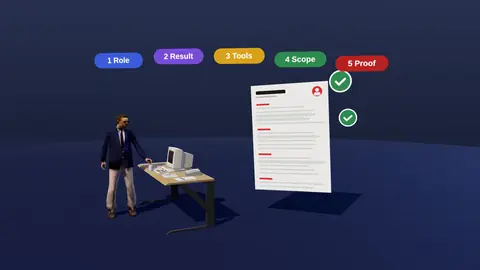
Imported text tells the editor what you did, but rarely how well. After the import, the five-step interview asks for the result, tools, scope and proof for each role. That is where a profile's paragraph of duties becomes four lines with numbers. A bullet like "Managed accounts" becomes "Managed 40 mid-market accounts with 112% net revenue retention".
Consistency pays off
Recruiters often check LinkedIn after reading a resume. When the numbers, titles and dates agree, it builds trust. When they differ, even innocently, it raises questions. Updating both from the same facts avoids that, and importing is a quick way to start from the same source.
What to fix in your profile before importing
- Headline that states your role and focus, not only a job title.
- About section that reads like a summary with evidence.
- Consistent dates and employer names.
- Skills that match the roles you now want.
After import: checklist
- Remove content that does not help the target role.
- Rewrite duty lines as results using the interview.
- Check the order of roles and the dates.
- Export and compare with your profile for consistency.
Where this fits in the full JobAny workflow
A strong application is built in a sequence, and each step feeds the next. 1. Find roles with the job search agent or the channels in where to find jobs. 2. Read the vacancy properly using how to read a job description. 3. Analyse your resume against it with resume analysis. 4. Tailor the top of the page with resume tailoring. 5. Add a short cover note if it helps. 6. Find a warm route through warm intros. 7. Apply and log it in the tracker. 8. Follow up using follow-up methods. Skipping a step is fine when the role does not justify the effort, but knowing the sequence helps you decide where your time pays off most. Start with one role you genuinely want and run the whole path once; the second time it will take a fraction of the time.
Key terms explained
- ATS
- Applicant tracking system, software employers use to collect, store and search applications.
- Parsing
- The step where software reads your file and sorts the text into fields such as name, employers and dates.
- Tailoring
- Adjusting emphasis and wording of the same true facts for one specific vacancy.
- Requirement coverage
- How many of a vacancy's main requirements your resume proves with evidence.
- Master resume
- Your complete private version with every role and result, from which you build shorter tailored copies.
- Warm introduction
- A recommendation or message passed through someone who already knows both sides.
- Reply rate
- Replies divided by applications sent, the clearest signal of whether your approach works.
Knowing these terms makes it easier to read job ads, compare tools and judge advice you find online, because many claims depend on what exactly is being measured.
Privacy
You import your own profile data under your control. Read how data is handled on the privacy page.
Try it on your own resume
Start costs $1 as a one-time payment, with no subscription. Add your resume and a vacancy link and see the result.
Frequently asked questions
Can I import someone else's profile?
The feature is for importing your own profile.
Does it keep my formatting?
It brings content; the layout is the editor's clean template.
Do I need to edit after importing?
Yes, rewrite bullets as results and tailor for each vacancy.
Does it change my LinkedIn?
No, it only reads your profile.
Can I still edit manually?
Yes.
Does importing require my LinkedIn password?
Follow the on-screen steps; never share your password in chat or with unknown tools.
How often should I re-import?
After you make meaningful updates to your profile.
Does the import include photos?
The resume uses a clean text layout without a photo.
Can I import a profile in Ukrainian?
Yes, but write your target resume in the language of the employer.
Does the import copy my connections?
No, only your own profile content.
Will it overwrite my existing resume?
Imports start a new draft; your other versions stay.
Keep reading