Resume builder that interviews you instead of leaving a blank page
Most people stall at the blank page: they know what they did but cannot phrase it. JobAny's editor asks short questions about each role and turns your answers into clear, honest bullets, so you build from facts instead of inventing wording.
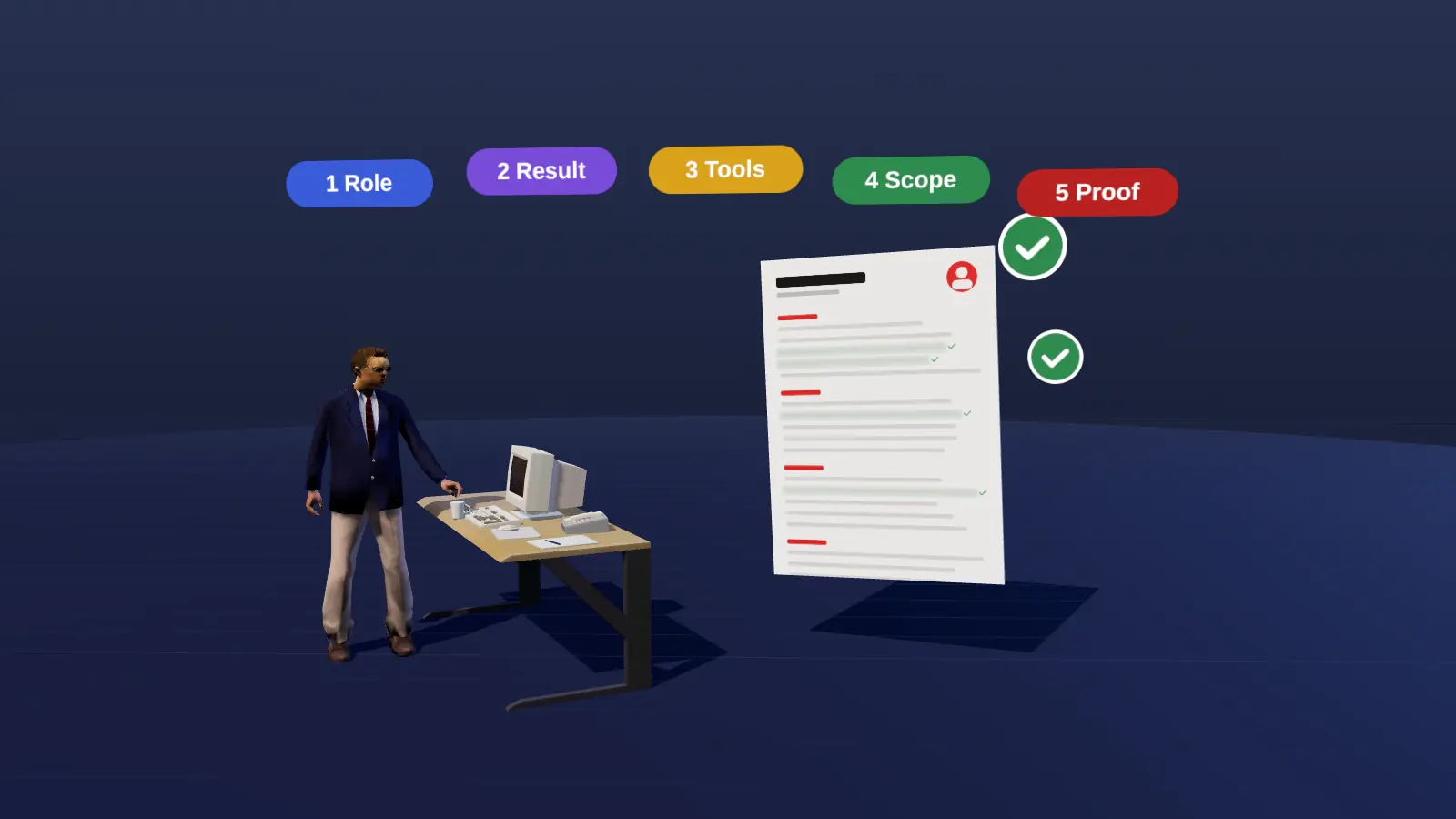
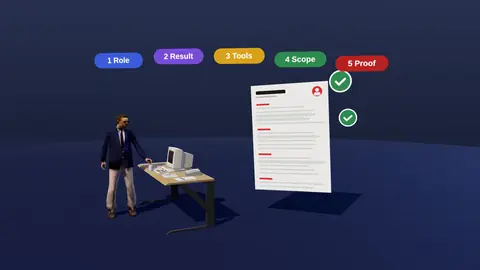
- Guided five-step interview per role: role, result, tools, scope, proof.
- Bullets built only from what you provide, with no invented claims.
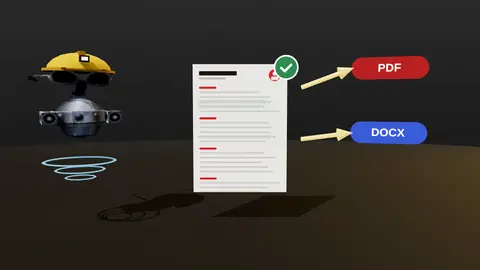
- Single-column, readable layout, exportable to PDF and DOCX.
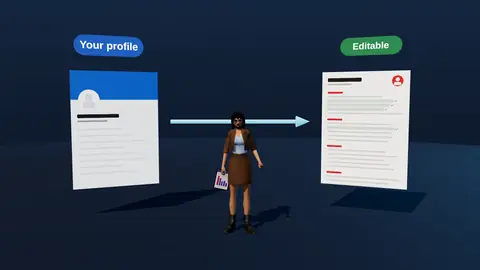
- Works from scratch or from an imported LinkedIn profile.
The five-step interview
| Step | Question | Becomes |
|---|---|---|
| 1. Role | What was your job and team? | Context line |
| 2. Result | What changed because of your work? | The result in the bullet |
| 3. Tools | What tools or methods did you use? | Keywords and method |
| 4. Scope | How big: users, budget, team, time? | Numbers and scale |
| 5. Proof | How do you know it worked? | Evidence that makes it credible |
Example
Responsible for support tickets.
Resolved 45 tickets per day in Zendesk with a 96% satisfaction score; wrote 20 help articles that cut repeat questions by 15%.
The second version comes from answering the questions with facts. For more on this, see quantifying achievements.

What you can do in the editor
- Build sections in a layout that reads cleanly for ATS parsers.
- Tailor the same resume to different vacancies (tailoring).
- Generate a cover text from your resume and the vacancy (cover letter).
- Export to PDF or DOCX (export).
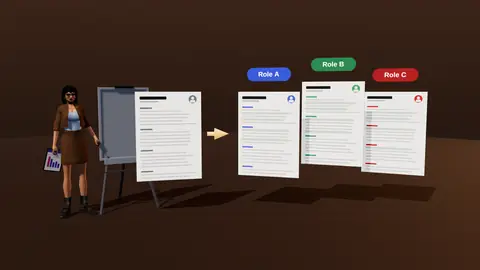
Paste a job link, add your resume and get a requirement-by-requirement report.
Why the interview beats a blank page
Writing from scratch forces you to be author, editor and recruiter at once. Questions break that into small, answerable steps. Most people can say what they did, with what and how big it was; the builder turns those short answers into a clear line you can edit.
Who it suits
- People who know their work but struggle to phrase it.
- Career changers who need to translate experience.
- Anyone returning after a break who wants a fresh structure.
- People applying in a second language who want clean, plain wording.
A quick checklist after you build
- Each recent role has at least two result bullets.
- Dates and titles are consistent.
- The top third shows role, strongest result and key tools.
- You can discuss every line in an interview.
- You exported a text PDF and checked the copy-paste order.
A sample interview for one role
| Question | Your answer |
|---|---|
| 1. Role | Customer support lead in a 15-person team at a fintech app |
| 2. Result | First-response time fell and satisfaction rose |
| 3. Tools | Zendesk, Notion, Looker |
| 4. Scope | 45 tickets per day per agent; 3 agents mentored |
| 5. Proof | CSAT from 88% to 95%; first response from 4 hours to 50 minutes |
Generated bullet: Led a support team of 15, cutting first-response time from 4 hours to 50 minutes and raising CSAT from 88% to 95% using Zendesk workflows and Looker reporting.
Layout choices that help you
- One column, standard headings and consistent dates so parsers read it in order.
- Clear hierarchy: name, headline, sections, roles, bullets.
- Sensible spacing so one page holds the right amount.
- No icons, graphics or skill bars that carry no readable text.
You can focus on content; the template handles the structure that matters for readability. See ATS-friendly format.
From first draft to application
- Finish the interview for your last three roles.
- Write the summary using the formula in summary examples.
- Group your skills and check them against a vacancy.
- Run analysis, then tailor.
- Export the file and run a copy-paste test.
Common mistakes when using a builder
- Choosing a decorative template over a readable one.
- Leaving placeholder text in the final file.
- Filling every section just because it exists.
- Accepting a generated line without checking the facts.
- Forgetting to refresh the summary after adding new roles.
Who benefits most
The builder helps most when you struggle to start, when formatting eats your evenings, or when you need several tailored versions quickly. If you already have a strong resume, you may only need the analysis and export. Either way, the interview step is worth doing once for each role, because it captures facts you can reuse in every future version.
Where this fits in the full JobAny workflow
A strong application is built in a sequence, and each step feeds the next. 1. Find roles with the job search agent or the channels in where to find jobs. 2. Read the vacancy properly using how to read a job description. 3. Analyse your resume against it with resume analysis. 4. Tailor the top of the page with resume tailoring. 5. Add a short cover note if it helps. 6. Find a warm route through warm intros. 7. Apply and log it in the tracker. 8. Follow up using follow-up methods. Skipping a step is fine when the role does not justify the effort, but knowing the sequence helps you decide where your time pays off most. Start with one role you genuinely want and run the whole path once; the second time it will take a fraction of the time.
Start from your LinkedIn profile
If you already have a LinkedIn profile, import it as a starting point (LinkedIn import) and use the interview to strengthen the bullets.
New to resume writing? Read how to make a resume first.
Try it on your own resume
Start costs $1 as a one-time payment, with no subscription. Add your resume and a vacancy link and see the result.
Frequently asked questions
Does the builder make things up?
No. Bullets are built from your answers, and you review everything.
Can I start from scratch?
Yes, or import your LinkedIn profile.
Which formats can I download?
PDF and DOCX.
Is the layout ATS friendly?
It uses a single-column, plain layout so text reads in order.
Can I keep multiple versions?
Yes, create tailored versions for different vacancies.
How many roles do I need to fill in?
Start with the last three to five relevant roles; older ones can be brief.
Can I edit the generated bullets?
Yes, everything is editable.
Does it support several languages?
The interface is available in English and Ukrainian; write the resume in the language of your target employer.
Is there a character limit on answers?
Short factual answers work best; the builder shapes them into one line.
Can I skip a question?
Yes, but the more facts you give, the stronger the bullet.
Does the builder translate?
Write in the language you plan to apply in.
Keep reading