How to turn your LinkedIn profile into a resume
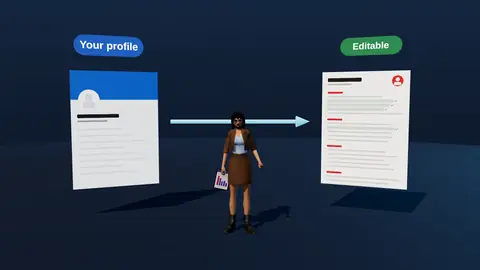
Your LinkedIn profile already holds your roles, dates and skills, so it is a good source for a resume. But a profile is written to be browsed and a resume to be matched against a vacancy. Here is how to convert one into the other without the mess of a raw export.
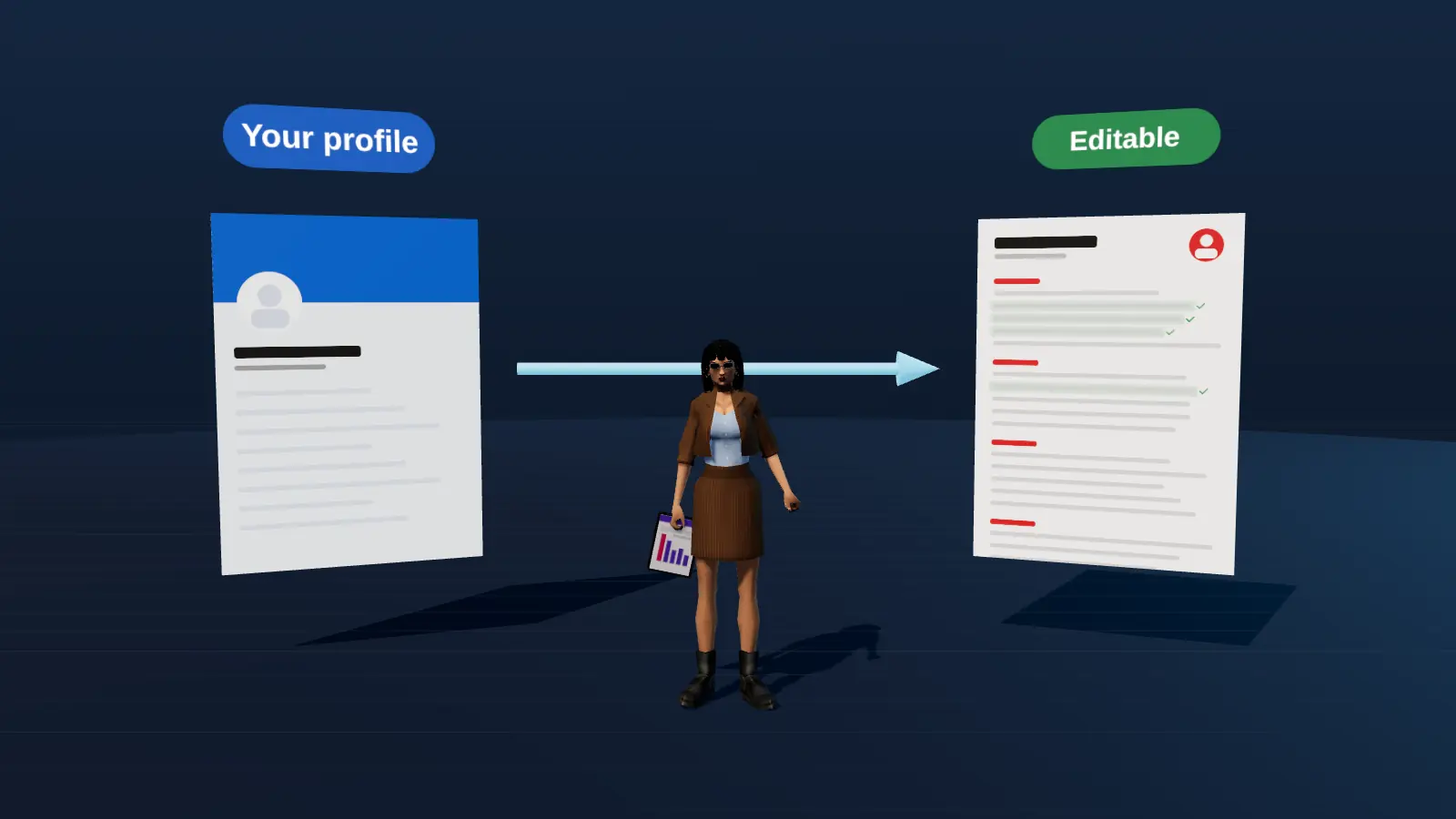
- Take roles, dates and facts from the profile; rewrite the wording for each vacancy.
- Do not paste the About section as the summary without editing.
- Keep dates, titles and employers consistent between both.
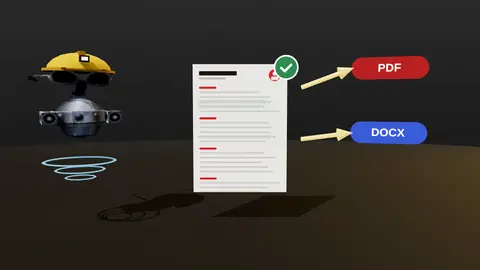
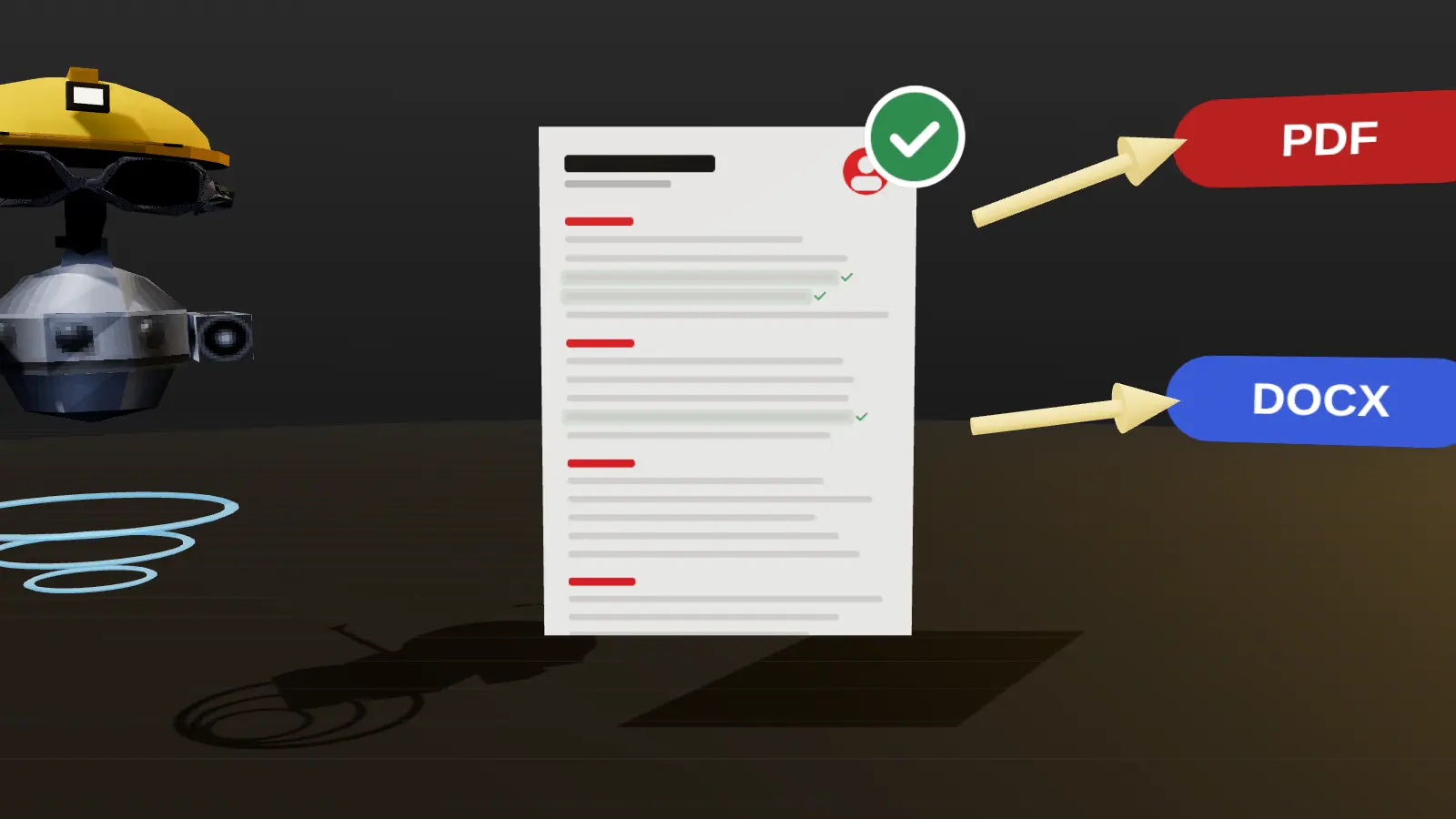
- Export as a clean single-column text PDF.
What to copy and what to rewrite
| LinkedIn section | On the resume |
|---|---|
| Headline | Use as a base, then match the vacancy title |
| About | Rewrite into a 2 to 3 line targeted summary |
| Experience | Keep facts; rewrite bullets as results for the vacancy |
| Skills | Select the relevant ones, group them |
| Education, certifications | Copy, shorten |
| Recommendations | Do not copy; use for interview stories |
Manual method, step by step
- Open your profile and copy roles, employers, dates and locations into a document.
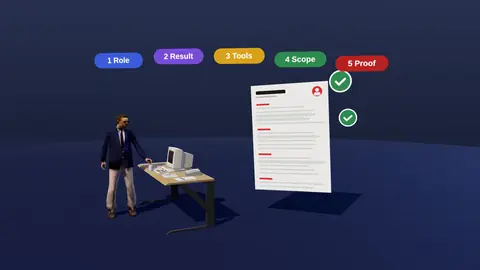
- Rewrite each role's bullets: action, method, result, with numbers.
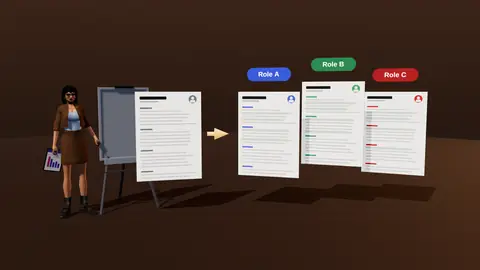
- Pick the 8 to 15 most relevant skills for the vacancy.
- Write a targeted summary of 2 to 3 lines.
- Export as PDF, then check the text copies cleanly (format).
Why a raw LinkedIn PDF is not enough
LinkedIn's own PDF is a snapshot of the profile: it uses the profile's wording and layout, includes no targeting and often has long, duty-heavy descriptions. It is fine as a draft, but it will not show the match with a specific job.
Paste a job link, add your resume and get a requirement-by-requirement report.
Faster with JobAny
JobAny can import your own LinkedIn profile into the editor, then analyse it against a vacancy and help you tailor it. See LinkedIn resume import for how it works, and the resume builder.
A section-by-section conversion example
| Resume version | |
|---|---|
| Headline: Passionate marketer | Growth | Brand | Growth Marketer | B2B SaaS, paid and lifecycle |
| About: five paragraphs of story | Two-line summary with proof |
| Role: long paragraph of duties | Four result bullets with numbers |
| Skills: 50 endorsements | Twelve relevant, grouped skills |
Why LinkedIn text is usually too soft
LinkedIn rewards storytelling and keywords for search, while a resume rewards brevity and proof. Profiles often use first-person narrative, loose descriptions and lots of adjectives, because they are meant to attract browsing. A resume has a different reader: someone comparing you with a vacancy in under a minute. Convert narrative into evidence, and drop what does not support the target role.
Using the same facts in two places
- Keep one source of truth for titles, employers and dates.
- Use the same numbers in both.
- Update both after every meaningful change.
- Link the profile in the resume and the resume in the profile's featured section.
Using AI safely for the conversion
You can paste your profile text into an AI assistant and ask for a resume draft, but check every output: AI can alter numbers, merge roles or invent details. Give it the five-question facts for each role (builder interview) and require it to use only those. Review line by line before sending. For the import feature see LinkedIn import.
Next steps after reading this guide
Apply what you just read to one real resume rather than keeping it as theory. Open your current file, pick the single change from this guide that would help most, and make it today. Then check the result against a real vacancy with resume analysis and keep the improved version as your new master. If you are still deciding what to prioritise, read common resume mistakes and how to quantify achievements, which fix most weak resumes. When you are ready to send, run the readability test from ATS-friendly format, and log the application in your tracker so you remember to follow up. Small, consistent improvements beat one large rewrite: change one thing, send, observe the replies, then change the next.
Key terms explained
- ATS
- Applicant tracking system, software employers use to collect, store and search applications.
- Parsing
- The step where software reads your file and sorts the text into fields such as name, employers and dates.
- Tailoring
- Adjusting emphasis and wording of the same true facts for one specific vacancy.
- Requirement coverage
- How many of a vacancy's main requirements your resume proves with evidence.
- Master resume
- Your complete private version with every role and result, from which you build shorter tailored copies.
- Warm introduction
- A recommendation or message passed through someone who already knows both sides.
- Reply rate
- Replies divided by applications sent, the clearest signal of whether your approach works.
Knowing these terms makes it easier to read job ads, compare tools and judge advice you find online, because many claims depend on what exactly is being measured.
Keep both in sync
- Update titles, dates and employers in both places at the same time.
- Refresh the LinkedIn headline and About for your target role.
- Make sure numbers on the resume match what appears on LinkedIn.
- Use the same name and contact details.
Check your resume against a real vacancy
Add your resume and a job link. JobAny shows which requirements are covered, what is missing, what a recruiter sees first and whether the file reads cleanly. Start costs $1, no subscription.
Frequently asked questions
Can I download my LinkedIn profile as a resume?
You can save the profile as a PDF, but it is a snapshot, not a tailored resume. Use it as a draft.
Should my resume match LinkedIn exactly?
Facts must match; wording can differ to fit the vacancy.
Do recruiters check LinkedIn?
Often yes, so keep it consistent and current.
Should I copy recommendations?
No. Use them to prepare examples for interviews.
Is it okay to use AI to convert?
Yes, if you review everything for accuracy and keep it truthful.
Can I copy my About section into the summary?
Rewrite it; the resume summary should be shorter and more targeted.
Should my skills list match LinkedIn?
Keep consistent but trim for the vacancy.
Is LinkedIn Easy Apply a replacement for a resume?
No; many recruiters still want a tailored file.
How often should I update both?
After any change in role or results.
Keep reading